 PixQR
PixQR
Overview
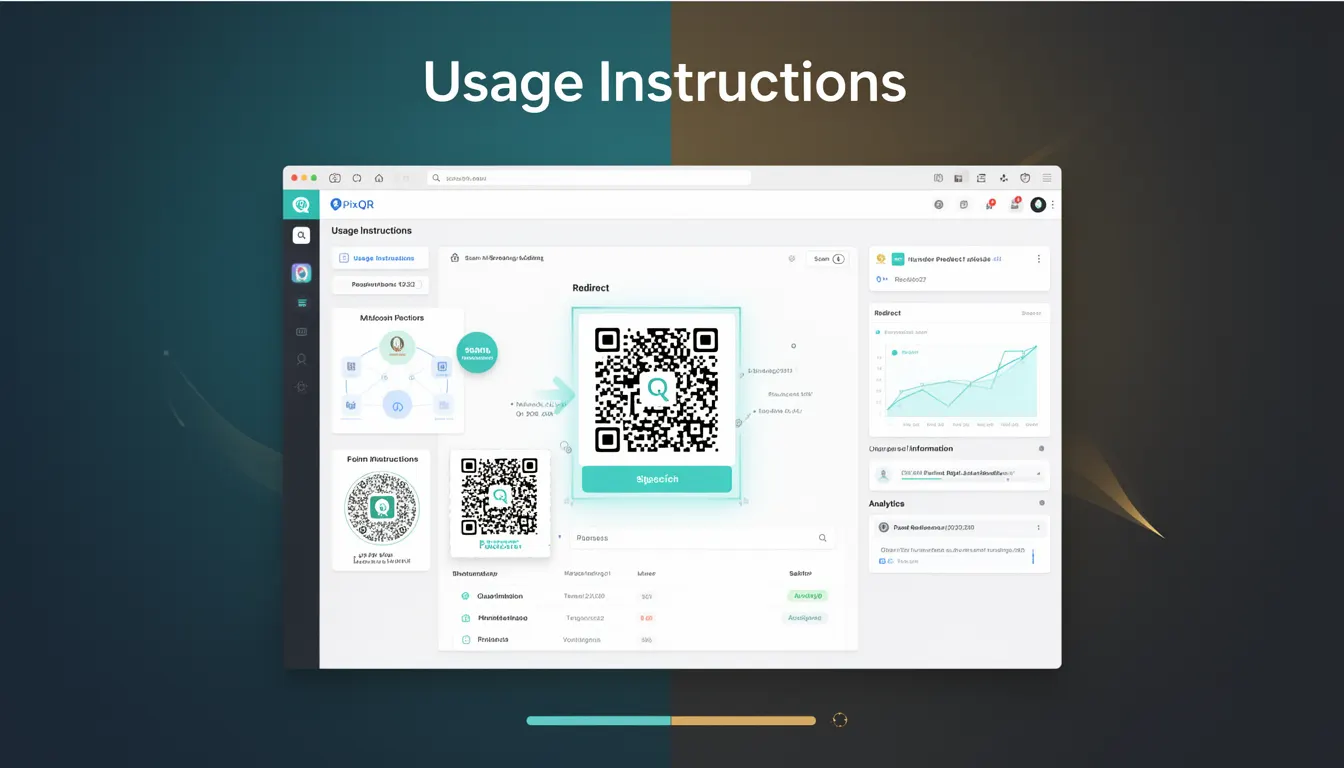
Usage Instructions in the context of PixQR refer to a structured way of directing users to digital content via QR codes embedded in physical packaging. This term defines how a physical product can connect to useful, interactive digital experiences such as product manuals, support pages, or marketing content through a QR code.
When developers work with PixQR, they often use Usage Instructions as part of a larger QR code strategy for packaging. The instructions guide how a QR code should behave when scanned, including redirecting to a URL, triggering a specific action, or displaying dynamic content. In this way, Usage Instructions are not just about linking, but about enabling a seamless transition from physical product to digital utility.
Why It Matters
For developers and product teams, Usage Instructions are critical for ensuring that QR codes on packaging function reliably, securely, and consistently. Misconfigured or poorly implemented Usage Instructions can lead to broken user experiences, lost engagement, or even security vulnerabilities if redirects are not properly validated or controlled.
In a production environment, accurate Usage Instructions are essential for tracking scan behavior, ensuring brand-safe content delivery, and maintaining user privacy. PixQR’s platform allows developers to define these instructions programmatically, which helps reduce human error and ensures consistent behavior across multiple packaging designs or product lines.
How It Works
Usage Instructions in PixQR define how a QR code behaves when scanned. These instructions are typically expressed as a set of parameters or configuration options that determine the destination or action of the scan. The system interprets these instructions and generates a QR code that behaves accordingly.
- Usage Instructions are defined during QR code creation and stored in PixQR's backend configuration.
- They support both static and dynamic redirect URLs, allowing for flexibility in content delivery.
- Instructions can include parameters for tracking, analytics, and branding to ensure scans align with marketing goals.
- They support optional features such as scan-time validation, user-agent detection, and custom redirects.
- Each instruction set is tied to a specific QR code and can be updated independently without regenerating the physical code.
Quick Reference
| Item | Purpose | Notes |
|---|---|---|
| redirect_url | Defines where a scan leads | Must be HTTPS and validated |
| dynamic_content | Enables dynamic data in the QR | Can be updated without regenerating code |
| tracking_enabled | Enables analytics for scan events | Requires consent for privacy compliance |
| scan_validation | Ensures valid scan behavior | Prevents malicious redirects |
| branding_override | Customizes QR code appearance | Must follow brand guidelines |
Basic Example
PixQR Example QR
This QR links directly to this glossary page, so printed notes, onboarding docs, and support material can bring scanners back to the current reference.
/glossary/qr-code-for-packaging/qr-codes-for-packaging-usage-instructions

This example demonstrates how to define a basic Usage Instruction for a QR code that redirects to a product manual.
{
  "redirect_url": "https://example.com/manuals/product-123",
  "tracking_enabled": true,
  "dynamic_content": false
}
The redirect_url specifies the target page, tracking_enabled enables analytics, and dynamic_content is set to false, indicating a static link.
Production Example
In a production environment, Usage Instructions are often more complex and include validation, branding, and analytics. This example shows how a developer might configure a QR code for a consumer electronics product.
{
  "redirect_url": "https://example.com/products/electronics-123",
  "tracking_enabled": true,
  "dynamic_content": true,
  "scan_validation": true,
  "branding_override": {
    "logo_url": "https://example.com/brand/logo.png",
    "color_scheme": "#007BFF"
  },
  "analytics_params": {
    "campaign": "product_launch_2024",
    "source": "packaging"
  }
}
This configuration enables dynamic content, ensures scan validation, and includes branding and analytics parameters to support marketing and user experience tracking.
Common Mistakes
- Using unsecured HTTP URLs instead of HTTPS, which can lead to redirects being blocked or flagged as unsafe.
- Forgetting to validate or sanitize redirect URLs, which can expose the system to malicious input.
- Disabling tracking without understanding the impact on analytics and user behavior insights.
- Overlooking scan validation, which can allow unexpected or harmful redirects to occur.
- Not aligning branding parameters with brand guidelines, which can cause inconsistencies in visual identity.
Security And Production Notes
- Always validate and sanitize redirect URLs to prevent open redirect vulnerabilities.
- Ensure that all URLs use HTTPS to maintain secure communication and user trust.
- Implement tracking with privacy compliance in mind, such as GDPR or CCPA considerations.
- Use scan validation to ensure QR code behavior is predictable and safe.
- Regularly audit and update Usage Instructions to maintain alignment with product lifecycle and marketing goals.
Related Concepts
Usage Instructions are closely related to several core concepts in QR code development and digital packaging:
- Dynamic Redirects: A mechanism that allows QR codes to point to content that can change over time.
- Scan Analytics: Data collection and reporting on QR code scans, often enabled through Usage Instructions.
- Brand Safe Design: Ensuring QR code visuals and redirects align with brand identity and safety policies.
- Privacy Compliance: Ensuring that Usage Instructions respect user privacy and data protection laws.
- Operational Workflows: How QR code configurations are managed and updated in production environments.