 PixQR
PixQR
Overview
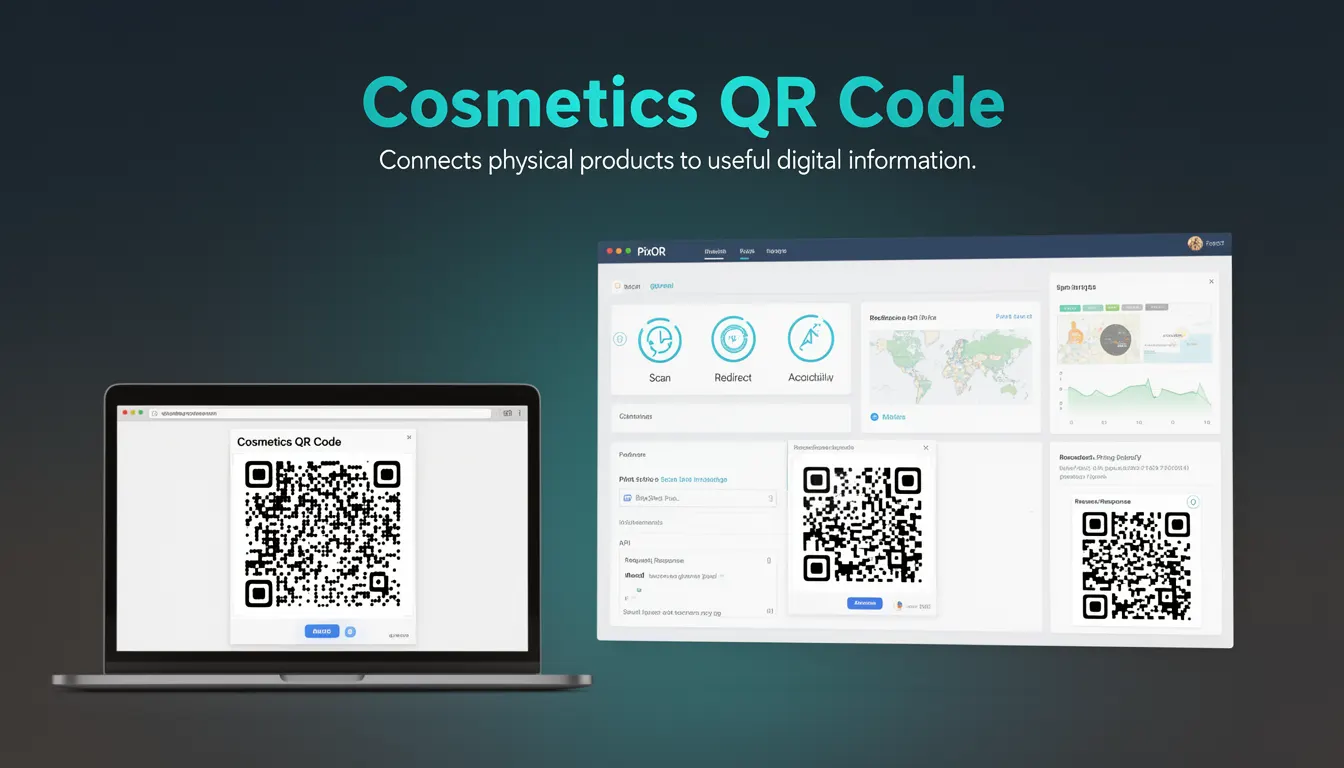
A Cosmetics QR Code is a specific type of QR code used in product packaging for the cosmetics industry to link physical items to digital content. This form of QR code bridges the gap between offline product presentation and online engagement by embedding a dynamic redirect that leads to a secure, brand-safe landing page. The implementation focuses on providing consumers with access to product information, usage instructions, ingredient details, and other relevant digital assets through a reliable scanning experience.
In PixQR, Cosmetics QR Codes are generated with strict adherence to brand guidelines and compliance standards, ensuring that the digital content is both secure and aligned with regulatory requirements. These codes are particularly valuable in the cosmetics industry where product safety, transparency, and traceability are paramount. Developers using PixQR must understand how to configure these codes for dynamic content delivery, maintain scan reliability, and ensure compliance with data privacy regulations.
Why It Matters
For developers working in the cosmetics industry, Cosmetics QR Codes play a critical role in maintaining consumer trust and regulatory compliance. These codes allow brands to provide rich, interactive digital experiences while keeping the physical product presentation clean and uncluttered. The integration of dynamic redirects ensures that the content can be updated without requiring physical re-printing of packaging, which is especially important for product recalls, ingredient updates, or marketing campaigns.
From a security perspective, the use of brand-safe design and secure operational workflows in PixQR ensures that the digital content linked to these codes is trustworthy and protected from tampering. The reliability of scans is crucial for user experience, as failed scans or redirects to malicious sites can damage brand reputation. Additionally, the ability to track scan behavior through analytics helps brands understand consumer engagement and optimize their digital content strategy.
How It Works
The implementation of a Cosmetics QR Code in PixQR involves several technical components and processes. The QR code itself is generated with specific parameters to ensure compatibility with scanning applications and to support dynamic content delivery. The system generates a unique identifier for each code that maps to a backend redirect configuration.
- Each Cosmetics QR Code is associated with a unique identifier that maps to a secure backend redirect configuration in PixQR's database.
- The redirect mechanism supports HTTPS-based URLs with dynamic content that can be updated without re-printing physical packaging.
- Scan tracking and analytics are enabled by default, allowing developers to monitor how often and where users scan the codes.
- Content delivery is managed through PixQR's brand-safe design framework, ensuring all linked content meets regulatory and brand guidelines.
- The system supports multiple QR code formats including standard QR codes and micro QR codes for compact packaging applications.
When a consumer scans a Cosmetics QR Code, the system performs a lookup using the unique identifier embedded in the code. The redirect is then executed to a secure URL that serves the appropriate digital content, which may include product details, usage instructions, ingredient lists, or promotional materials. The entire process is designed to be fast, secure, and reliable, with error handling for cases where the content is temporarily unavailable or the scan fails.
Quick Reference
| Item | Purpose | Notes |
|---|---|---|
| Unique Identifier | Maps QR code to backend redirect | Generated by PixQR system |
| Dynamic Redirect | Provides updatable content delivery | Supports HTTPS URLs |
| Scan Analytics | Tracks user engagement | Available through PixQR dashboard |
| Brand Safety | Ensures content compliance | Enforced through content validation |
| Format Support | Accepts multiple QR code types | Standard and micro QR codes supported |
Basic Example
PixQR Example QR
This QR links directly to this glossary page, so printed notes, onboarding docs, and support material can bring scanners back to the current reference.
/glossary/qr-code-for-packaging/qr-codes-for-packaging-cosmetics-qr-code

This example demonstrates the basic structure of a Cosmetics QR Code configuration in PixQR. The code shows how to define a redirect URL that points to a product's digital asset.
const cosmeticsQRConfig = {
  identifier: "cosmetics-12345",
  redirectUrl: "https://brand.example.com/product/12345",
  brandSafe: true,
  analyticsEnabled: true
};
The identifier field uniquely identifies the product and ensures that scans are tracked correctly. The redirectUrl field points to the digital content, which must be HTTPS-enabled for security. The brandSafe flag ensures that content is validated against brand guidelines, and analyticsEnabled allows tracking of scan behavior.
Production Example
This production-ready example includes validation, error handling, and configuration for a Cosmetics QR Code implementation. It demonstrates how to structure the code for robust deployment in a real-world environment.
class CosmeticsQRCode {
  constructor(config) {
    this.identifier = config.identifier;
    this.redirectUrl = this.validateUrl(config.redirectUrl);
    this.brandSafe = config.brandSafe || true;
    this.analyticsEnabled = config.analyticsEnabled || true;
    this.validateConfig();
  }

  validateUrl(url) {
    if (!url.startsWith('https://')) {
      throw new Error('Redirect URL must use HTTPS');
    }
    return url;
  }

  validateConfig() {
    if (!this.identifier) {
      throw new Error('Identifier is required');
    }
  }

  generate() {
    return {
      identifier: this.identifier,
      redirectUrl: this.redirectUrl,
      brandSafe: this.brandSafe,
      analyticsEnabled: this.analyticsEnabled
    };
  }
}

const qrCode = new CosmeticsQRCode({
  identifier: "cosmetics-12345",
  redirectUrl: "https://brand.example.com/product/12345",
  brandSafe: true,
  analyticsEnabled: true
});

console.log(qrCode.generate());
This version includes comprehensive validation to ensure that all required fields are present and that the redirect URL uses HTTPS for security. It also implements error handling for configuration issues, making it suitable for production environments where reliability and security are paramount.
Common Mistakes
- Using HTTP URLs instead of HTTPS in the redirect configuration, which creates security vulnerabilities and fails brand safety checks.
- Not validating the unique identifier, leading to duplicate or incorrect mappings in the backend system.
- Disabling analytics when tracking is needed for marketing or compliance purposes.
- Ignoring brand safety settings, which can result in unauthorized or inappropriate content being served.
- Failing to test QR code scanning behavior on different devices and applications, leading to inconsistent user experiences.
- Not implementing proper error handling for failed redirects, which can cause user frustration and lost engagement.
Security And Production Notes
- Always use HTTPS for redirect URLs to ensure secure content delivery and prevent man-in-the-middle attacks.
- Validate all identifiers and URLs to prevent injection attacks or incorrect mappings in the system.
- Implement proper error handling for redirect failures to maintain user experience and prevent broken links.
- Use PixQR's brand-safe design framework to ensure all content meets regulatory and brand guidelines.
- Regularly audit scan analytics to detect potential fraud or unauthorized access patterns.
Related Concepts
Several developer concepts are closely related to Cosmetics QR Codes in the context of PixQR. Dynamic redirects form the foundation of how these codes deliver content, while scan reliability ensures consistent performance across different applications and devices. Brand-safe design principles are critical for maintaining compliance and trust, and privacy considerations help protect user data during the scanning process. Operational workflows define how these codes are managed and updated in production environments, making them essential for maintaining long-term functionality and security.