 PixQR
PixQR
Overview
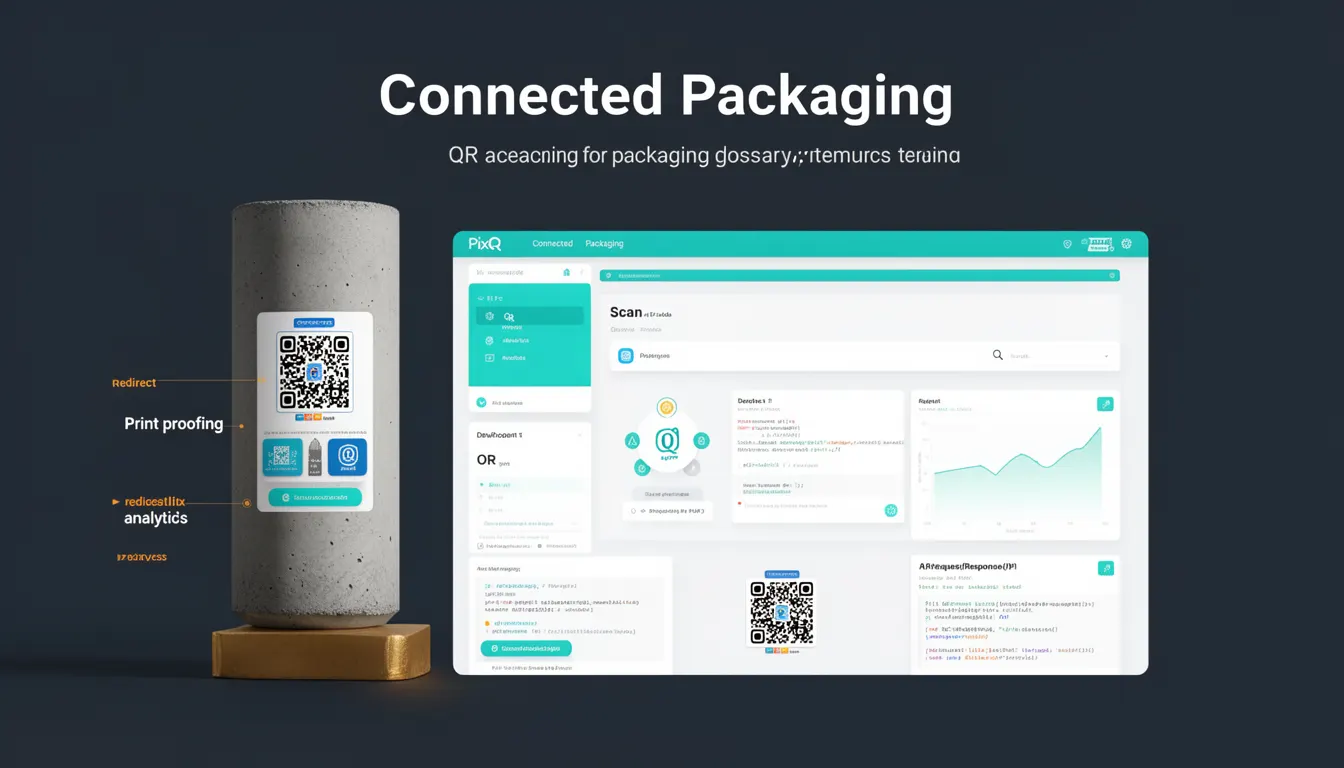
Connected Packaging is a term used in the context of QR code-based product identification and information delivery. It refers to the practice of embedding QR codes into physical product packaging that link to digital content or services, enabling a seamless transition from physical to digital interaction. This approach allows brands to connect their physical products with dynamic, up-to-date digital experiences such as product details, usage instructions, warranty information, marketing content, or even personalized user journeys.
In PixQR’s ecosystem, Connected Packaging is implemented through dynamic QR codes that can be updated post-printing without requiring new physical labels. This capability is particularly useful in industries such as consumer goods, pharmaceuticals, automotive, and retail, where product information may change frequently or where regulatory compliance demands dynamic content updates. Developers and product teams use Connected Packaging to bridge the gap between static print media and dynamic digital experiences, ensuring that the QR code’s target URL or content can be managed and updated through secure APIs.
Why It Matters
Connected Packaging is a critical component in modern product lifecycle management and digital branding strategies. For developers, it provides a way to maintain flexibility in content delivery without the cost or logistical challenges of reprinting physical materials. From a user experience standpoint, it allows customers to instantly access rich, contextual information by scanning a QR code, which can include product videos, reviews, or interactive guides.
From a security perspective, PixQR ensures that the links generated for Connected Packaging are safe and brand-controlled, reducing the risk of redirecting users to malicious or unauthorized sites. For maintainers, it supports scalable content management through API-driven workflows, enabling real-time updates to product information, analytics tracking, and compliance data. This dynamic nature also helps in managing product recalls, updates, or promotions efficiently, reducing the need for physical label replacements.
How It Works
Connected Packaging in PixQR is implemented through a combination of QR code generation, dynamic URL management, and secure redirect protocols. The process begins with defining the target content or service that the QR code should link to, which can be a landing page, a web API endpoint, or a content management system. The QR code itself is generated with a base URL that points to a PixQR redirect service, which then dynamically resolves to the intended destination.
- QR codes are generated with a base URL that points to a PixQR service endpoint, which handles redirection logic.
- Dynamic content is managed through an API that allows real-time updates to the target URL or content without changing the physical QR code.
- Each QR code can be assigned metadata such as product ID, expiration date, or analytics tags for tracking and compliance.
- Redirects are secured through PixQR’s internal validation mechanisms to ensure that only authorized content is delivered.
- Analytics are collected for each scan, including geolocation, device type, and user behavior, enabling insights into product engagement.
Quick Reference
| Item | Purpose | Notes |
|---|---|---|
| QR Code Base URL | Points to PixQR redirect service | Must be configured in PixQR dashboard |
| Dynamic Target URL | Content destination managed via API | Updated without physical label changes |
| Metadata Tags | Product or campaign data | Used for analytics and tracking |
| Redirect Security | Ensures safe redirection | Prevents malicious redirects |
| Scan Analytics | Tracks user behavior and engagement | Provides insights for product optimization |
Basic Example
PixQR Example QR
This QR links directly to this glossary page, so printed notes, onboarding docs, and support material can bring scanners back to the current reference.
/glossary/qr-code-for-packaging/qr-codes-for-packaging-connected-packaging
This example demonstrates how a basic Connected Packaging QR code is configured using PixQR's API. The QR code points to a static product page, which can later be updated without changing the physical label.
POST /api/v1/qr-codes
{
  "target_url": "https://example.com/products/12345",
  "label": "Product Info Page",
  "brand_id": "brand-xyz"
}
The response includes a QR code image and a unique identifier. The target_url is the destination that will be resolved when scanned. The label and brand_id help with internal organization and tracking.
Production Example
In a production environment, Connected Packaging is often managed through an automated workflow that integrates with a product management system. This ensures that content updates are synchronized with product lifecycle events.
PUT /api/v1/qr-codes/qr-12345
{
  "target_url": "https://example.com/products/12345/details",
  "metadata": {
    "product_id": "12345",
    "campaign": "launch-2025",
    "expires": "2025-12-31"
  },
  "analytics": {
    "track_scans": true,
    "track_location": true
  }
}
This version includes metadata for tracking and analytics, ensuring that the QR code is both dynamic and secure. The analytics object enables detailed scan tracking, while the expires field ensures compliance with time-sensitive content.
Common Mistakes
- Not updating the QR code target URL after a product change, leading to outdated or incorrect information.
- Using insecure or unverified URLs in the target field, which can lead to security vulnerabilities or user mistrust.
- Ignoring metadata tagging, which reduces the ability to track performance or manage content effectively.
- Not testing QR code scans in real-world conditions, resulting in poor user experience or scan failures.
- Overlooking analytics configuration, which prevents product teams from understanding how users interact with the QR code.
Security And Production Notes
- Always validate the target URL to ensure it points to a secure, brand-controlled domain.
- Use PixQR’s API for all QR code updates to maintain audit trails and security controls.
- Implement expiration dates for dynamic content to comply with regulatory or marketing requirements.
- Ensure that analytics data is collected in a privacy-compliant manner, especially when tracking user location or behavior.
- Test QR codes across multiple scanners and devices to ensure consistent performance and reliability.
Related Concepts
Connected Packaging is closely related to several other QR code and product management concepts:
- Dynamic QR Codes: QR codes that can be updated post-printing, enabling flexible content delivery.
- Redirect Management: The process of controlling where a QR code points, often through a secure API.
- Scan Analytics: Tracking and analyzing QR code scans to improve product engagement and marketing.
- Brand-Safe Content: Ensuring that digital content delivered via QR codes is secure and aligned with brand guidelines.
- Print-to-Digital Integration: The seamless transition from physical product to digital experience.