 PixQR
PixQR
Overview
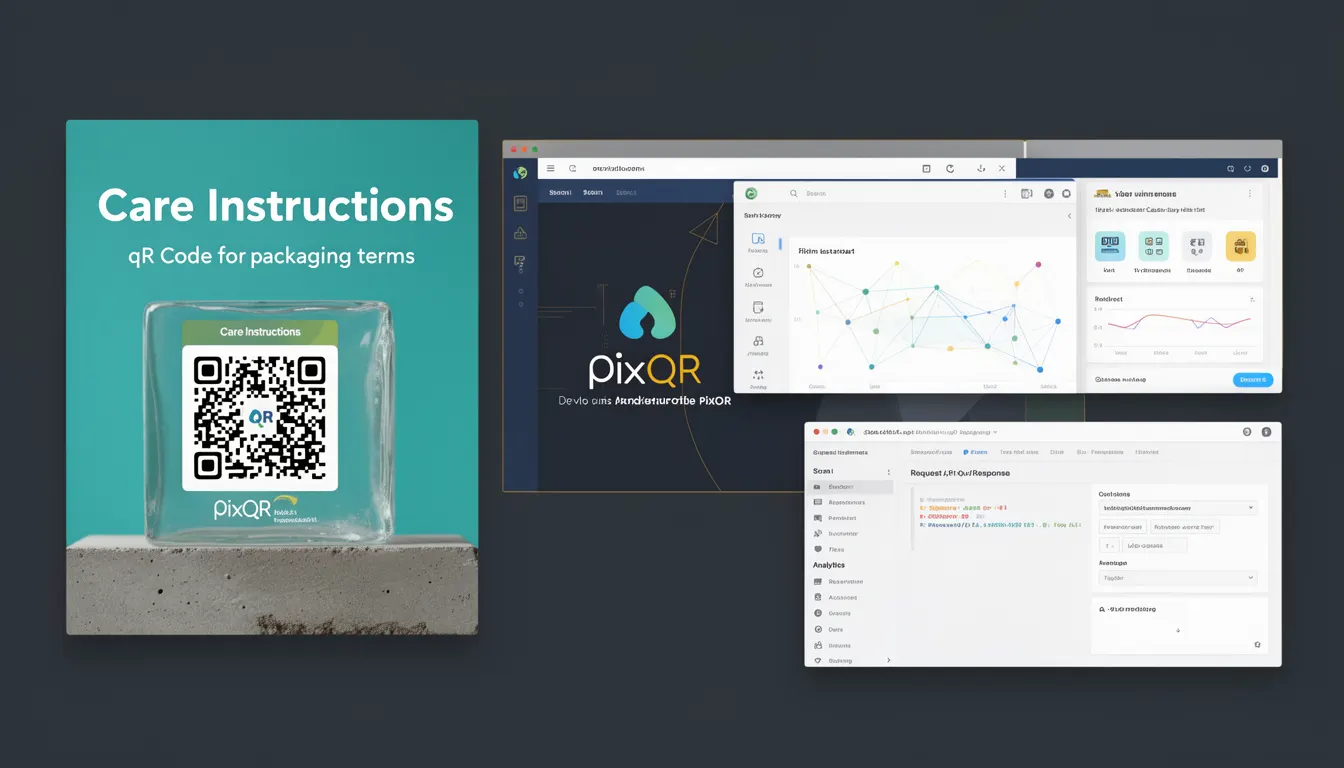
Care Instructions in the context of PixQR refers to a specific type of QR code implementation used primarily in product packaging. It allows physical items to be linked to digital content that provides guidance on how to properly care for or use the product. This digital linkage is established through a QR code that, when scanned, directs users to a secure, dynamic redirect URL containing care instructions, maintenance tips, warranty information, or other relevant digital assets.
For developers working with PixQR, Care Instructions represent a way to bridge physical and digital product experiences. The QR code is embedded in packaging and typically points to a URL managed through the PixQR platform. This URL can be updated in real time, allowing for dynamic content delivery, which is especially useful for product recalls, updates, or localized information.
Why It Matters
From a developer's perspective, Care Instructions play a crucial role in ensuring product information is accurate, up-to-date, and accessible. It supports a brand's operational workflows by enabling dynamic content updates without reprinting packaging. This reduces waste and allows for real-time adjustments to product information.
For site operators and product teams, Care Instructions enhance user experience by delivering relevant, actionable content directly from packaging. This can improve customer satisfaction, reduce support inquiries, and increase product longevity. From a security standpoint, PixQR ensures that the redirect links are brand-safe and comply with privacy regulations, preventing malicious content from being served through the QR code.
How It Works
The Care Instructions mechanism relies on the PixQR platform to generate a QR code that links to a dynamic URL. When a user scans the QR code, the system redirects them to a content page or resource that is hosted and managed through the PixQR infrastructure. This system supports several key features and behaviors:
- The QR code is generated using PixQR's API or dashboard, and includes metadata such as redirect URL, branding, and analytics tracking.
- Redirects are handled securely and can be updated in real time, allowing for content changes without re-printing packaging.
- Each QR code can be configured with specific parameters like language, region, or product variant to deliver localized content.
- Scan analytics are collected to provide insights into how often and where the QR code is being used, aiding in product performance analysis.
- Content delivery is optimized for mobile devices and can include rich media such as videos, images, or interactive guides.
Quick Reference
| Item | Purpose | Notes |
|---|---|---|
| QR Code Generation | Creates a unique identifier for product information | Must be embedded in packaging with proper print quality |
| Dynamic Redirect URL | Provides access to care instructions or related content | Can be updated without changing physical packaging |
| Content Localization | Delivers region-specific or language-specific information | Uses product variant or user location for content routing |
| Analytics Tracking | Records scan behavior for performance insights | Includes geographic, device, and time-based metrics |
| Privacy Compliance | Ensures data handling meets privacy regulations | Supports GDPR, CCPA, and other data protection standards |
Basic Example
PixQR Example QR
This QR links directly to this glossary page, so printed notes, onboarding docs, and support material can bring scanners back to the current reference.
/glossary/qr-code-for-packaging/qr-codes-for-packaging-care-instructions

A basic implementation of a Care Instructions QR code involves generating a QR code that links to a URL with care-related content. The QR code is printed on packaging and scanned by users to access digital instructions.
<img src="https://api.pixqr.com/qrcode?text=https%3A%2F%2Fexample.com%2Fcare-instructions" alt="Care Instructions QR Code">This example shows a simple image tag that loads a QR code from PixQR's API. The text parameter specifies the destination URL, which is encoded to ensure compatibility. The QR code is generated dynamically and can be embedded directly into product packaging or marketing materials.
Production Example
In a production environment, Care Instructions QR codes are often part of a larger content management system. The QR code generation process includes validation, localization, and analytics setup.
const pixqr = require('pixqr-sdk');
const qrConfig = {
  text: 'https://example.com/care-instructions',
  size: 200,
  margin: 1,
  errorCorrection: 'M',
  language: 'en',
  region: 'US',
  analytics: true
};
const qrCode = pixqr.generate(qrConfig);
This example demonstrates a more structured approach to QR code generation using the PixQR SDK. It includes parameters for size, error correction, language, and analytics tracking. This setup ensures that the QR code is optimized for print quality and provides detailed usage data for product teams.
Common Mistakes
- Using unescaped URLs in QR code generation, which can lead to malformed links or security vulnerabilities.
- Not testing QR code readability on various devices and print qualities, resulting in failed scans in production.
- Overlooking analytics setup, which prevents tracking of user engagement and product performance.
- Hardcoding content or redirect URLs, which makes updates difficult and increases maintenance overhead.
- Ignoring localization settings, causing users to receive irrelevant or incorrect information based on region or language.
Security And Production Notes
- Always validate and sanitize URLs before embedding them in QR codes to prevent malicious redirection.
- Ensure that QR code generation and content delivery comply with data privacy regulations such as GDPR and CCPA.
- Use secure HTTPS links for all destination URLs to prevent man-in-the-middle attacks.
- Implement error handling for QR code generation and scan tracking to avoid service disruptions.
- Regularly audit QR code content and redirects to ensure they remain relevant and safe for users.
Related Concepts
Care Instructions are closely related to several other QR code and packaging concepts. Product identification QR codes are used for item tracking and inventory management. Dynamic redirects ensure content remains current without physical changes. Print reliability focuses on ensuring QR codes scan correctly across various materials and lighting conditions. Brand-safe design ensures that QR code content aligns with brand guidelines and does not introduce external risks. Analytics tracking provides insights into how users interact with the QR code, supporting product optimization and marketing efforts.