 PixQR
PixQR
Overview
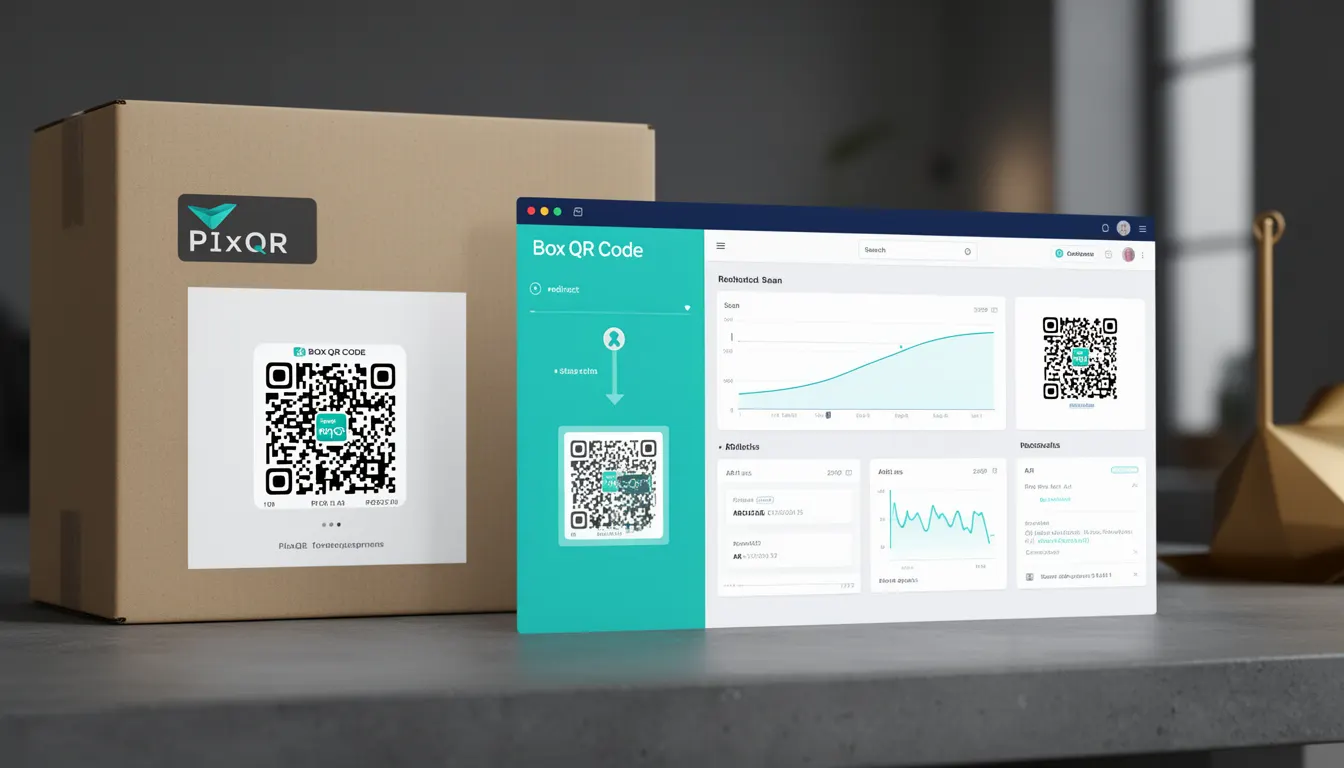
A Box QR Code, in the context of PixQR, refers to a specific type of QR code designed for use on product packaging. It is engineered to connect physical items to digital experiences through a structured, brand-safe, and secure QR code implementation. The primary purpose of a Box QR Code is to provide a reliable, high-quality scan experience that links a physical product to useful digital content, such as product information, usage instructions, warranty details, or promotional offers.
Unlike generic QR codes, Box QR Codes are tailored for packaging environments where print quality, scan reliability, and operational workflows are paramount. These codes are generated using PixQR’s platform with built-in support for dynamic redirects, analytics, and compliance with brand and privacy standards. Developers and product teams use Box QR Codes to enhance user engagement, ensure scan accuracy, and maintain consistent digital experiences across physical product lines.
Why It Matters
For developers and product teams, Box QR Codes are essential for bridging the physical and digital worlds in a secure and scalable way. In packaging environments, QR code reliability is critical. A poorly designed or non-compliant QR code can lead to failed scans, user confusion, or even brand damage. PixQR’s Box QR Codes are optimized for print and scan environments, ensuring consistent performance across a wide range of devices and conditions.
From a security perspective, Box QR Codes support dynamic redirect mechanisms, allowing teams to update content without re-printing physical labels. This is especially important in fast-moving product lines or when compliance requirements change. Additionally, PixQR’s platform enables analytics tracking, helping teams understand how users interact with their QR codes and optimize future product experiences.
How It Works
The Box QR Code functionality within PixQR is implemented through a structured workflow that ensures high-quality, reliable, and scalable QR code generation. The system supports dynamic content delivery, privacy compliance, and brand-safe design standards.
- Box QR Codes are generated using a standardized format that supports both static and dynamic content, with dynamic redirects managed through PixQR’s backend.
- Each code is associated with a unique identifier that allows for tracking, analytics, and content updates without modifying the physical QR code itself.
- Print-ready versions are optimized for packaging environments, including support for high-resolution rendering and scan reliability under various lighting and surface conditions.
- Content delivery is managed through secure redirect mechanisms, ensuring that users are directed to valid, safe, and brand-compliant URLs.
- Analytics and performance data are collected automatically, allowing developers and product managers to assess scan success rates, engagement, and user behavior.
Quick Reference
| Item | Purpose | Notes |
|---|---|---|
| Dynamic Redirect | Updates content without re-printing | Useful for compliance or promotional changes |
| Scan Reliability | Ensures consistent scanning across devices | Optimized for packaging print environments |
| Analytics Tracking | Provides usage insights | Includes scan success, engagement, and user behavior |
| Brand Compliance | Ensures design and content align with brand standards | Enforced through platform templates and policies |
| Privacy Controls | Manages data collection and user privacy | Supports GDPR and other compliance frameworks |
Basic Example
PixQR Example QR
This QR links directly to this glossary page, so printed notes, onboarding docs, and support material can bring scanners back to the current reference.
/glossary/qr-code-for-packaging/qr-codes-for-packaging-box-qr-code

This example shows how a basic Box QR Code might be generated in PixQR’s API using a simple configuration. The QR code is intended for a product packaging use case and includes a dynamic redirect to a product landing page.
{
  "type": "box",
  "content": {
    "url": "https://example.com/product/12345",
    "analytics": true
  },
  "design": {
    "brand_safe": true,
    "print_quality": "high"
  }
}
The key lines define the QR code type as "box", specify a dynamic URL, enable analytics, and ensure brand-safe design and high print quality. This configuration is suitable for basic packaging integration.
Production Example
This example demonstrates a production-ready Box QR Code configuration that includes advanced features such as analytics, privacy controls, and dynamic content management. It is suitable for enterprise-level product packaging.
{
  "type": "box",
  "content": {
    "url": "https://example.com/product/12345",
    "fallback_url": "https://example.com/error",
    "analytics": true,
    "privacy": {
      "track_user": false,
      "collect_ip": false
    }
  },
  "design": {
    "brand_safe": true,
    "print_quality": "ultra",
    "color": "#000000",
    "background": "#FFFFFF"
  },
  "metadata": {
    "product_id": "12345",
    "version": "1.0",
    "locale": "en-US"
  }
}
This configuration ensures robust performance, privacy compliance, and high-quality print output. It includes fallback behavior, user privacy controls, and metadata for tracking and reporting.
Common Mistakes
- Using static QR codes instead of dynamic ones, which prevents content updates without re-printing physical labels.
- Ignoring print quality settings, leading to scannability issues on packaging.
- Not configuring analytics or privacy controls, which can lead to data compliance issues or missed insights.
- Using unverified or untrusted URLs in the redirect, risking security vulnerabilities or user confusion.
- Overlooking fallback URLs, which can result in broken user experiences if the primary link fails.
Security And Production Notes
- Always validate redirect URLs to prevent malicious or broken links from being embedded in QR codes.
- Use dynamic redirects to allow for content updates without re-printing physical materials.
- Ensure that privacy controls are enabled and configured correctly to comply with regulations like GDPR.
- Design QR codes with high print quality and scan reliability for consistent performance across packaging environments.
- Implement fallback URLs to maintain user experience in case of primary link failures.
Related Concepts
Box QR Codes are closely related to several other QR code and digital packaging concepts:
- Dynamic QR Codes – Enable content updates without re-printing physical labels, a core feature of Box QR Codes.
- QR Code Analytics – Provide insights into scan behavior, user engagement, and product interaction.
- Brand Safety – Ensures that QR code content and design align with brand standards and policies.
- Scan Reliability – Refers to the ability of a QR code to be successfully scanned under various conditions.
- Print Optimization – Involves ensuring that QR codes are readable and scannable in physical print environments.