 PixQR
PixQR
Overview
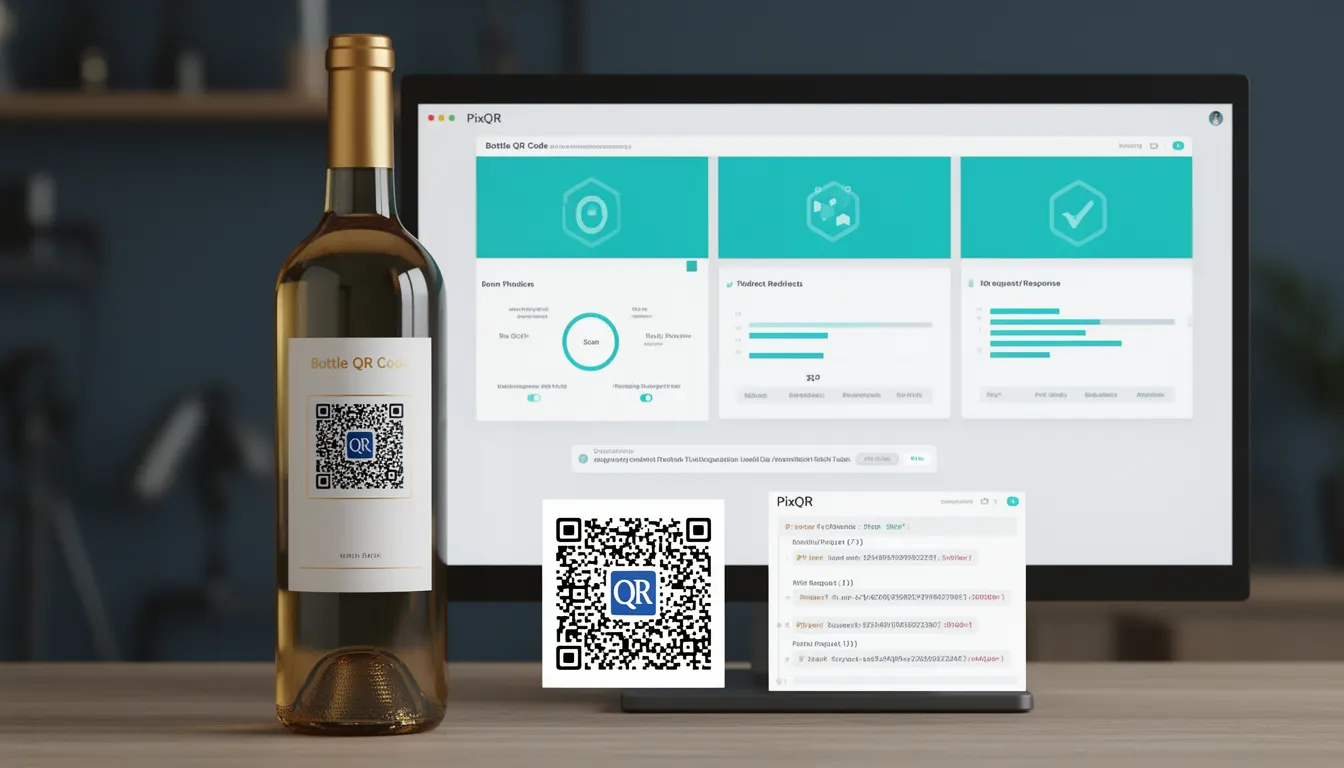
A Bottle QR Code is a specific type of QR code used in product packaging to link physical items to digital content. In the context of PixQR, these codes are designed to bridge the gap between printed materials and online resources, such as product information, user guides, warranty details, or promotional offers. This connection allows consumers to quickly access relevant digital information by scanning the code with a mobile device.
For developers working with PixQR, understanding Bottle QR Codes is crucial when implementing dynamic QR generation, managing redirects, and ensuring scan reliability. These codes are typically embedded in product labels, packaging, or marketing materials, and are expected to function consistently across different platforms and devices.
Why It Matters
From a developer perspective, Bottle QR Codes are significant because they are often part of larger product lifecycle systems. They must be durable, scalable, and secure to ensure that links do not break, content is not misdirected, and user privacy is maintained. In production environments, these codes are often generated programmatically and integrated into supply chain workflows.
For site operators and product teams, the reliability of these codes affects user experience, marketing effectiveness, and brand reputation. A failed scan or broken redirect can lead to lost conversions, customer frustration, and operational inefficiencies. In PixQR, developers configure and monitor these codes to ensure they meet performance and security standards.
How It Works
Bottle QR Codes operate by encoding a URL or a unique identifier that maps to a digital resource. When scanned, the QR code triggers a redirect to a destination page, which may be hosted on a secure domain or managed by PixQR’s infrastructure. The implementation involves several key components:
- QR code generation with appropriate encoding, such as UTF-8, to support international characters and long URLs.
- Dynamic link management to ensure that URLs can be updated or redirected without modifying physical packaging.
- Scan tracking and analytics to monitor how often the code is scanned and from which regions or devices.
- Brand-safe design to ensure the QR code integrates seamlessly with packaging aesthetics and complies with brand guidelines.
- Privacy and data protection compliance, especially when linking to user-specific or personal information.
When a user scans a Bottle QR Code, the scanning application typically resolves the QR data into a URL. PixQR handles this resolution by maintaining a database of valid links and ensuring that redirects are secure and fast. The system also supports fallback mechanisms, such as default pages or error handling, in case the primary destination is unavailable.
Quick Reference
| Item | Purpose | Notes |
|---|---|---|
| QR Code Encoding | Defines how data is stored in the QR code | Use UTF-8 for international support |
| Dynamic Redirect | Enables URL updates without re-printing | Requires backend link management |
| Scan Tracking | Monitors code usage for analytics | Integrates with PixQR analytics dashboard |
| Brand Compliance | Ensures design fits packaging aesthetics | Supports custom styles and colors |
| Privacy Controls | Manages data exposure and consent | Supports opt-in and opt-out mechanisms |
Basic Example
PixQR Example QR
This QR links directly to this glossary page, so printed notes, onboarding docs, and support material can bring scanners back to the current reference.
/glossary/qr-code-for-packaging/qr-codes-for-packaging-bottle-qr-code
This example shows how to generate a basic Bottle QR Code using PixQR’s API. The code creates a QR code that links to a product page.
const qrData = {
  url: "https://example.com/product/12345",
  size: "200x200",
  format: "png"
};

const qrCode = pixqr.generate(qrData);
console.log(qrCode);
The example demonstrates a minimal QR code configuration with a fixed URL, size, and format. The generate function is a PixQR method that returns a QR code image or data URL. This is suitable for initial prototyping or testing.
Production Example
In production, a Bottle QR Code is more robust, including validation, error handling, and dynamic link updates. This example shows how to create a secure, scalable QR code for packaging.
const generateBottleQR = (productId, brand, locale) => {
  const baseUrl = "https://api.pixqr.com/redirect";
  const redirectUrl = `${baseUrl}/${productId}?brand=${brand}&locale=${locale}`;

  const qrConfig = {
    url: redirectUrl,
    size: "300x300",
    format: "svg",
    errorCorrection: "M",
    backgroundColor: "#ffffff",
    foregroundColor: "#000000"
  };

  return pixqr.generate(qrConfig);
};

const qrCode = generateBottleQR("BTL-12345", "AcmeCorp", "en-US");
This version is more suitable for production because it includes dynamic URL construction, error correction, and color customization. It also uses a secure API endpoint and supports localization, which is essential for global product deployments.
Common Mistakes
- Using static URLs instead of dynamic redirects, leading to outdated links when product information changes.
- Ignoring error correction levels, which can result in failed scans on damaged or low-quality prints.
- Not validating QR code output, causing malformed or inaccessible codes in production.
- Overlooking accessibility and print quality requirements, which can reduce scan reliability.
- Reusing QR code configurations without proper testing, leading to inconsistent behavior across platforms.
- Not implementing fallback mechanisms, which can leave users with no alternative when the primary URL fails.
Security And Production Notes
- Ensure all URLs used in Bottle QR Codes are HTTPS to prevent man-in-the-middle attacks.
- Validate QR code inputs to prevent injection attacks or malformed data.
- Use error correction levels (such as M or H) to improve scan reliability on low-quality or damaged prints.
- Implement access controls or authentication where the QR code links to sensitive or user-specific data.
- Monitor scan analytics to detect unusual traffic patterns that may indicate misuse or fraud.
Related Concepts
Bottle QR Codes are closely related to several core PixQR features and developer practices:
- Dynamic Redirects – The mechanism that allows URLs to be updated without re-printing physical materials.
- Scan Analytics – The data collection process that tracks how often and from where QR codes are scanned.
- Brand-Safe Design – Ensuring QR codes integrate with packaging aesthetics and brand guidelines.
- Link Management – The system for organizing and updating URLs across multiple products and regions.
- Operational Workflows – The processes for generating, testing, and deploying QR codes in production environments.