 PixQR
PixQR
Overview
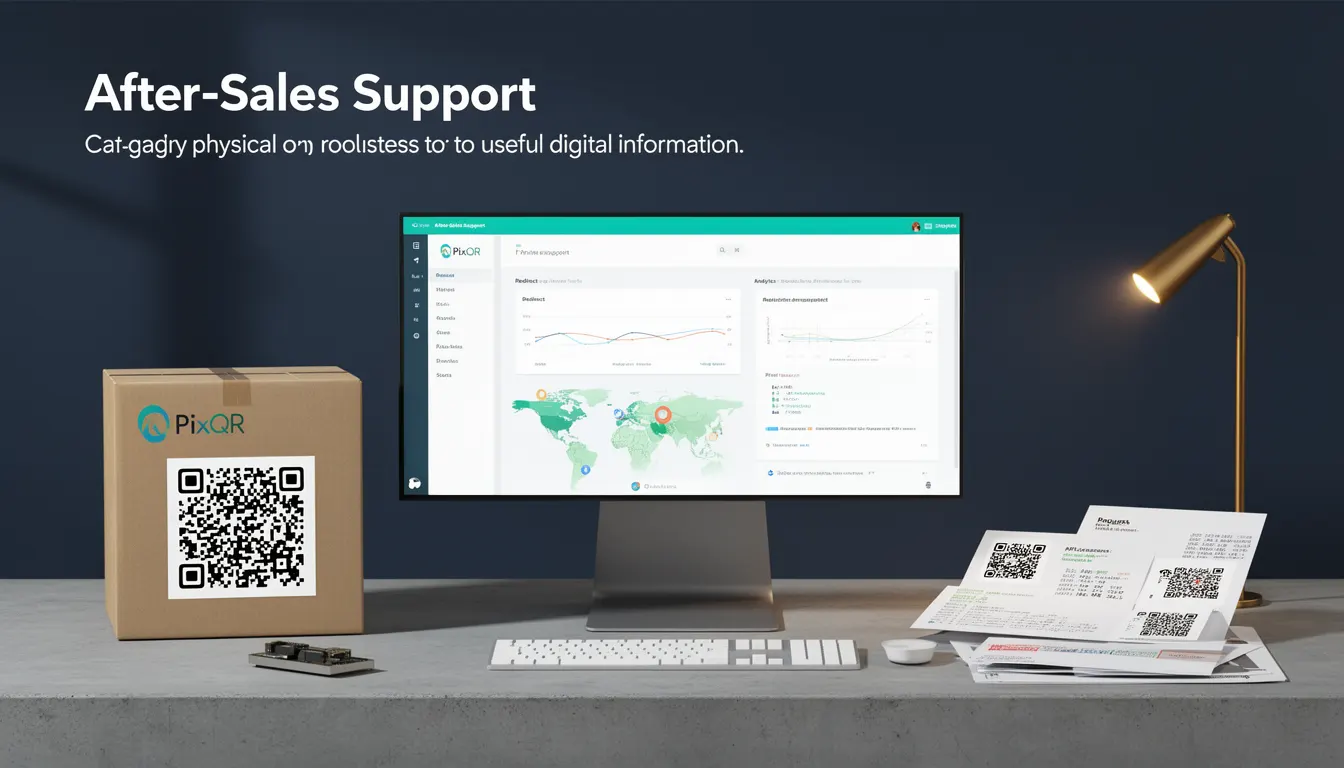
After-Sales Support, in the context of packaging and QR code implementation, refers to the integration of digital information into physical product packaging that enables customers to access support resources, troubleshooting guides, warranty details, or service contact methods via a QR code scan. This mechanism bridges the physical and digital realms, allowing product owners to provide immediate, actionable support information directly from the product itself.
Developers working with PixQR encounter After-Sales Support as a core feature when designing QR codes for product packaging. The QR code serves as a direct link to a dynamic redirect endpoint that can deliver content tailored to the product, user, or environment. It is not merely a static link but a programmable element that can be updated, tracked, and secured based on operational needs.
Why It Matters
After-Sales Support in packaging is a critical component of modern product strategy, particularly for companies aiming to enhance customer experience, reduce support costs, and ensure consistent, scalable communication. For developers using PixQR, this functionality is essential when creating QR codes that must maintain relevance and accuracy over time, especially for products with long shelf lives or those that undergo frequent updates.
From a technical standpoint, it affects how QR code content is generated, managed, and delivered. It introduces considerations around dynamic content delivery, analytics tracking, and content personalization. For instance, a QR code might redirect to a support page that varies based on the user’s location or the product's serial number, which requires backend logic and robust link management.
How It Works
After-Sales Support functionality within PixQR is implemented through a combination of QR code generation, dynamic redirect logic, and content delivery systems. The QR code itself encodes a URL that points to a dynamic endpoint, which may be managed by PixQR’s API or an external service.
- The QR code contains a unique identifier or URL that resolves to a support page or resource.
- Support content can be delivered through a redirect to a static page, a content management system, or a dynamic API endpoint.
- Tracking capabilities are enabled through analytics integrations that monitor scan behavior, including geographic location, time of scan, and device type.
- Content can be updated in real-time without changing the physical QR code, using PixQR's backend content management features.
- Security is enforced through access controls, IP whitelisting, and token-based authentication for sensitive support resources.
Quick Reference
| Item | Purpose | Notes |
|---|---|---|
| Dynamic Redirect Endpoint | Provides a flexible URL for support content | Must support HTTPS and be accessible to scanners |
| Scan Analytics | Tracks QR code usage for support | Includes location, time, and device metadata |
| Content Personalization | Delivers tailored support based on user or product | Requires backend logic to determine content |
| Update Capability | Allows content changes without re-printing | Uses PixQR’s API or CMS to modify redirect targets |
| Security Controls | Protects sensitive support data | Includes access tokens and IP filtering |
Basic Example
PixQR Example QR
This QR links directly to this glossary page, so printed notes, onboarding docs, and support material can bring scanners back to the current reference.
/glossary/qr-code-for-packaging/qr-codes-for-packaging-after-sales-support
A basic After-Sales Support QR code is generated with a static redirect to a support page. The QR code encodes a URL that points to a generic support page, which can be updated manually or through a CMS.
<!-- Example of a basic support QR code -->
<img src="https://api.pixqr.com/qr?data=https%3A%2F%2Fexample.com%2Fsupport" alt="Support QR Code">
The data parameter specifies the URL to which the QR code redirects. This is a simple implementation where the URL is fixed and does not change based on product or user attributes.
Production Example
In a production environment, After-Sales Support QR codes are more dynamic, with content that adapts to product attributes or user behavior. The QR code might redirect to an API endpoint that serves personalized support content.
<!-- Example of a dynamic support QR code -->
<img src="https://api.pixqr.com/qr?data=https%3A%2F%2Fapi.pixqr.com%2Fsupport%2F%7B%7Bproduct_id%7D%7D%3Fuser_id%3D%7B%7Buser_id%7D%7D" alt="Dynamic Support QR Code">
This version uses templating to inject product or user identifiers into the URL. It allows support content to be personalized and tracked, improving both user experience and operational analytics.
Common Mistakes
- Using static URLs instead of dynamic redirects, which limits scalability and makes updates difficult.
- Not validating QR code content before deployment, leading to broken links or inaccessible support pages.
- Ignoring analytics tracking, which prevents understanding of how support QR codes are being used.
- Hardcoding user or product identifiers in URLs, which can expose sensitive data or break functionality.
- Overlooking security controls, such as IP filtering or access tokens, which can lead to unauthorized access to support resources.
Security And Production Notes
- Always use HTTPS for redirect URLs to ensure secure data transmission.
- Implement access controls and authentication where sensitive support data is involved.
- Validate all input parameters to prevent injection or misuse of dynamic URLs.
- Ensure that analytics data is collected in a privacy-compliant manner, especially when tracking user location or behavior.
- Regularly audit QR code content and redirect targets to ensure continued relevance and security.
Related Concepts
After-Sales Support is closely related to several other developer concepts in QR code and packaging systems. These include:
- Dynamic Redirects: The ability to change QR code content without modifying the physical code, a core feature of After-Sales Support.
- Scan Analytics: The tracking of QR code usage, which provides insights into how support resources are being accessed.
- Content Personalization: Delivering tailored support based on product or user data, enhancing the utility of QR codes.
- Link Management: The process of maintaining and updating QR code URLs, critical for long-term support functionality.
- Privacy Controls: Ensuring that support data collection and delivery comply with data protection regulations.