 PixQR
PixQR
Overview
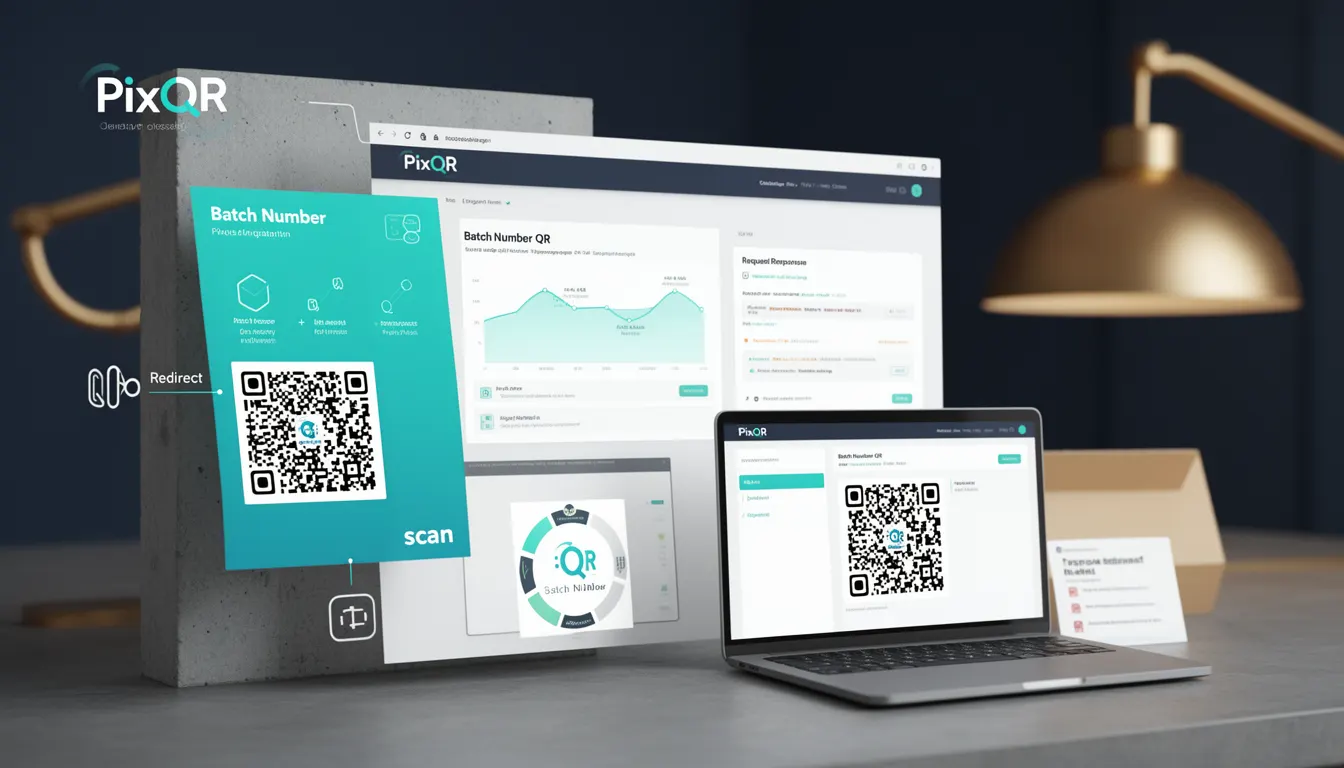
A Batch Number QR is a specialized QR code used in product packaging to associate physical items with digital data related to batch identification, manufacturing details, and product lifecycle information. This type of QR code is particularly valuable in industries such as pharmaceuticals, food and beverage, consumer goods, and electronics, where traceability, compliance, and product safety are critical.
In the context of PixQR, a Batch Number QR is generated with specific parameters to ensure reliable scanning, secure data delivery, and integration with backend systems for analytics, inventory tracking, and compliance reporting. The QR code typically encodes a structured identifier that links to a dynamic URL or a data payload containing batch details, expiration dates, manufacturing locations, and regulatory compliance information.
Why It Matters
For developers and product teams, Batch Number QR codes are essential for enabling traceability and compliance in regulated industries. They allow for real-time tracking of products from production to distribution, supporting recall management, quality control, and regulatory audits. For end-users, a properly implemented Batch Number QR provides quick access to critical product information, enhancing transparency and trust.
From a technical standpoint, Batch Number QRs require robust backend systems to manage dynamic redirects, secure data access, and analytics. They also must be designed with scan reliability and print quality in mind, especially in high-volume manufacturing environments where consistent scanning performance is essential. Misconfigurations can lead to failed scans, incorrect data retrieval, or compliance failures.
How It Works
When a Batch Number QR is created in PixQR, it encodes a unique identifier that corresponds to a specific batch of products. The QR code typically points to a dynamic URL or a structured data payload that can be processed by a backend system. The mechanism supports multiple data formats, including JSON, XML, or direct database queries.
- The QR code is generated with a unique batch identifier and encoded using a standardized format such as
https://pixqr.com/batch/{batch_id}or a custom data structure. - Scanning the QR code triggers a redirect or data retrieval process that accesses backend systems for relevant product details.
- PixQR supports dynamic QR generation that allows batch data to be updated post-creation, enabling flexible product lifecycle management.
- Each QR code can be assigned metadata such as product category, manufacturing date, and expiration date for enhanced tracking.
- Scan analytics are automatically collected, enabling developers to monitor QR performance, scan frequency, and geographic distribution.
Quick Reference
| Item | Purpose | Notes |
|---|---|---|
| Batch ID | Unique identifier for a batch of products | Must be globally unique and consistent across systems |
| Redirect URL | Endpoint for retrieving batch information | Should support HTTPS and be accessible to scanners |
| Data Payload | Structured information encoded in QR | Can be JSON or XML; must be parseable by client systems |
| Scan Analytics | Tracking of QR scans for performance monitoring | Includes location, time, and device type |
| Dynamic Updates | Ability to modify QR data post-generation | Requires secure backend integration and access controls |
Basic Example
PixQR Example QR
This QR links directly to this glossary page, so printed notes, onboarding docs, and support material can bring scanners back to the current reference.
/glossary/qr-code-for-packaging/qr-codes-for-packaging-batch-number-qr

A basic Batch Number QR can be generated using PixQR's API by specifying a batch identifier and redirect URL. This example demonstrates the core concept of linking a physical product to a digital data source.
{
  "qr_type": "batch",
  "batch_id": "BATCH-123456",
  "redirect_url": "https://example.com/batch/BATCH-123456",
  "data": {
    "product_name": "Organic Honey",
    "manufacturing_date": "2024-05-10",
    "expiry_date": "2025-05-10",
    "location": "Honeyville, USA"
  }
}
The batch_id uniquely identifies the product batch, while the redirect_url ensures that scanning the QR leads to a relevant information page. The data field contains structured product information that can be used by client applications.
Production Example
In a production environment, a Batch Number QR is often generated as part of a larger system that integrates with inventory management, compliance tracking, and analytics platforms. This example includes error handling, secure data transmission, and dynamic URL generation.
{
  "qr_type": "batch",
  "batch_id": "BATCH-789012",
  "redirect_url": "https://api.pixqr.com/v1/batch/BATCH-789012",
  "data": {
    "product_name": "Organic Honey",
    "batch_id": "BATCH-789012",
    "manufacturing_date": "2024-05-10",
    "expiry_date": "2025-05-10",
    "location": "Honeyville, USA",
    "compliance": {
      "fda_approved": true,
      "organic_certified": true
    }
  },
  "metadata": {
    "created_at": "2024-05-09T10:00:00Z",
    "updated_at": "2024-05-09T10:00:00Z"
  }
}
This version is production-ready because it includes secure URL structure, structured compliance data, and metadata for audit tracking. It also uses HTTPS endpoints to ensure secure data delivery and includes a consistent timestamp for versioning.
Common Mistakes
- Using non-unique batch identifiers, leading to incorrect data retrieval or compliance issues.
- Generating QR codes with URLs that are not accessible or not properly configured for HTTPS.
- Not validating QR code data before deployment, resulting in malformed or incorrect information being scanned.
- Ignoring scan analytics and performance monitoring, which can mask issues with QR code reliability or backend systems.
- Hardcoding batch data directly into QR codes instead of using dynamic redirects, limiting flexibility and scalability.
Security And Production Notes
- Always use HTTPS for redirect URLs to prevent man-in-the-middle attacks and ensure secure data transmission.
- Implement access controls on backend endpoints to prevent unauthorized access to sensitive batch data.
- Validate and sanitize all input data to prevent injection attacks or malformed QR codes.
- Use PixQR's built-in analytics to monitor QR scan performance and detect potential issues with reliability or user behavior.
- Regularly audit batch identifiers and data payloads to ensure consistency and prevent compliance failures.
Related Concepts
Batch Number QRs are closely related to several other QR code and product tracking concepts. These include:
- Dynamic QR Codes – QR codes that can be updated post-generation, allowing for flexible data management.
- Product Lifecycle Management – Systems that track products from creation to disposal, often using QR codes for identification.
- Traceability Systems – Platforms that ensure product origin and movement are recorded and retrievable.
- Compliance QR Codes – QR codes specifically designed to meet regulatory requirements in industries such as food or pharmaceuticals.
- Scan Analytics – Tools that collect and analyze QR scan data to improve product tracking and marketing strategies.