 PixQR
PixQR
Overview
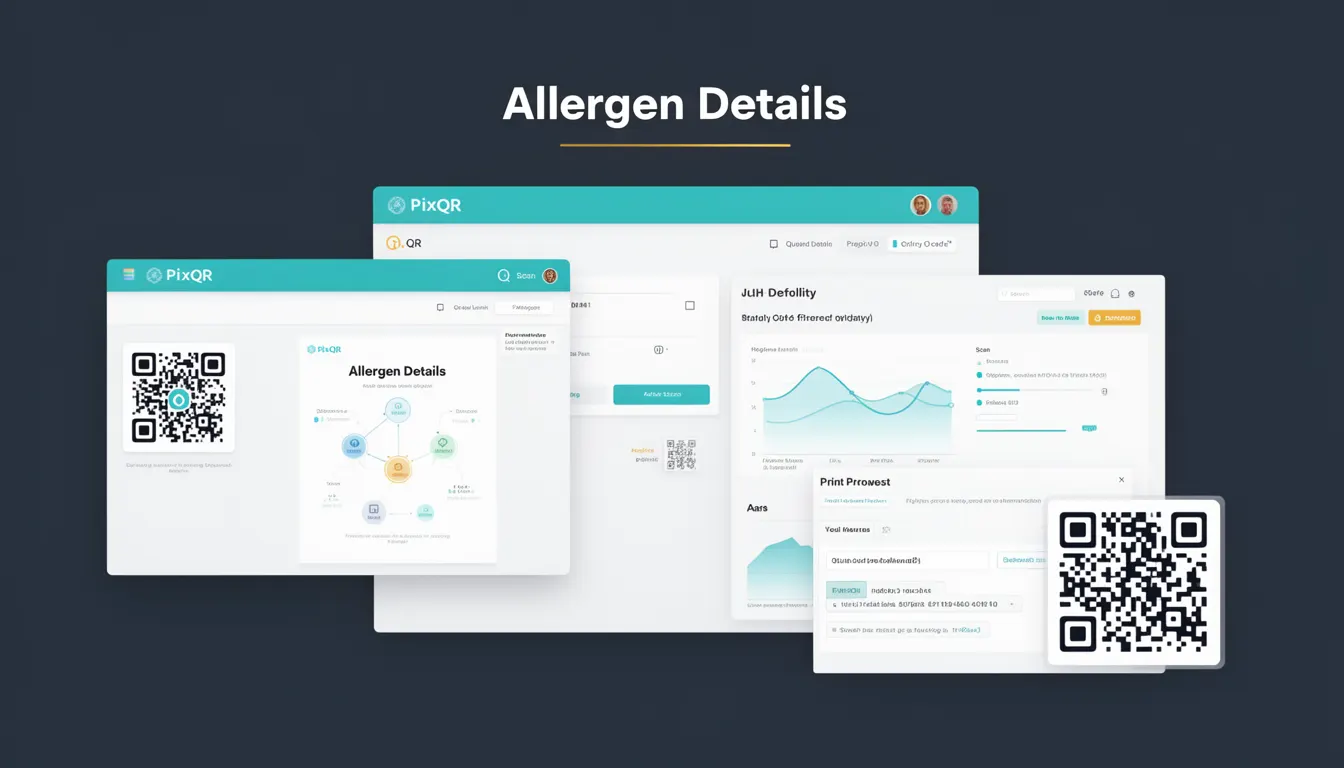
Allergen Details is a packaging term used in QR code generation and product information systems to link physical product labels to digital content that includes allergen information. In the context of PixQR, this concept enables brands to provide detailed, up-to-date allergen data to consumers through a scannable QR code on product packaging.
For developers working with PixQR, Allergen Details is a structured way to encode product-specific data into a QR code, ensuring that when a user scans the code, they can access relevant allergen information. This is particularly important in industries like food, pharmaceuticals, and cosmetics, where allergen disclosure is a regulatory and consumer safety requirement.
Why It Matters
From a developer perspective, implementing Allergen Details correctly ensures compliance with food safety regulations and consumer trust. In PixQR, this involves mapping physical packaging data to dynamic digital content that can be updated without reprinting labels. This is especially important in environments where allergen information changes frequently due to ingredient suppliers or manufacturing processes.
For maintainers, accurate Allergen Details implementation prevents costly recalls and legal issues. For security, it ensures that data flows are not tampered with during transmission, which is managed by PixQR's secure redirect protocols. For accessibility, it allows users with visual impairments to access allergen information through assistive technologies that support QR code scanning and data retrieval.
How It Works
Allergen Details within PixQR is implemented through structured data encoding in QR codes, typically using standardized formats like JSON or XML. The system supports dynamic linking, allowing allergen data to be updated centrally without modifying physical product labels.
- Allergen data is encoded in a structured format that PixQR’s scanner can interpret, such as JSON or CSV.
- QR codes are generated with a redirect URL that points to a secure endpoint hosting allergen data.
- The endpoint returns data that includes allergen names, potential cross-contamination risks, and relevant regulatory identifiers.
- Support for multiple languages and accessibility features ensures broader consumer reach and compliance.
- Data is validated against regulatory databases to ensure accuracy and compliance with local standards.
Quick Reference
| Item | Purpose | Notes |
|---|---|---|
| Allergen data structure | Defines format of allergen information | Must be JSON or CSV compatible |
| QR redirect URL | Points to dynamic allergen data endpoint | Must be HTTPS and secure |
| Language support | Enables multilingual allergen display | Supports IETF language tags |
| Validation rules | Ensures data integrity and compliance | Uses regulatory database mapping |
| Accessibility attributes | Supports screen readers and assistive tech | Includes ARIA labels and semantic markup |
Basic Example
PixQR Example QR
This QR links directly to this glossary page, so printed notes, onboarding docs, and support material can bring scanners back to the current reference.
/glossary/qr-code-for-packaging/qr-codes-for-packaging-allergen-details

This example shows a minimal JSON structure for allergen details that can be embedded in a QR code. It demonstrates how data is structured for easy parsing by PixQR’s scanner.
{
  "product": "Organic Granola Bar",
  "allergens": [
    "Wheat",
    "Soybeans",
    "Tree Nuts"
  ],
  "cross_contamination": "May contain traces of peanuts",
  "regulatory_id": "FDA-2023-001"
}
The example includes a product name, a list of allergens, cross-contamination warnings, and a regulatory identifier. These fields are essential for regulatory compliance and consumer safety.
Production Example
This more comprehensive example shows how a production system might structure and validate allergen data for use in PixQR-generated QR codes. It includes data validation, multilingual support, and secure endpoint handling.
{
  "product": "Organic Granola Bar",
  "allergens": [
    "Wheat",
    "Soybeans",
    "Tree Nuts"
  ],
  "cross_contamination": "May contain traces of peanuts",
  "regulatory_id": "FDA-2023-001",
  "language": "en-US",
  "version": "1.2",
  "last_updated": "2024-04-01",
  "valid_until": "2025-04-01",
  "source": "internal_database"
}
This version includes metadata like versioning, update dates, and source tracking, which are important for maintainability and auditability in production environments. It also includes language support, which is critical for global product distribution.
Common Mistakes
- Not validating allergen data against regulatory databases, leading to compliance issues and potential legal risks.
- Using outdated or hardcoded allergen information, which may not reflect current product ingredients or manufacturing changes.
- Ignoring language and accessibility requirements, resulting in poor user experience for non-native speakers or users with disabilities.
- Implementing insecure redirect URLs that could be exploited for phishing or data interception.
- Overlooking the need for regular data refreshes, which can cause QR codes to point to stale information.
Security And Production Notes
- Allergen data must be served over HTTPS to prevent man-in-the-middle attacks and data tampering.
- Endpoints should implement rate limiting to prevent abuse and ensure service availability.
- Data should be sanitized to prevent injection attacks or unexpected behavior in parsing systems.
- Access logs should be maintained to monitor usage and detect anomalies in data retrieval.
- Version control of allergen data ensures that updates can be rolled back if necessary.
Related Concepts
Several closely related concepts in QR code development and product information systems are important for understanding Allergen Details:
Dynamic QR Codes – These are QR codes that can be updated after creation, allowing allergen data to change without reprinting physical labels.
Product Information Management (PIM) – Systems that manage product data, including allergen information, across multiple channels and platforms.
Regulatory Compliance – The requirement for accurate allergen disclosure in various jurisdictions, which Allergen Details helps automate.
Accessibility Standards – Ensuring that digital allergen information is accessible to users with disabilities, such as those using screen readers.
Scan Tracking and Analytics – The ability to monitor how often and where QR codes are scanned, which can help in understanding consumer behavior and data usage.