 PixQR
PixQR
Overview
A Curved Surface QR is a specialized QR code variant designed for application on non-planar or curved packaging surfaces, such as cylindrical bottles, spherical products, or irregularly shaped containers. Unlike traditional flat QR codes, Curved Surface QRs must account for geometric distortion and visual alignment to maintain scannability and readability.
These QR codes are primarily used in branding, marketing, and product identification systems where physical product packaging does not allow for standard flat QR code placement. They are especially relevant in industries like cosmetics, beverages, pharmaceuticals, and consumer electronics, where product shapes necessitate adaptive QR code design.
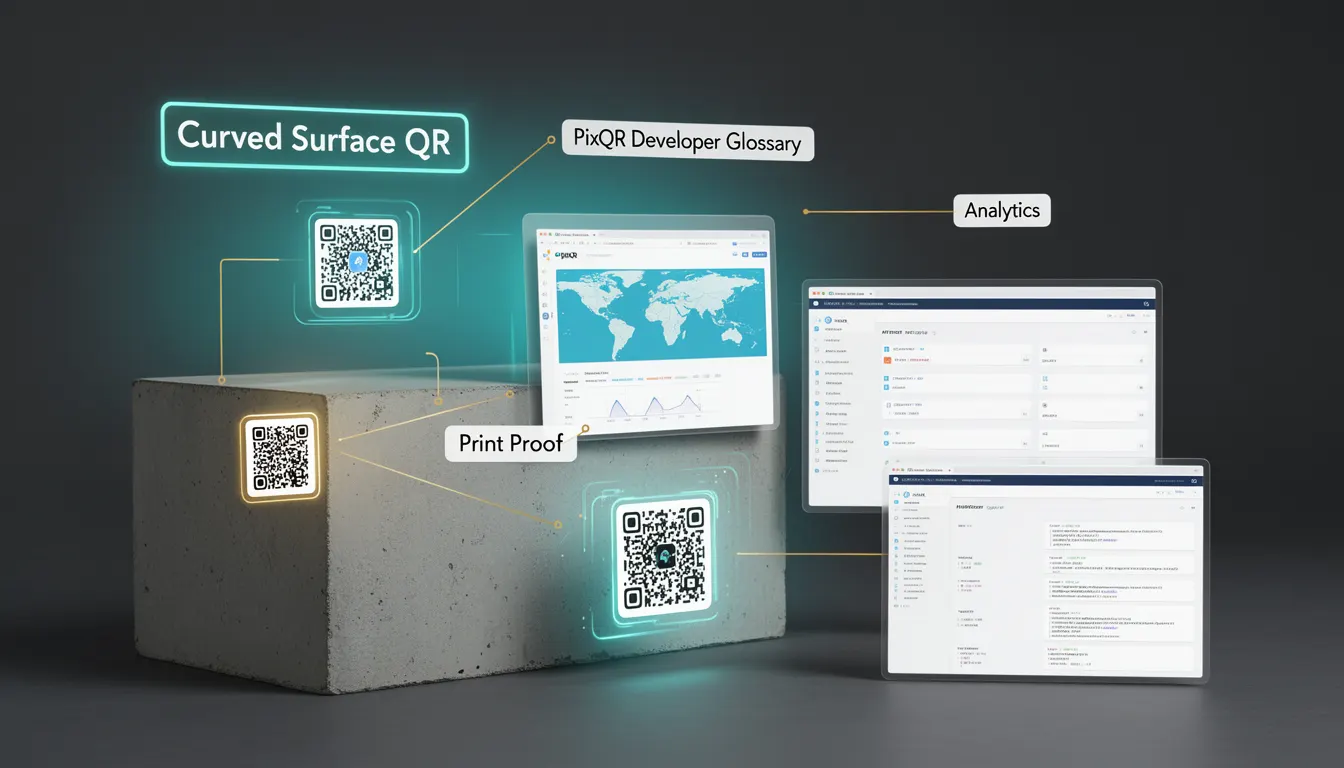
Why It Matters
For developers and product teams, Curved Surface QRs represent a critical intersection of visual design and functional usability. The implementation of such QR codes requires careful consideration of how distortion affects scannability, especially when the QR code is placed on surfaces with significant curvature.
Failure to properly implement Curved Surface QRs can lead to failed scans, poor user experience, and reduced marketing effectiveness. In a production environment, such issues can impact analytics accuracy, customer engagement, and operational workflows. For example, if a QR code on a cylindrical bottle is not correctly aligned or distorted, it may not be recognized by standard scanning applications, resulting in lost leads or incorrect data in PixQR's analytics dashboard.
How It Works
The implementation of Curved Surface QRs involves several key technical components and considerations:
- QR code generation must be adapted to fit the curvature of the surface using geometric transformation algorithms.
- Pixel-level distortion correction is applied to maintain scannability across the curved surface.
- Dynamic QR code rendering may be required to adjust to surface orientation during scanning.
- Surface mapping techniques ensure that the QR code's data integrity is preserved even when projected onto a 3D shape.
- Quality assurance checks include scanning validation and visual inspection to confirm readability.
When generating a Curved Surface QR, developers must specify surface parameters such as radius, curvature type (e.g., cylindrical, spherical), and orientation. PixQR supports dynamic QR generation with parameters that can be adjusted to maintain scannability across different surface types.
Quick Reference
| Item | Purpose | Notes |
|---|---|---|
| Surface curvature | Defines shape of packaging | Must be specified for accurate rendering |
| Pixel distortion correction | Maintains QR readability | Applied during generation |
| Dynamic QR rendering | Adjusts to surface orientation | Enhances scanning reliability |
| Scanning validation | Ensures successful scan | Performed post-generation |
| Surface mapping | Preserves data integrity | Used in 3D projection |
Basic Example
PixQR Example QR
This QR links directly to this glossary page, so printed notes, onboarding docs, and support material can bring scanners back to the current reference.
/glossary/qr-code-for-packaging/qr-codes-for-packaging-curved-surface-qr

This basic example demonstrates how a Curved Surface QR might be initialized with surface parameters in a PixQR configuration:
const curvedQR = new PixQR({
  url: 'https://example.com/product',
  surface: {
    type: 'cylinder',
    radius: 50,
    orientation: 'vertical'
  }
});
The example initializes a Curved Surface QR for a cylindrical surface with a 50mm radius, oriented vertically. This configuration tells PixQR to apply appropriate distortion correction for the specified curvature.
Production Example
In a production environment, Curved Surface QRs must be validated and integrated with robust error handling. This example shows how a production-ready implementation might be structured:
const generateCurvedQR = (config) => {
  try {
    const qr = new PixQR({
      url: config.url,
      surface: {
        type: config.type,
        radius: config.radius,
        orientation: config.orientation
      },
      analytics: true,
      security: {
        scanTracking: true,
        fraudPrevention: true
      }
    });
    return qr.generate();
  } catch (error) {
    console.error('Failed to generate Curved Surface QR:', error);
    return null;
  }
};
This version includes error handling, analytics, and security features, making it suitable for real-world deployment. It ensures that QR code generation fails gracefully and that tracking and fraud prevention are enabled by default.
Common Mistakes
- Not specifying surface parameters during QR generation, leading to incorrect distortion correction.
- Ignoring surface orientation, which can cause QR codes to be misaligned or unreadable.
- Using flat QR code templates on curved surfaces without applying distortion correction.
- Skipping validation steps, which can result in scannability issues in production.
- Not accounting for material or lighting conditions that may affect QR readability on curved surfaces.
- Failing to implement dynamic rendering, causing QR codes to fail when scanned from certain angles.
Security And Production Notes
- Always validate surface parameters to prevent rendering errors or scannability issues.
- Enable analytics and tracking to monitor QR code performance on curved surfaces.
- Implement fraud prevention features to protect against malicious redirection attempts.
- Use dynamic QR generation to ensure adaptability to surface orientation and curvature.
- Test QR codes under various lighting and scanning conditions to ensure reliability.
Related Concepts
Curved Surface QRs are closely related to several core concepts in QR code development and packaging design:
- Dynamic QR Code — QR codes that can be updated post-generation, often used in conjunction with curved surfaces for campaign flexibility.
- QR Code Analytics — Tracking scan behavior and performance, essential for evaluating Curved Surface QR effectiveness.
- Surface Mapping — The process of projecting a flat QR code onto a 3D surface, crucial for maintaining readability.
- Scan Reliability — Ensuring QR codes are scannable across various orientations and conditions, especially on curved packaging.
- Brand-Safe Design — Maintaining visual consistency and integrity of the brand while adapting to packaging constraints.