 PixQR
PixQR
Overview
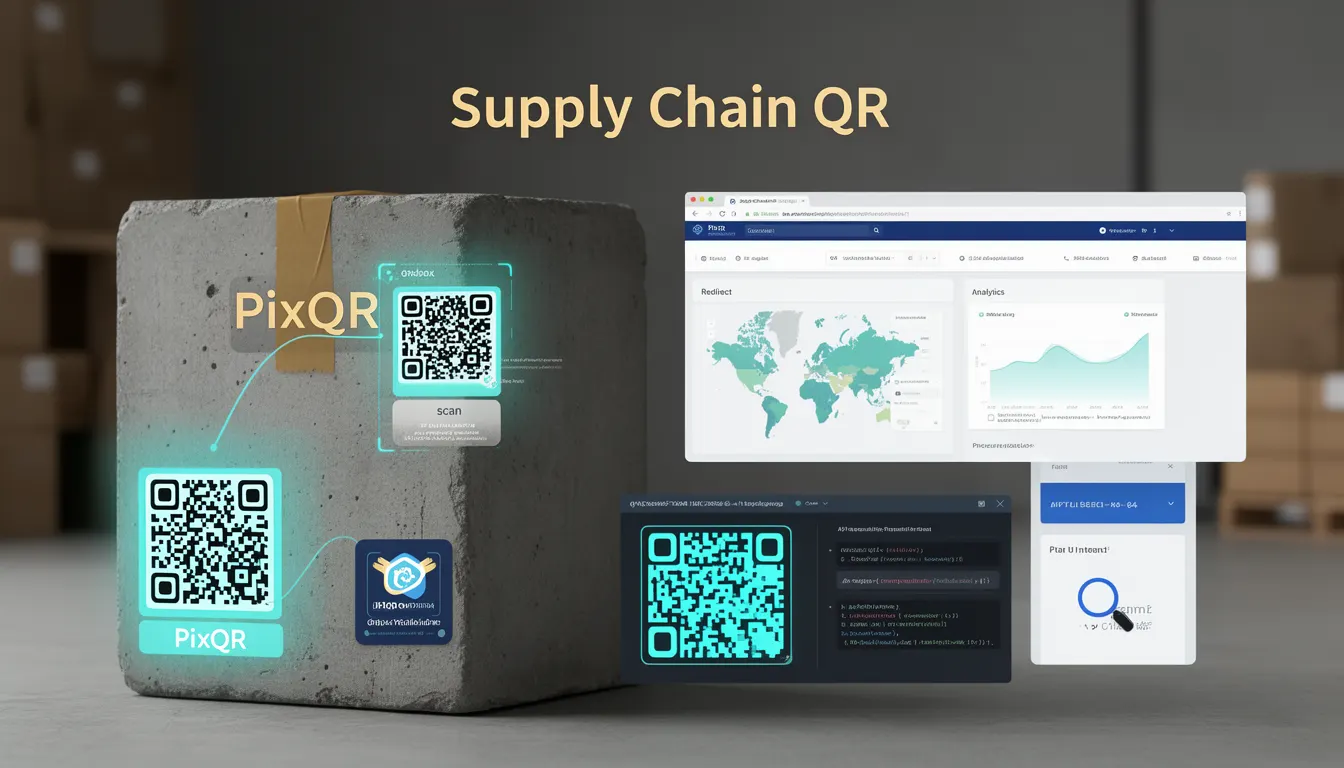
A Supply Chain QR is a specific type of QR code used in product packaging to link physical items to digital information about their journey through the supply chain. These QR codes are designed to support traceability, transparency, and consumer engagement by enabling quick access to product details, manufacturing data, logistics updates, and other relevant information.
Developers working with PixQR must understand how to generate, manage, and secure these codes, especially when integrating them into packaging workflows. Unlike generic QR codes, Supply Chain QRs are often required to carry structured data that supports backend systems and analytics, making them a key part of product lifecycle management.
Why It Matters
For developers, Supply Chain QRs are important because they serve as a bridge between physical and digital product data. They must be reliable, secure, and scalable, as they are often scanned by end-users, retailers, and logistics systems. Poorly implemented Supply Chain QRs can result in broken links, data inconsistencies, or privacy breaches, all of which impact brand trust and compliance.
From a performance standpoint, these QR codes must support high-volume scanning without degradation. They also often integrate with analytics platforms, requiring robust data handling and privacy controls. In production environments, maintaining the integrity and availability of the linked data is essential for supply chain transparency and consumer confidence.
How It Works
Supply Chain QRs are generated using structured data formats such as JSON or CSV, which are encoded into the QR code's payload. The QR code itself typically points to a secure endpoint that resolves to a product-specific URL or API resource. This endpoint is designed to deliver data that reflects the product's current status in the supply chain.
- The QR code payload is usually a URL or a structured identifier (e.g., a product ID or batch number).
- The linked resource must support HTTPS and be accessible to scanning devices without requiring authentication.
- Dynamic redirects are often used to ensure that the destination URL can be updated without changing the QR code itself.
- Each QR code must be uniquely tied to a product or batch, enabling traceability across the supply chain.
- Supply Chain QRs often include metadata such as timestamps, location data, and product specifications to enrich the information available to users.
Quick Reference
| Item | Purpose | Notes |
|---|---|---|
| QR Payload Format | Encodes product or batch identifier | Must be consistent with backend systems |
| Redirect Endpoint | Resolves to product data | Should be HTTPS and scalable |
| Dynamic URL | Allows updating destination without re-printing QR | Supports real-time data changes |
| Metadata | Provides additional context for scans | Includes timestamps, location, batch info |
| Scanning Reliability | Ensures QR can be scanned across environments | Must support various lighting and angles |
Basic Example
PixQR Example QR
This QR links directly to this glossary page, so printed notes, onboarding docs, and support material can bring scanners back to the current reference.
/glossary/qr-code-for-packaging/qr-codes-for-packaging-supply-chain-qr

This example shows a simple Supply Chain QR payload that links to a product information page.
https://api.pixqr.com/v1/product/123456789This URL is encoded into the QR code. When scanned, it directs the user to a page with product details, including manufacturing location, batch number, and shipping status. The URL is static but can be updated via a dynamic redirect system.
Production Example
In production, a Supply Chain QR is generated with a dynamic redirect and metadata included in the payload.
{
  "product_id": "123456789",
  "batch_number": "BATCH-2024-001",
  "redirect_url": "https://api.pixqr.com/v1/product/123456789",
  "timestamp": "2024-05-15T10:00:00Z",
  "location": "Manufacturing Plant A"
}
This JSON structure is encoded into the QR code and used by the PixQR platform to generate a secure, scalable link. The endpoint is configured to return structured data that can be consumed by both web and mobile applications.
Common Mistakes
- Using static URLs without dynamic redirect support, leading to outdated product data.
- Not validating QR code payloads before printing, causing broken links or invalid identifiers.
- Hardcoding product information in QR payloads instead of using dynamic endpoints.
- Ignoring scan reliability factors such as contrast, size, and environmental scanning conditions.
- Using insecure HTTP endpoints instead of HTTPS, exposing data to interception or tampering.
- Not implementing error handling for QR scans, resulting in poor user experience or data loss.
Security And Production Notes
- Ensure all QR code endpoints use HTTPS to protect data in transit.
- Validate and sanitize QR payload data to prevent injection or parsing errors.
- Implement access controls to ensure only authorized systems can update dynamic redirects.
- Use secure, scalable storage for product data to handle high-volume scanning.
- Regularly audit QR code usage and data flow to detect anomalies or security issues.
Related Concepts
Supply Chain QRs are closely related to several other QR code and packaging concepts:
- Dynamic Redirects: Enable updates to QR destinations without reprinting physical labels.
- QR Code Analytics: Track scan behavior to improve supply chain visibility and user engagement.
- Product Lifecycle Management: Supply Chain QRs are part of a broader system that tracks products from creation to disposal.
- Print Quality Assurance: Ensures QR codes are scannable under real-world conditions.
- Brand-Safe Design: QR codes must align with brand guidelines and be visually consistent with packaging.