 PixQR
PixQR
Overview
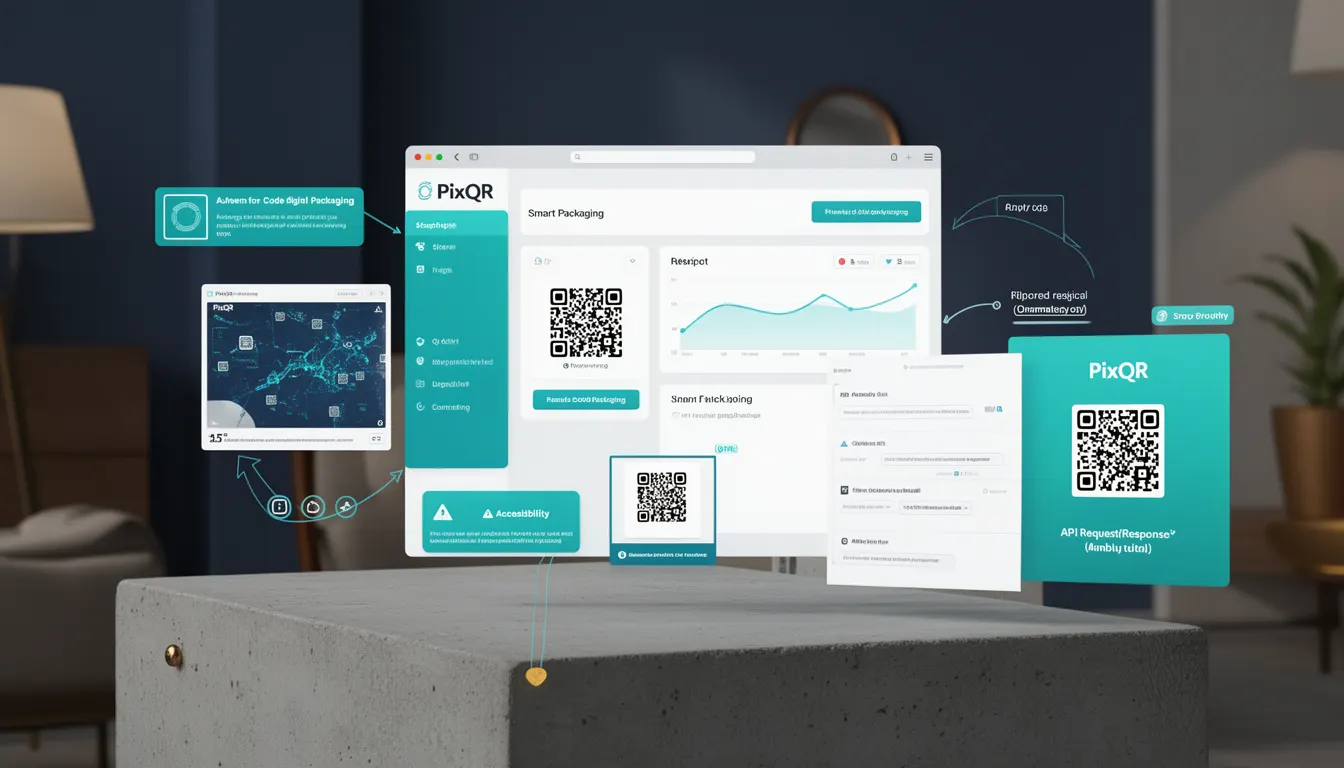
Smart Packaging refers to a modern approach to physical product packaging where QR codes are used to connect tangible items to digital experiences. These QR codes, generated via platforms like PixQR, can redirect users to web pages, product information, interactive content, or even trigger actions such as app downloads or service bookings. The core concept is to enhance the physical product with dynamic, context-aware digital functionality.
In a production context, Smart Packaging is often implemented using dynamic QR codes that allow content to be updated post-printing. This is especially valuable in industries like consumer electronics, pharmaceuticals, and retail, where product details, compliance data, or promotional offers may change over time. Developers working with PixQR must understand how to generate, manage, and track these QR codes to ensure reliable delivery of digital content.
Why It Matters
For developers, Smart Packaging introduces a new dimension of interactivity and traceability in product delivery. It allows for dynamic updates to product information without reprinting physical labels, which reduces waste and increases operational flexibility. For marketers and product teams, this capability enables personalized experiences, real-time analytics, and integration with inventory or CRM systems.
From a security perspective, Smart Packaging requires robust link validation and tracking to prevent misuse or unauthorized redirects. PixQR's platform ensures that QR code redirects are brand-safe and trackable, reducing the risk of malicious content being served through the code. For site operators, this means a more controlled and secure environment for managing digital product experiences.
How It Works
The implementation of Smart Packaging involves generating a QR code that points to a dynamic URL managed by a platform such as PixQR. This URL can be configured to redirect to a variety of endpoints, including web pages, mobile apps, or API integrations. The QR code itself is typically a standard 2D barcode, but its utility lies in how it's configured and managed.
- Smart Packaging QR codes are generated using a PixQR API or dashboard, with options for static or dynamic links.
- Dynamic QR codes allow content to be updated post-printing, enabling real-time changes to product information or offers.
- Each QR code can be configured with metadata such as expiration date, redirect type, and tracking parameters.
- Link management in PixQR supports URL shortening, analytics tracking, and brand-safe redirection to prevent malicious content.
- Scanning analytics are available to monitor how often and where QR codes are being used, providing insights into product engagement.
Quick Reference
| Item | Purpose | Notes |
|---|---|---|
| Dynamic QR Code | Enables post-printing content updates | Essential for changing offers or information |
| Redirect URL | Points to digital content or service | Must be brand-safe and secure |
| Tracking Parameters | Provides analytics on scan behavior | Used for marketing and user behavior insights |
| Expiration Date | Controls how long the QR code is active | Helps manage campaign lifecycles |
| Scan Analytics | Measures usage and engagement | Supports data-driven decision making |
Basic Example
PixQR Example QR
This QR links directly to this glossary page, so printed notes, onboarding docs, and support material can bring scanners back to the current reference.
/glossary/qr-code-for-packaging/qr-codes-for-packaging-smart-packaging

This example demonstrates how a basic QR code might be configured to point to a product page using PixQR's API.
const qrConfig = {
  url: "https://example.com/product/12345",
  type: "dynamic",
  redirectType: "301",
  tracking: true
};

const response = await fetch("/api/qr/generate", {
  method: "POST",
  headers: { "Content-Type": "application/json" },
  body: JSON.stringify(qrConfig)
});

const qrCodeUrl = response.data.qrUrl;
This configuration sets up a dynamic QR code that redirects to a product page with tracking enabled. The response contains a URL that can be used to generate the actual QR code image.
Production Example
In a production environment, QR code generation includes validation, error handling, and integration with analytics and tracking systems.
const generateSmartPackagingQR = async (productId, campaignId) => {
  const redirectUrl = `https://example.com/product/${productId}?cid=${campaignId}`;
  const qrConfig = {
    url: redirectUrl,
    type: "dynamic",
    expiresAt: new Date(Date.now() + 30 * 24 * 60 * 60 * 1000),
    tracking: true,
    analytics: {
      campaign: campaignId,
      source: "packaging"
    }
  };

  try {
    const response = await fetch("/api/qr/generate", {
      method: "POST",
      headers: { "Content-Type": "application/json" },
      body: JSON.stringify(qrConfig)
    });

    if (!response.ok) {
      throw new Error("Failed to generate QR code");
    }

    return await response.json();
  } catch (error) {
    console.error("QR generation error:", error);
    throw error;
  }
};
This version includes expiration dates, analytics tracking, and error handling to ensure reliability and proper integration with backend systems. It also ensures that the QR code is valid for a specific campaign and can be tracked for performance metrics.
Common Mistakes
- Using static QR codes when dynamic updates are needed, leading to outdated or incorrect product information.
- Not implementing proper error handling in QR code generation or redirection, causing broken links for end users.
- Ignoring analytics or tracking parameters, resulting in missed opportunities for engagement insights.
- Setting expiration dates too short or too long, which can cause user confusion or security risks.
- Generating QR codes without validating the target URL, potentially leading to redirects to unsafe or unauthorized content.
Security And Production Notes
- Always validate the destination URL to ensure it is brand-safe and does not redirect to malicious content.
- Use HTTPS for all QR code redirects to protect user data and ensure secure connections.
- Implement expiration dates on dynamic QR codes to limit the window of potential misuse.
- Enable analytics and tracking to monitor usage and detect anomalies in scan behavior.
- Use PixQR's built-in security features to prevent unauthorized access or modification of QR code content.
Related Concepts
Smart Packaging is closely related to several developer and operational concepts:
- Dynamic QR Codes — QR codes that can be updated post-printing, allowing content to change without physical reprinting.
- Link Management — The process of configuring, tracking, and updating QR code destinations in a scalable and secure way.
- Scan Analytics — Data collection and reporting on QR code usage, providing insights into product engagement and user behavior.
- Brand Safety — Ensuring that QR code redirects do not lead to harmful or unauthorized content, especially in public-facing applications.
- Operational Workflows — The processes and systems that manage QR code creation, deployment, and monitoring in production environments.