 PixQR
PixQR
Overview
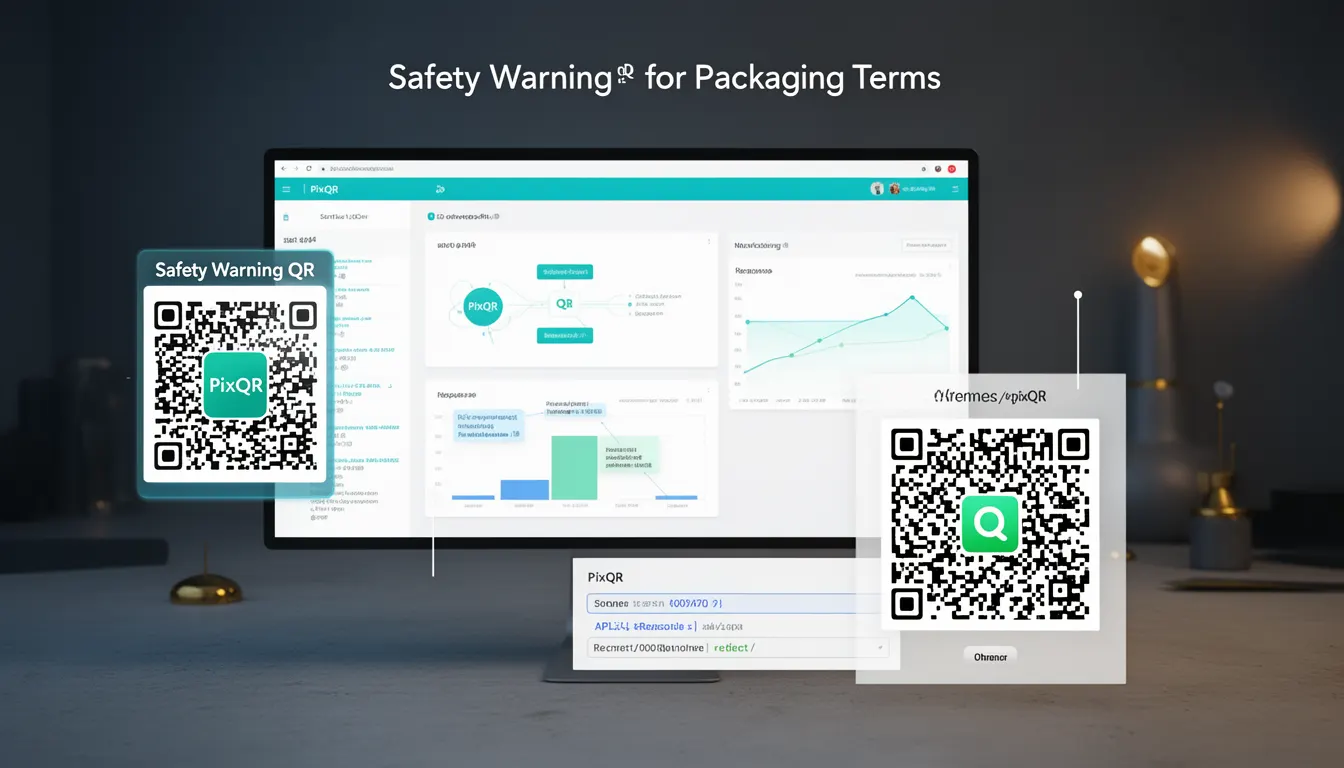
A Safety Warning QR is a specialized QR code used in product packaging to link physical items to digital safety information, compliance data, or recall notices. It enables users to access safety instructions, warnings, or regulatory documents by scanning a QR code printed on the product label or packaging.
In the context of PixQR, a Safety Warning QR is a dynamic QR code that redirects to a secure, brand-safe URL containing structured safety content. Unlike static QR codes, these are generated and managed through PixQR’s platform to ensure consistent branding, scan reliability, and compliance with safety standards. These codes are typically used in industries such as pharmaceuticals, consumer electronics, automotive parts, and food products where safety compliance is critical.
Why It Matters
For developers and product teams, the Safety Warning QR serves as a bridge between physical product identifiers and digital safety information. It ensures that users can quickly access critical safety data without needing to manually search or refer to printed documentation. In production environments, this can reduce liability, improve compliance, and enhance user trust by providing immediate access to relevant safety content.
From a security perspective, PixQR’s platform ensures that all Safety Warning QRs are monitored for scan reliability, brand-safe redirects, and compliance with privacy standards. This reduces the risk of malicious redirects or outdated content, which could otherwise compromise user safety or brand integrity. Additionally, the platform’s analytics help teams track scan behavior and identify potential issues in product distribution.
How It Works
The functionality of a Safety Warning QR is implemented through PixQR’s dynamic QR code generation system. The QR code itself is a standard 2D barcode that encodes a URL. This URL points to a backend service managed by PixQR, which ensures that the content delivered is safe, compliant, and up-to-date.
- The QR code is generated using PixQR’s API or dashboard, with a unique identifier assigned to each code.
- Each code is linked to a specific URL that can be updated or redirected without changing the physical QR code on the product.
- The URL typically points to a page or API endpoint that delivers structured safety content, such as HTML, JSON, or downloadable PDFs.
- Scan analytics are collected and can be accessed through PixQR’s dashboard, allowing teams to monitor how often and where codes are scanned.
- Content is stored securely and is subject to brand-safe policies to prevent exposure to harmful or inappropriate material.
Quick Reference
| Item | Purpose | Notes |
|---|---|---|
| QR Code URL | Redirects to safety content | Must be brand-safe and compliant |
| Dynamic Redirect | Allows content updates without physical changes | Uses PixQR’s backend routing |
| Scan Analytics | Tracks QR code usage | Available in PixQR dashboard |
| Content Format | Supports HTML, JSON, PDF | Must meet regulatory requirements |
| Brand Safety | Ensures content is appropriate | Prevents malicious or outdated data |
Basic Example
PixQR Example QR
This QR links directly to this glossary page, so printed notes, onboarding docs, and support material can bring scanners back to the current reference.
/glossary/qr-code-for-packaging/qr-codes-for-packaging-safety-warning-qr
This example demonstrates how a basic Safety Warning QR is generated using PixQR’s API, with a URL that points to a safety notice page.
POST /api/v1/qr-codes
{
  "type": "safety-warning",
  "redirect_url": "https://example.com/safety/12345",
  "branding": "default"
}
The API call creates a QR code with a type of safety-warning, which is used to distinguish it from other QR code types. The redirect_url specifies where the user will be directed upon scanning. The branding parameter ensures that the QR code matches the brand’s visual identity.
Production Example
This example shows a more robust implementation, including content validation, error handling, and scan tracking. It demonstrates how a production system might integrate with PixQR to manage a batch of Safety Warning QRs.
POST /api/v1/qr-batch
{
  "codes": [
    {
      "type": "safety-warning",
      "redirect_url": "https://example.com/safety/12345",
      "metadata": {
        "product_id": "ABC123",
        "category": "consumer-electronics"
      }
    },
    {
      "type": "safety-warning",
      "redirect_url": "https://example.com/safety/67890",
      "metadata": {
        "product_id": "XYZ789",
        "category": "pharmaceuticals"
      }
    }
  ],
  "analytics_enabled": true,
  "branding": "strict"
}
This version allows for batch generation of QR codes, each with associated metadata. The analytics_enabled flag ensures that scan behavior is tracked. The branding value of strict enforces strict brand-safe policies for all generated QR codes.
Common Mistakes
- Using static QR codes instead of dynamic ones, which prevents updates to safety content without physical reprints.
- Redirecting to unsecured or non-compliant URLs that could expose users to malicious content or violate safety regulations.
- Ignoring scan analytics, which prevents teams from identifying underperforming or misused QR codes.
- Not validating content before deployment, leading to outdated or incorrect safety information being displayed.
- Using generic branding instead of brand-safe policies, which can lead to inconsistent or unsafe user experiences.
Security And Production Notes
- All QR code redirects are validated to ensure they point to brand-safe URLs.
- Content is monitored for compliance with safety and privacy regulations.
- Analytics are enabled by default for Safety Warning QRs to track usage and detect anomalies.
- Batch generation supports metadata tagging for product categorization and audit trails.
- QR codes are generated with error correction levels to ensure reliable scanning in various conditions.
Related Concepts
Several related concepts are essential to understanding and implementing Safety Warning QRs effectively:
- Dynamic QR Code – A QR code that can be updated after creation, allowing content to change without reprinting the physical label.
- Brand Safety – The practice of ensuring that QR code redirects do not expose users to harmful or inappropriate content.
- Scan Analytics – Data collected on QR code usage, including frequency, location, and user behavior.
- Redirect Management – The process of configuring and updating where QR codes point to, especially for compliance and content control.
- Compliance Standards – Regulatory requirements that govern how safety information must be delivered and displayed.