 PixQR
PixQR
Overview
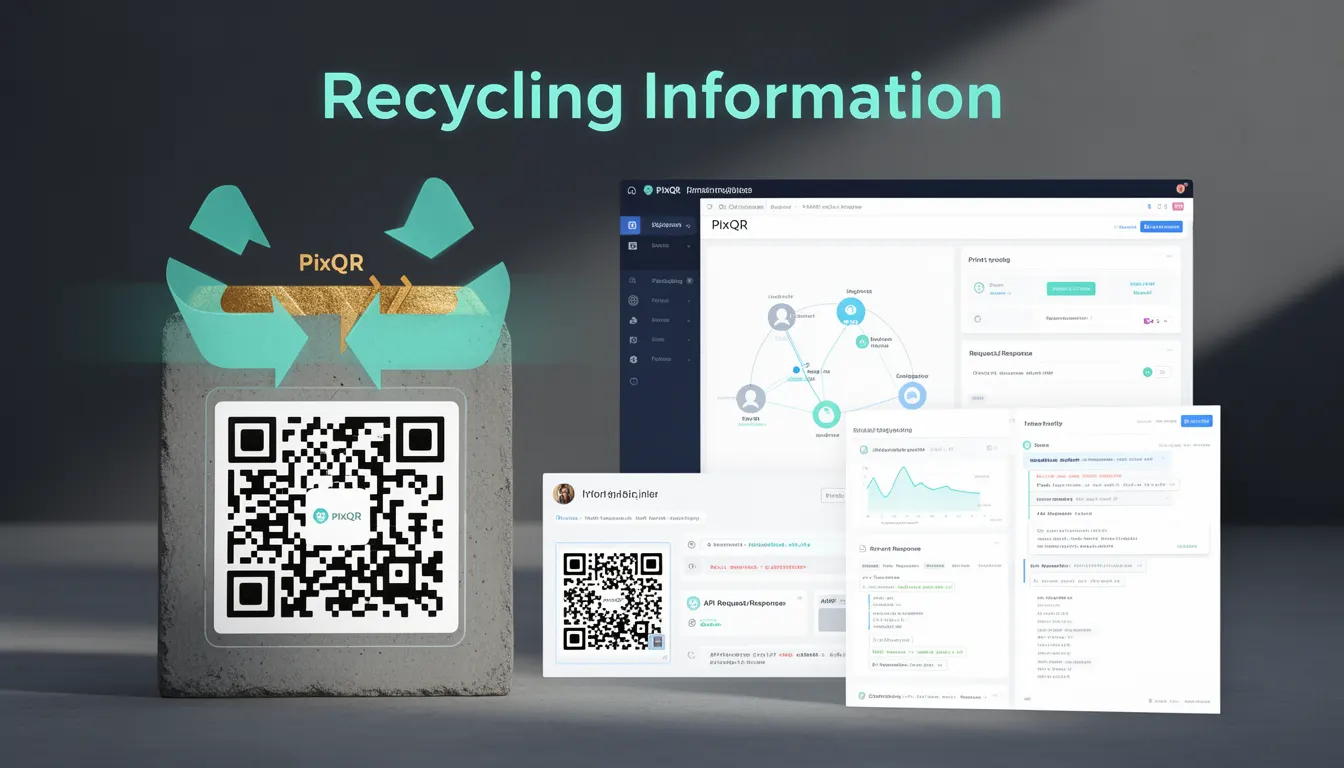
Recycling Information in the context of PixQR refers to the structured data embedded within a QR code that directs users to digital resources related to product recycling, waste management, or environmental responsibility. This mechanism allows physical packaging to connect to web-based content that provides actionable guidance for consumers, such as how to properly dispose of or recycle a product.
When a user scans a QR code on packaging, the resulting redirect can lead to a dedicated page or resource that explains recycling steps, local drop-off locations, or compliance with regional regulations. This concept is particularly valuable in industries where packaging materials are subject to environmental regulations, such as electronics, pharmaceuticals, or consumer goods.
Why It Matters
From a developer perspective, Recycling Information in QR codes serves both functional and compliance purposes. It ensures that products adhere to environmental regulations, particularly in regions with strict packaging waste laws, such as the European Union's Waste Electrical and Electronic Equipment (WEEE) directive or the U.S. Resource Conservation and Recovery Act (RCRA).
For site operators and product teams, embedding Recycling Information in QR codes improves brand reputation by demonstrating corporate responsibility and helps avoid penalties from regulatory bodies. For end users, it provides clarity and convenience, reducing confusion about disposal practices and contributing to more sustainable consumption patterns.
How It Works
The mechanism of Recycling Information relies on a dynamic QR code structure that can redirect to various digital endpoints. These endpoints are typically configured through PixQR’s API or dashboard and are associated with product-specific recycling data.
- QR codes are generated with a unique identifier or URL pattern that maps to a recycling resource.
- The redirect endpoint can be a static HTML page, a dynamic API response, or a redirect to a third-party recycling database.
- Recycling data is often stored in a structured format such as JSON-LD or RDF, enabling search engines and platforms to extract and index information.
- PixQR supports the use of dynamic parameters in the QR code URL, allowing for regional or product-specific recycling information to be served.
- Scanning analytics can track how often users interact with the recycling resource, offering insights into consumer behavior and engagement.
Quick Reference
| Item | Purpose | Notes |
|---|---|---|
| QR Code URL Pattern | Maps to recycling resource | Must support dynamic parameters |
| Dynamic Redirect Endpoint | Serves localized recycling data | Can be static or API-driven |
| Product Identifier | Uniquely identifies product | Used for data mapping |
| Regional Parameters | Customizes content by region | Supports localization |
| Analytics Tracking | Measures user engagement | Logs scan interactions |
Basic Example
PixQR Example QR
This QR links directly to this glossary page, so printed notes, onboarding docs, and support material can bring scanners back to the current reference.
/glossary/qr-code-for-packaging/qr-codes-for-packaging-recycling-information

A basic example of a Recycling Information QR code URL might point to a generic recycling page with a product ID parameter. This allows the backend to serve the correct recycling data for that product.
https://example.com/recycle?product_id=12345The URL includes a product identifier that the server uses to retrieve and render specific recycling instructions. This is a minimal implementation suitable for demonstration purposes.
Production Example
In a production environment, Recycling Information is often implemented with structured data, dynamic routing, and analytics. The QR code URL includes product and regional parameters, and the backend returns a tailored response.
https://api.pixqr.com/v1/recycle?product_id=12345®ion=EU&lang=enThis URL structure allows PixQR to dynamically fetch and display localized recycling information, ensuring compliance with regional regulations and providing a consistent user experience.
Common Mistakes
- Using static URLs without dynamic parameters, leading to incorrect or generic recycling data for different products.
- Not validating the product identifier, which can cause broken links or misdirected content.
- Ignoring regional or language parameters, resulting in a poor user experience for global markets.
- Failing to test QR code scans across devices and platforms, causing inconsistent behavior.
- Not integrating analytics, which prevents teams from understanding how users interact with recycling resources.
Security And Production Notes
- Ensure that dynamic parameters are sanitized to prevent injection or misuse of the QR code redirect endpoint.
- Use HTTPS for all recycling data endpoints to maintain secure data transmission.
- Validate product identifiers against a database to avoid serving incorrect or outdated recycling instructions.
- Implement rate limiting on API endpoints to prevent abuse or denial-of-service attacks.
- Ensure that recycling data is regularly updated and reviewed for compliance with current regulations.
Related Concepts
Recycling Information is closely tied to several developer and operational concepts:
- Dynamic QR Redirects: The mechanism that allows QR codes to point to variable content based on parameters.
- Product Lifecycle Management: The process of tracking a product’s journey from creation to disposal, including recycling.
- Geolocation APIs: Used to tailor recycling information based on a user’s location.
- Accessibility Standards: Ensuring that recycling content is accessible to users with disabilities.
- Environmental Compliance: Regulatory adherence for packaging waste and disposal practices.