 PixQR
PixQR
Overview
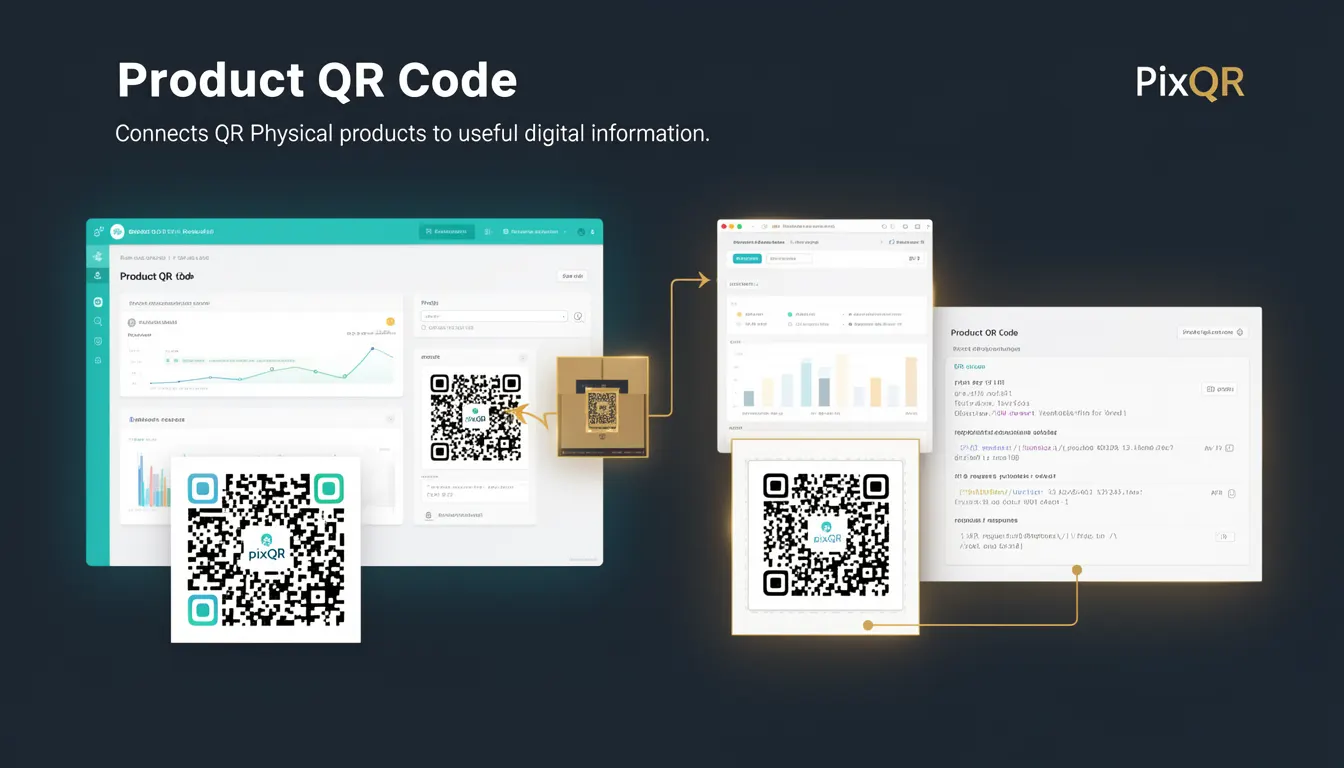
A Product QR Code is a specific type of QR code used in packaging and physical product identification to direct users to digital content or services. It bridges the physical and digital worlds by encoding a URL or other digital identifier that can be scanned to access product information, support, marketing content, or interactive experiences.
In PixQR, a Product QR Code is generated to support product-specific workflows such as digital product manuals, warranty registration, promotional campaigns, and brand engagement. It is typically printed on product packaging, labels, or tags and scanned by users with a mobile device or QR scanner.
Why It Matters
For developers, Product QR Codes are essential for creating seamless user experiences between physical and digital product environments. They enable dynamic content delivery, analytics tracking, and brand-safe redirections that are secure and scalable. When misused or improperly implemented, they can lead to broken links, poor user experience, or even security vulnerabilities.
From a production standpoint, Product QR Codes must be reliable, fast, and resilient to errors. They are often scanned in low-light conditions, with varying camera quality, or under physical constraints. Ensuring robustness in their design and implementation is critical for consistent user engagement and brand integrity.
How It Works
Product QR Codes in PixQR are generated with a focus on dynamic, secure, and scalable link management. The system allows developers to configure redirect targets, track scans, and apply brand-safe policies to ensure that every scan leads to a valid and secure destination.
- Each Product QR Code is tied to a unique identifier in PixQR's backend system, enabling analytics and tracking.
- The QR code encodes a URL or a PixQR-specific identifier that resolves to a destination at runtime.
- Support for dynamic redirects allows updates to content without reprinting physical labels.
- Scan tracking is enabled by default, providing data on user engagement, geographic distribution, and device types.
- Security features such as link validation, IP filtering, and rate limiting help prevent abuse and ensure brand safety.
Quick Reference
| Item | Purpose | Notes |
|---|---|---|
| QR Code Identifier | Uniquely identifies the product QR code | Used in analytics and tracking |
| Redirect Target | Destination URL or action for scan | Can be static or dynamic |
| Scan Tracking | Records scan events and metadata | Includes device, location, timestamp |
| Link Validation | Ensures destination is safe and valid | Prevents malicious redirects |
| Dynamic Content | Allows content updates without re-printing | Uses backend API for content resolution |
Basic Example
PixQR Example QR
This QR links directly to this glossary page, so printed notes, onboarding docs, and support material can bring scanners back to the current reference.
/glossary/qr-code-for-packaging/qr-codes-for-packaging-product-qr-code

This example shows how to generate a basic Product QR Code using PixQR's API. It encodes a static URL that directs users to a product page.
const qrCode = pixqr.generate({
  type: 'product',
  target: 'https://example.com/products/12345',
  label: 'Product QR Code'
});
The type field specifies that this is a Product QR Code. The target field defines the URL to which the QR code will redirect. The label is used for internal identification and reporting.
Production Example
In a production environment, a Product QR Code might be generated with additional configurations for security, analytics, and dynamic behavior. This example includes tracking, validation, and dynamic redirect options.
const qrCode = pixqr.generate({
  type: 'product',
  target: 'https://api.example.com/product/12345',
  label: 'Product QR Code',
  tracking: true,
  validate: true,
  dynamic: true
});
This version enables scan tracking and validation to ensure the destination is safe. The dynamic flag allows for content updates without re-printing the QR code, which is essential for product lifecycle management.
Common Mistakes
- Not validating the redirect URL, which can lead to phishing or malicious content being served.
- Using static QR codes without dynamic updates, making it difficult to correct errors or update content.
- Ignoring scan tracking, which prevents developers from understanding user behavior or optimizing engagement.
- Not configuring proper analytics or monitoring, leading to blind spots in product performance.
- Generating QR codes with low error correction levels, causing poor scan reliability in real-world conditions.
Security And Production Notes
- Always validate redirect URLs to prevent open redirect vulnerabilities and phishing.
- Use dynamic QR code targets to allow for updates without re-printing physical materials.
- Enable scan tracking to monitor user engagement and detect anomalies in traffic patterns.
- Implement rate limiting to prevent abuse of the QR code generation or redirect endpoints.
- Ensure QR codes are generated with appropriate error correction levels (e.g., QR Level M or higher) for reliable scanning.
Related Concepts
Product QR Codes are part of a broader ecosystem of digital product identification and engagement tools. They relate to the following concepts:
- Dynamic Redirects: The ability to change destination content without modifying the QR code itself.
- Scan Analytics: Data collection and reporting on QR code usage and user behavior.
- Brand Safety: Ensuring QR code destinations are secure and align with brand guidelines.
- Link Management: Centralized control of URLs and redirects for multiple products or campaigns.
- Print Reliability: QR code design and sizing considerations for physical printing and scanning.