 PixQR
PixQR
Overview
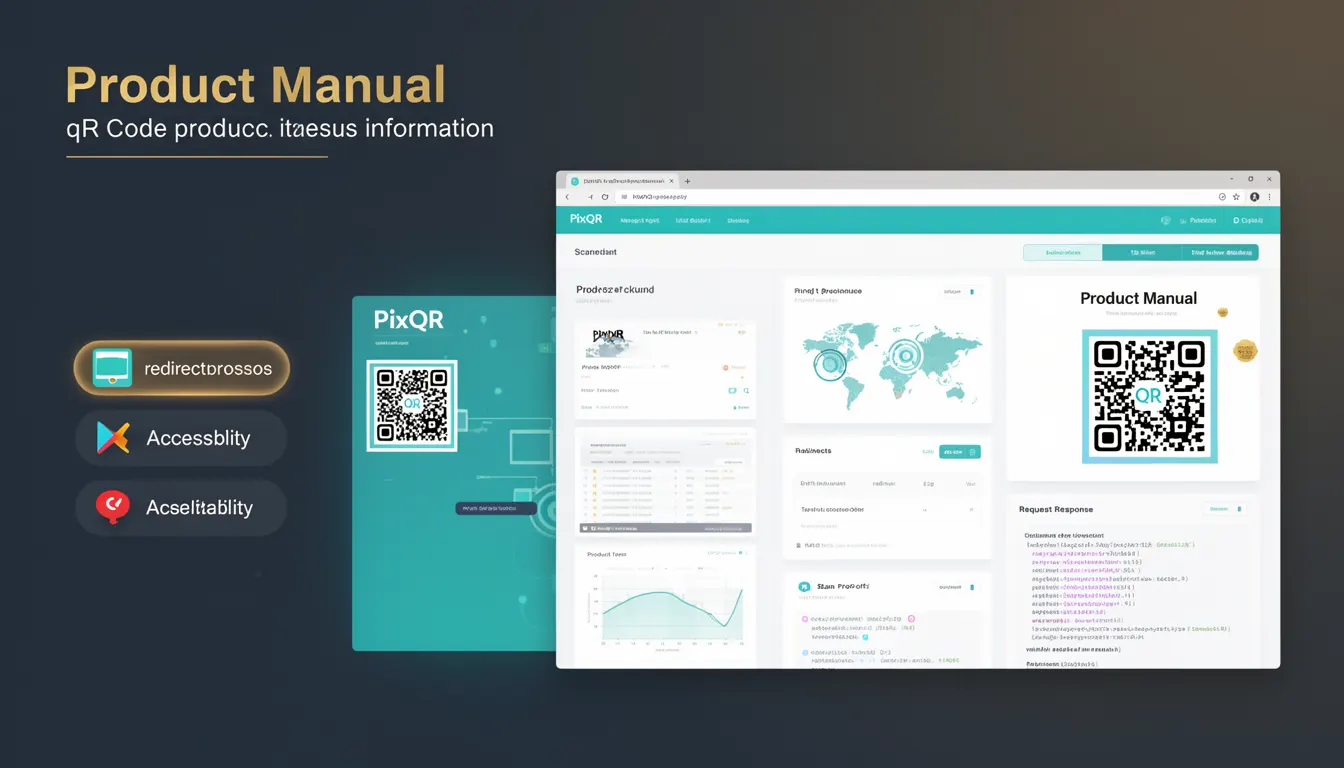
A Product Manual in the context of packaging and QR code implementation refers to a digital resource that is made accessible via a QR code printed on physical product packaging. This QR code acts as a bridge between the physical and digital worlds, enabling consumers to access product-related information, instructions, support, or interactive content through their mobile devices.
For developers working with PixQR, the Product Manual concept is central to designing and managing QR code workflows that connect physical items to dynamic, brand-safe, and secure digital experiences. The QR code itself is a static element, but it points to a dynamic redirect that can be updated, tracked, and governed through PixQR's platform.
Why It Matters
From a developer perspective, implementing a Product Manual via QR code is critical for delivering consistent, accessible, and scalable digital content to users. It enables manufacturers to provide up-to-date information without reprinting physical packaging, and it supports analytics and user engagement tracking.
In production environments, this approach ensures compliance with brand guidelines, reduces physical print costs, and enhances user experience by offering immediate access to relevant digital content. It also supports operational workflows by allowing dynamic updates to product data, legal disclaimers, or promotional offers through the PixQR platform.
How It Works
When a QR code is generated for a Product Manual, it typically points to a URL that redirects to a dynamic landing page or API endpoint. This endpoint can serve content that is tailored to the user, device, or region, and can be updated in real time.
- The QR code itself is generated with a specific URL, often using PixQR's API or dashboard.
- That URL can be a static redirect or a dynamic endpoint that returns content based on parameters like user agent or location.
- PixQR supports analytics tracking on these redirects, allowing developers to monitor scan behavior, device types, and geographic distribution.
- Content served through the QR code can be hosted on PixQR's secure CDN or an external domain, with the platform supporting HTTPS and privacy compliance.
- Product Manual content can include PDFs, web pages, interactive forms, or embedded videos, all served through the platform's secure and scalable infrastructure.
Quick Reference
| Item | Purpose | Notes |
|---|---|---|
| QR Code URL | Points to a dynamic redirect | Must support HTTPS and be brand-safe |
| Redirect Endpoint | Serves product information | Can be updated without re-printing |
| Analytics Tracking | Monitors scan behavior | Includes device, location, and time data |
| Content Hosting | Delivers digital manual | Can be PDF, HTML, or video |
| Update Capability | Allows real-time content changes | Uses PixQR’s platform controls |
Basic Example
PixQR Example QR
This QR links directly to this glossary page, so printed notes, onboarding docs, and support material can bring scanners back to the current reference.
/glossary/qr-code-for-packaging/qr-codes-for-packaging-product-manual
This example demonstrates how a basic QR code is generated to point to a Product Manual URL.
const qrCode = pixqr.generate({
  url: 'https://example.com/product-manual/12345',
  type: 'dynamic',
  brand: 'Acme Corp'
});
The example shows a call to PixQR’s API to generate a dynamic QR code with a specific URL. This URL points to a product manual page that can be updated without changing the physical QR code.
Production Example
In a production setting, a developer would ensure the QR code is robust, tracks analytics, and serves secure content.
const qrConfig = {
  url: 'https://api.pixqr.com/v1/redirect/12345',
  type: 'dynamic',
  analytics: true,
  branding: 'Acme Corp',
  expiration: '2025-12-31',
  content: {
    type: 'html',
    url: 'https://cdn.pixqr.com/manuals/12345.html'
  }
};

const qrCode = pixqr.generate(qrConfig);
This version includes analytics tracking, branding, content type, and an expiration date. It ensures that the QR code is not only functional but also secure, maintainable, and aligned with operational workflows.
Common Mistakes
- Using non-HTTPS URLs in QR codes, which can cause mobile browsers to block access or trigger warnings.
- Generating static QR codes for content that needs frequent updates, leading to outdated information for users.
- Not validating QR code content before deployment, which can result in broken links or inaccessible manuals.
- Ignoring analytics and tracking capabilities, which prevents developers from understanding user engagement.
- Using generic or unbranded redirect URLs, which can dilute brand identity or cause confusion.
Security And Production Notes
- Always use HTTPS for QR code redirect endpoints to ensure secure content delivery and prevent man-in-the-middle attacks.
- Validate and sanitize all input parameters used in dynamic QR code generation to prevent injection or redirect exploits.
- Implement access controls and authentication for dynamic content to prevent unauthorized updates or content exposure.
- Ensure QR code content is accessible and complies with WCAG standards for inclusive design.
- Use PixQR's built-in analytics and monitoring to detect anomalies in scan behavior or unexpected redirect patterns.
Related Concepts
Several related developer concepts are closely tied to the Product Manual implementation:
- Dynamic QR Code Redirects: The mechanism by which a QR code points to a dynamic URL that can be updated.
- Scan Tracking: The ability to monitor QR code scans for analytics and user behavior insights.
- Brand-Safe Content Delivery: Ensuring that QR code content aligns with brand guidelines and is hosted securely.
- Privacy Compliance: Ensuring that QR code redirects and analytics comply with data protection regulations like GDPR or CCPA.
- Print Reliability: Ensuring that QR codes are scannable under various print conditions and environments.