 PixQR
PixQR
Overview
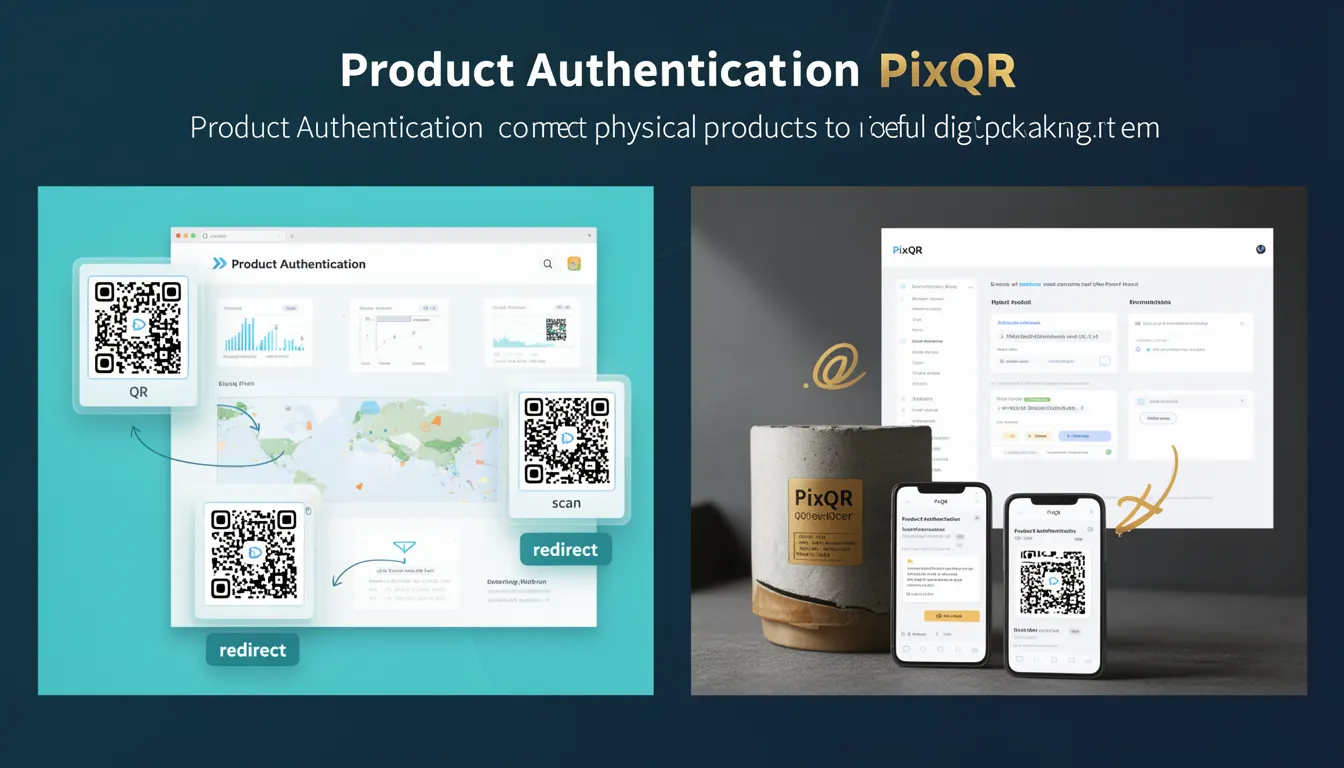
Product Authentication in the context of PixQR refers to the process of embedding digital identifiers into physical product packaging through QR codes, which when scanned, connect users to verified digital content. This mechanism allows brands to verify product authenticity, provide product details, and deliver secure digital experiences.
For developers, Product Authentication is implemented through QR code generation and linking to backend systems that validate product identifiers. The process typically involves assigning a unique identifier to each product, embedding that identifier into a QR code, and configuring the QR code to redirect to a secure endpoint that verifies the product's legitimacy.
Why It Matters
Product Authentication is crucial for preventing counterfeiting, ensuring brand integrity, and providing consumers with reliable information about their purchases. From a developer perspective, implementing Product Authentication requires careful handling of identifiers, secure redirect mechanisms, and robust validation systems to prevent misuse or bypass.
In production environments, misconfigurations in Product Authentication can lead to fraudulent content delivery, loss of consumer trust, and potential legal issues. Developers must ensure that the system correctly validates product identifiers and maintains secure communication channels to prevent unauthorized access or manipulation.
How It Works
Product Authentication within PixQR operates through a series of interconnected steps that begin with identifier assignment and end with secure content delivery. The system uses a combination of unique product identifiers, secure redirect endpoints, and backend validation to establish trust between physical and digital product states.
- Each product receives a unique identifier, typically a UUID or serial number, that is stored in a secure database.
- The identifier is encoded into a QR code using a standardized format that supports dynamic redirects.
- When scanned, the QR code redirects to a PixQR-managed endpoint that validates the product identifier against the database.
- Upon successful validation, the system delivers authenticated product information or digital content.
- Invalid or unregistered identifiers trigger error handling that prevents unauthorized access to content.
Quick Reference
| Item | Purpose | Notes |
|---|---|---|
| Unique Product Identifier | Ensures distinct product tracking | Must be cryptographically secure to prevent collisions |
| QR Code Encoding | Embeds identifier into physical product | Supports dynamic redirect protocols |
| Redirect Endpoint | Validates product authenticity | Must be secured against unauthorized access |
| Database Validation | Checks product legitimacy | Requires consistent schema and indexing |
| Error Handling | Manages invalid scans | Should not expose internal system details |
Basic Example
PixQR Example QR
This QR links directly to this glossary page, so printed notes, onboarding docs, and support material can bring scanners back to the current reference.
/glossary/qr-code-for-packaging/qr-codes-for-packaging-product-authentication

A basic Product Authentication implementation involves generating a QR code with a unique identifier and linking it to a validation endpoint. This example demonstrates the core concept without complex security features.
const productId = "123e4567-e89b-12d3-a456-426614174000";
const qrUrl = `https://pixqr.example.com/validate/${productId}`;
// QR code content would be the value of qrUrl
// When scanned, it redirects to the validation endpoint
The example shows a UUID-based identifier being embedded into a URL. The QR code would contain this URL, which when scanned, directs to a PixQR endpoint that verifies the product against a database.
Production Example
A production-ready Product Authentication system requires secure identifier generation, robust validation, and error handling. This example demonstrates how to implement secure redirection and validation.
const generateProductQR = (productId, brandId) => {
  const secret = process.env.QR_SECRET;
  const timestamp = Date.now();
  const signature = crypto
    .createHmac('sha256', secret)
    .update(`${productId}-${brandId}-${timestamp}`)
    .digest('hex');
  return `https://pixqr.example.com/validate/${productId}?t=${timestamp}&s=${signature}`;
};
This version includes timestamp-based signatures to prevent replay attacks and ensures that the QR code contains a secure token that validates the request before delivering product information.
Common Mistakes
- Using predictable identifiers such as sequential numbers instead of cryptographically secure UUIDs, which makes the system vulnerable to enumeration attacks.
- Not implementing proper signature validation, allowing attackers to forge valid-looking QR codes.
- Exposing internal database identifiers in QR code content, which provides attackers with direct access to system internals.
- Failure to implement rate limiting on validation endpoints, leading to potential denial-of-service scenarios.
- Ignoring error handling for invalid QR code scans, which can lead to user confusion or information leakage.
Security And Production Notes
- Always use cryptographically secure identifiers to prevent predictability and enumeration attacks.
- Implement time-based signatures to prevent replay attacks and ensure QR code freshness.
- Validate all incoming identifiers against a secure database to prevent unauthorized access.
- Ensure that error messages do not reveal internal system details or database structures.
- Use HTTPS for all endpoints to prevent man-in-the-middle attacks and data interception.
Related Concepts
Product Authentication is closely related to several other developer concepts. Dynamic QR Code Generation provides the mechanism for creating QR codes with embedded identifiers. Secure Redirects ensure that the QR code links to a validated endpoint. API Security protects the backend systems that validate identifiers. Scan Analytics provide insights into how QR codes are being used in the field. Brand Safety ensures that the digital content delivered through QR codes aligns with brand guidelines and policies.