 PixQR
PixQR
Overview
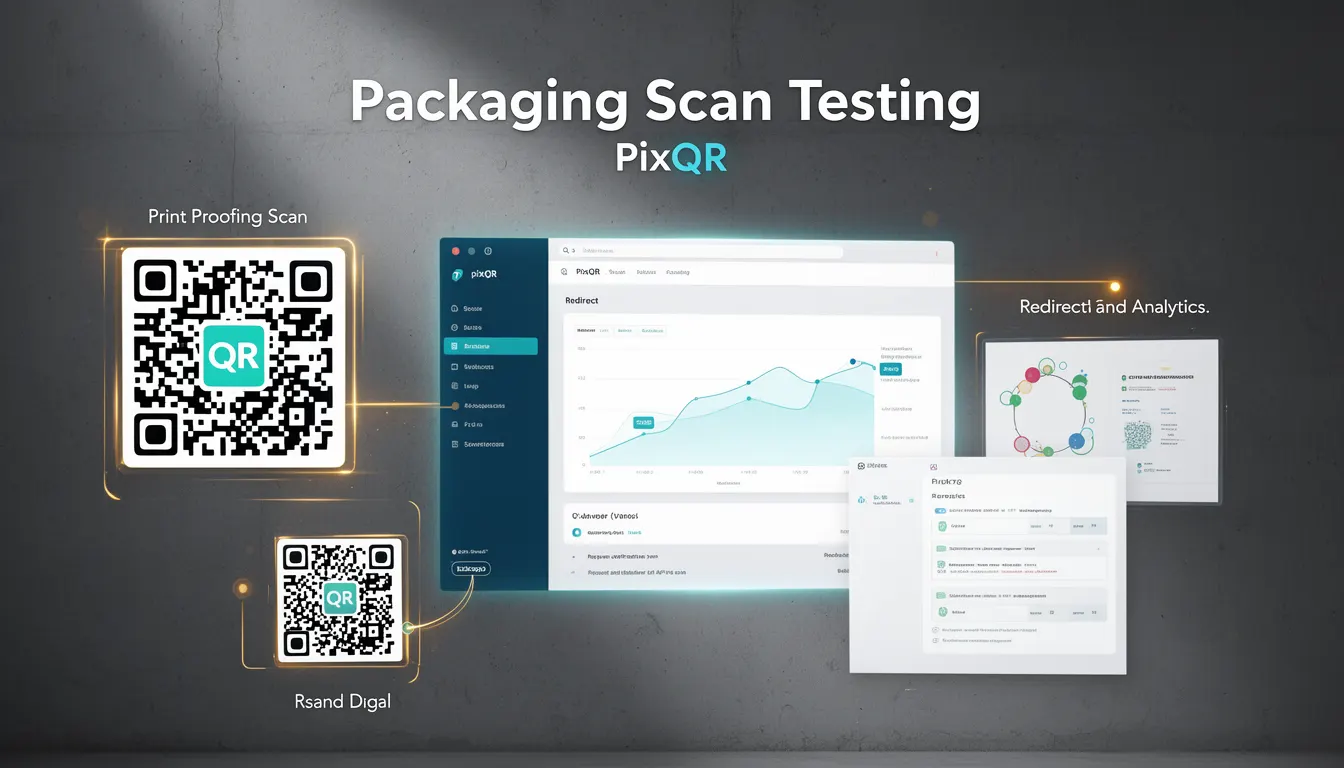
Packaging Scan Testing refers to the process of validating QR code functionality on physical product packaging to ensure that scanned codes reliably redirect users to intended digital content. This practice is essential in modern product distribution, where QR codes are used to connect physical items to web experiences, product information, support resources, or marketing campaigns.
Developers and product teams use Packaging Scan Testing to confirm that a QR code on a product label, package, or box will consistently generate a correct URL, handle errors gracefully, and provide a secure, reliable experience for end users. The process is particularly important for ensuring brand-safe design, privacy compliance, and scan reliability.
Why It Matters
For developers working with PixQR, Packaging Scan Testing ensures that QR codes are not only correctly generated but also function reliably across different scanning tools, environments, and devices. Poorly tested QR codes can lead to broken links, misdirected traffic, or security vulnerabilities, which impact user experience and brand reputation.
In production environments, this testing helps prevent fraud, ensures compliance with privacy regulations, and supports secure operational workflows. It also contributes to analytics accuracy, as incorrect or inconsistent redirects can skew data on user engagement or conversion rates.
How It Works
Packaging Scan Testing involves verifying that a QR code on physical packaging behaves as expected when scanned. The process includes several key steps and considerations:
- Validation of QR code structure and content to ensure it encodes the correct URL or data.
- Testing across multiple scanning tools and devices to confirm compatibility and reliability.
- Ensuring the target URL is accessible, secure, and properly configured to handle the incoming request.
- Verifying that redirects are fast, consistent, and do not introduce latency or error states.
- Confirming that scanned QR codes are not vulnerable to misuse, such as phishing or unauthorized redirects.
When using PixQR, developers can configure dynamic redirects, set up analytics tracking, and apply security rules to ensure that each QR code on a package meets performance and safety standards. Testing is often performed in staging environments before deployment to physical products.
Quick Reference
| Item | Purpose | Notes |
|---|---|---|
| QR Code Content | Encodes URL or data | Must be valid and secure |
| Redirect Validation | Ensures correct destination | Test across platforms |
| Scan Reliability | Ensures consistent scanning | Check on multiple devices |
| Analytics Integration | Tracks scan behavior | Ensure data accuracy |
| Security Rules | Prevents misuse | Apply access controls |
Basic Example
PixQR Example QR
This QR links directly to this glossary page, so printed notes, onboarding docs, and support material can bring scanners back to the current reference.
/glossary/qr-code-for-packaging/qr-codes-for-packaging-packaging-scan-testing

This example demonstrates how a developer might define a QR code configuration for a product package in PixQR.
{ "url": "https://example.com/product-info", "type": "dynamic", "analytics": true }The configuration specifies a dynamic redirect to a product information page, with analytics enabled. This ensures that scans are tracked and that the QR code will reliably direct users to the correct destination.
Production Example
In a production environment, developers use more comprehensive configurations that include error handling, analytics, and security features.
{ "url": "https://secure.example.com/product/{sku}", "type": "dynamic", "analytics": true, "security": { "allowed_domains": ["example.com"], "rate_limit": 100 }, "fallback": "https://example.com/error" }This version includes a secure URL template, domain restrictions, rate limiting, and a fallback URL. These features help ensure that the QR code behaves securely and predictably, even under high traffic or unexpected conditions.
Common Mistakes
- Using static QR codes instead of dynamic ones, which cannot be updated if the target URL changes.
- Not validating QR code content before printing, leading to broken or incorrect links on physical products.
- Ignoring scan reliability across different devices or lighting conditions.
- Overlooking analytics integration, resulting in missed insights about user behavior.
- Failing to implement security rules, exposing the QR code to misuse or unauthorized access.
Security And Production Notes
- Always validate QR code content to prevent injection of malicious URLs or data.
- Implement rate limiting to protect against abuse or denial-of-service attacks.
- Use HTTPS for all target URLs to ensure secure communication.
- Restrict domains that can be used in redirects to reduce the risk of phishing.
- Include fallback URLs to handle cases where the primary destination is unavailable.
Related Concepts
Packaging Scan Testing is closely related to several core concepts in QR code development and product deployment:
- Dynamic Redirects – The ability to change QR code behavior without re-printing physical labels.
- Scan Reliability – Ensuring QR codes are scannable under various conditions and devices.
- Brand-Safe Design – Using QR codes in ways that protect brand integrity and user trust.
- Privacy Compliance – Ensuring QR code usage adheres to data protection laws like GDPR or CCPA.
- Operational Security – Applying safeguards to QR code systems to prevent misuse or unauthorized access.