 PixQR
PixQR
Overview
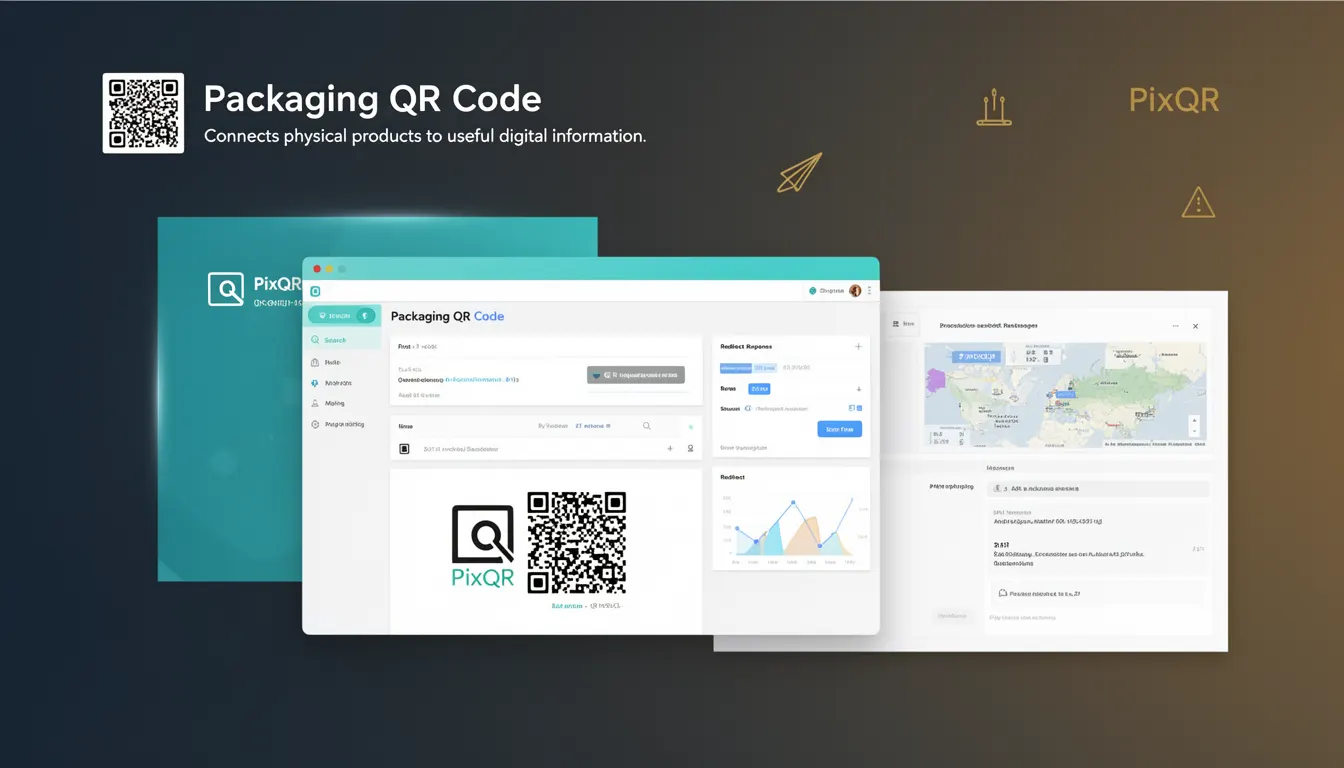
“Packaging QR Code” refers to a specific use case within the PixQR platform where QR codes are embedded into product packaging to link physical items to digital resources. These codes are generated with a focus on reliability, brand safety, and secure delivery of information to end users.
Developers working with PixQR implement these codes for product identification, access to manuals, warranty information, or promotional content. The QR code is printed on packaging and scanned by users through compatible mobile apps or browsers. The scan triggers a redirect to a secure URL hosted by PixQR, which can serve dynamic content or direct users to a static resource.
Why It Matters
For developers, packaging QR codes are critical for bridging the physical and digital worlds in product ecosystems. They allow companies to provide rich, interactive experiences without altering the physical packaging itself. This is especially important in industries like consumer electronics, pharmaceuticals, and retail, where regulatory compliance, traceability, and user engagement are paramount.
From a security standpoint, PixQR ensures that all links generated for packaging QR codes are monitored and validated to prevent malicious redirects. This is essential for maintaining brand trust and avoiding exposure to phishing or malware risks. Additionally, analytics tracking helps developers and product teams understand user engagement and optimize content delivery.
How It Works
When a developer creates a packaging QR code through the PixQR platform, several parameters are set to define how the code behaves and what it links to. The process involves generating a unique identifier, configuring a destination URL, and applying branding and security policies.
- The QR code is generated with a specific error correction level to ensure scannability even under suboptimal conditions.
- Destination URLs are validated against PixQR’s internal safe-list to prevent malicious redirects.
- Branding options allow developers to apply custom logos or color schemes to the QR code design.
- Analytics and tracking are enabled by default, capturing scan data for performance and engagement metrics.
- Scan reliability is enhanced through dynamic URL handling, which ensures that even if the original content changes, the QR code still functions correctly.
Quick Reference
| Item | Purpose | Notes |
|---|---|---|
| error correction level | Ensures scannability under poor conditions | Set to M (medium) for packaging QR codes |
| destination URL | Where the QR code redirects users | Must be validated by PixQR for safety |
| branding options | Customize appearance of the QR code | Logo and color can be applied |
| analytics tracking | Measure scan activity and user behavior | Enabled by default |
| dynamic redirect | Allow URL updates without re-printing | Supports content evolution |
Basic Example
PixQR Example QR
This QR links directly to this glossary page, so printed notes, onboarding docs, and support material can bring scanners back to the current reference.
/glossary/qr-code-for-packaging/qr-codes-for-packaging-packaging-qr-code
This example shows how a developer might configure a basic packaging QR code using PixQR’s API.
{
  "type": "packaging",
  "destination_url": "https://example.com/product-manual",
  "error_correction": "M",
  "branding": {
    "logo_url": "https://example.com/logo.png"
  }
}
The configuration sets the QR code type to packaging, specifies a destination URL, and applies a brand logo. This minimal setup is suitable for testing or initial implementation.
Production Example
In a production environment, a developer would implement additional security and validation steps to ensure the QR code is reliable and secure.
{
  "type": "packaging",
  "destination_url": "https://secure.example.com/product-info",
  "error_correction": "H",
  "branding": {
    "logo_url": "https://secure.example.com/logo.png",
    "color": "#000000"
  },
  "analytics": {
    "enabled": true,
    "tracking_id": "UA-123456789-1"
  },
  "security": {
    "allowed_domains": ["example.com", "secure.example.com"],
    "redirect_limit": 3
  }
}
This version includes enhanced error correction, stricter domain validation, and analytics tracking. It also sets a redirect limit to prevent abuse and ensures all content is served over HTTPS.
Common Mistakes
- Not validating destination URLs, leading to potential redirects to unsafe domains.
- Using low error correction levels, resulting in scannability issues on packaging.
- Ignoring analytics configuration, which prevents tracking of user engagement.
- Applying branding without considering print quality or contrast, reducing QR code readability.
- Not setting a redirect limit, which can open the system to abuse or spam.
Security And Production Notes
- All destination URLs must pass PixQR’s domain validation to prevent malicious redirects.
- Use HTTPS for all destination URLs to ensure secure content delivery.
- Implement error correction levels of at least M to maintain scannability under various conditions.
- Set a redirect limit to avoid abuse and ensure system stability.
- Regularly audit analytics data to detect anomalies or potential misuse of QR codes.
Related Concepts
Several developer concepts are closely related to packaging QR codes, including:
- Dynamic Redirects: The ability to update the destination URL without re-printing the QR code.
- Scan Analytics: Tracking how often and where users scan QR codes.
- Brand-Safe Design: Ensuring QR code aesthetics align with brand guidelines while maintaining scannability.
- Link Management: Organizing and controlling access to digital resources through QR codes.
- Print Reliability: Ensuring QR codes remain scannable after printing on various materials and under different lighting.