 PixQR
PixQR
Overview
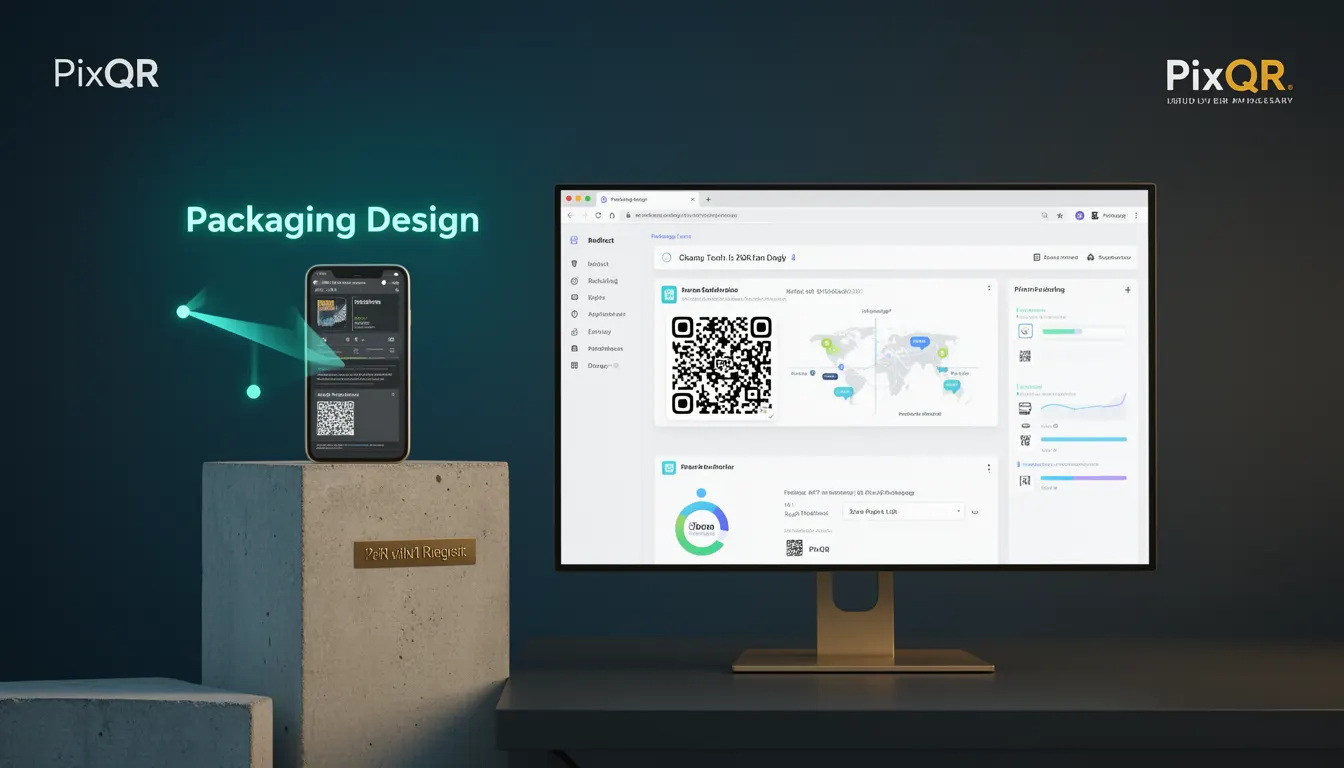
Packaging Design in the context of PixQR refers to the strategic integration of QR code elements into physical product packaging. It involves the careful placement, styling, and functional configuration of QR codes to ensure they effectively bridge the physical and digital worlds for consumers. This design approach is critical for delivering a seamless user experience while maintaining brand consistency, scan reliability, and operational security.
For developers working with PixQR, Packaging Design is not merely about aesthetics but about ensuring that QR codes embedded in product packaging are scannable, secure, and capable of redirecting users to intended digital content. It encompasses both the visual and technical aspects of QR code implementation on physical products, including how the code interacts with the product's physical environment and the digital endpoints it connects to.
Why It Matters
From a developer’s perspective, Packaging Design directly affects the success of a QR code deployment in a physical product environment. Poorly designed QR codes on packaging can lead to failed scans, user confusion, or even redirection to malicious content, which undermines both brand trust and operational integrity. Effective Packaging Design ensures that QR codes are placed in a way that maximizes visibility and scanability, while also aligning with brand guidelines and digital content delivery strategies.
For product teams, the design of QR codes on packaging can significantly impact user engagement, analytics tracking, and the overall effectiveness of a digital marketing campaign. A well-designed QR code on a product can drive conversions, provide valuable user feedback, and enable dynamic content updates through PixQR’s redirect management features. For security-conscious developers, Packaging Design also ensures that QR codes are not vulnerable to tampering or misdirection, which is essential for maintaining the integrity of the digital experience.
How It Works
Packaging Design for QR codes in PixQR involves a combination of physical and digital considerations. The process begins with defining the QR code’s placement on the product, followed by configuration of its behavior, content, and tracking capabilities. The following are key aspects of how Packaging Design functions within the PixQR ecosystem:
- The QR code must be sized and positioned to ensure optimal scannability, typically placed where it is visible and not obstructed by product labels or textures.
- QR code styling, including color and contrast, is configured to ensure it remains scannable under various lighting conditions and print quality variations.
- Each QR code is linked to a dynamic redirect within PixQR, allowing for content updates without modifying the physical packaging.
- Analytics settings are applied to track scan behavior, geographic data, and user engagement with the digital content.
- Security parameters are implemented to prevent unauthorized modifications or misuse of the QR code’s redirect destination.
When integrating QR codes into packaging, developers must consider the physical constraints of the product, such as material, texture, and lighting conditions. PixQR supports various QR code formats and configurations, including dynamic redirects, which allow for real-time updates of the destination URL without changing the physical QR code itself. This flexibility is crucial for campaigns that may need to adjust content or promotions based on user feedback or market conditions.
Quick Reference
| Item | Purpose | Notes |
|---|---|---|
| QR Code Placement | Ensures optimal scannability | Must be visible and unobstructed |
| Color and Contrast | Improves scan reliability | Must be visible under varying lighting |
| Dynamic Redirect | Enables content updates | Allows URL changes without re-printing |
| Analytics Configuration | Tracks user behavior | Provides data for campaign optimization |
| Security Settings | Prevents misuse | Ensures redirect integrity |
Basic Example
PixQR Example QR
This QR links directly to this glossary page, so printed notes, onboarding docs, and support material can bring scanners back to the current reference.
/glossary/qr-code-for-packaging/qr-codes-for-packaging-packaging-design

A basic example of Packaging Design involves creating a QR code that links to a product’s digital manual or support page. This code is placed on the product packaging in a way that ensures visibility and scannability.
<!-- Basic QR Code Placement -->
<div class="product-packaging">
  <img src="/qr-code.svg" alt="Scan for product manual">
</div>
In this example, the QR code is embedded within a product packaging layout. The image is styled to be clearly visible and positioned to avoid interference with other packaging elements. The alt text ensures accessibility and provides context for users who may not be able to scan the code.
Production Example
In a production environment, Packaging Design involves more complex configuration, including analytics, security, and dynamic redirect capabilities. The following example demonstrates how a developer might configure a QR code for a product line using PixQR’s API:
// Configure a QR code for product packaging with analytics and security
const qrConfig = {
  content: "https://example.com/product/manual",
  placement: "top-right",
  size: "medium",
  analytics: {
    enabled: true,
    tracking: ["country", "device", "time"]
  },
  security: {
    enabled: true,
    redirectProtection: true
  }
};

// Generate QR code with PixQR API
const qrCode = pixqr.generate(qrConfig);
This version includes advanced features such as analytics tracking and security settings. The configuration ensures that the QR code not only functions correctly but also provides valuable insights into user behavior and protects against unauthorized redirects. It is suitable for enterprise-level deployments where data integrity and campaign performance are critical.
Common Mistakes
- Placing QR codes in areas that are easily obscured or damaged during handling or shipping, which reduces scan success rates.
- Using low-contrast colors or overly complex designs that compromise scannability, especially under varying lighting conditions.
- Not configuring analytics or tracking, which results in missed opportunities for campaign optimization and user insights.
- Ignoring security settings, which can lead to QR code misuse or redirection to malicious content.
- Overlooking the need for accessibility in QR code placement and labeling, which excludes users with visual impairments.
Security And Production Notes
- Always validate QR code content before deployment to prevent unintended redirects or malicious links.
- Use dynamic redirects to allow updates without re-printing physical packaging, but ensure that the redirect system is secure.
- Implement access controls and audit logs to track changes to QR code configurations and redirects.
- Ensure that QR codes are tested under various real-world conditions, including lighting and print quality variations.
- Design QR code placements to be durable and resistant to wear, especially for products with high usage or exposure.
Related Concepts
Packaging Design intersects with several other developer concepts within the PixQR ecosystem. These include:
- Dynamic Redirects: The ability to change the destination URL of a QR code without altering the physical code itself.
- Scan Reliability: The consistency and success rate of QR code scans under various conditions.
- Brand-Safe Design: Ensuring QR codes align with brand guidelines and do not introduce visual inconsistencies.
- Privacy Controls: Managing how user data is collected and handled through QR code analytics.
- Print Reliability: The physical quality and durability of QR codes on printed materials.