 PixQR
PixQR
Overview
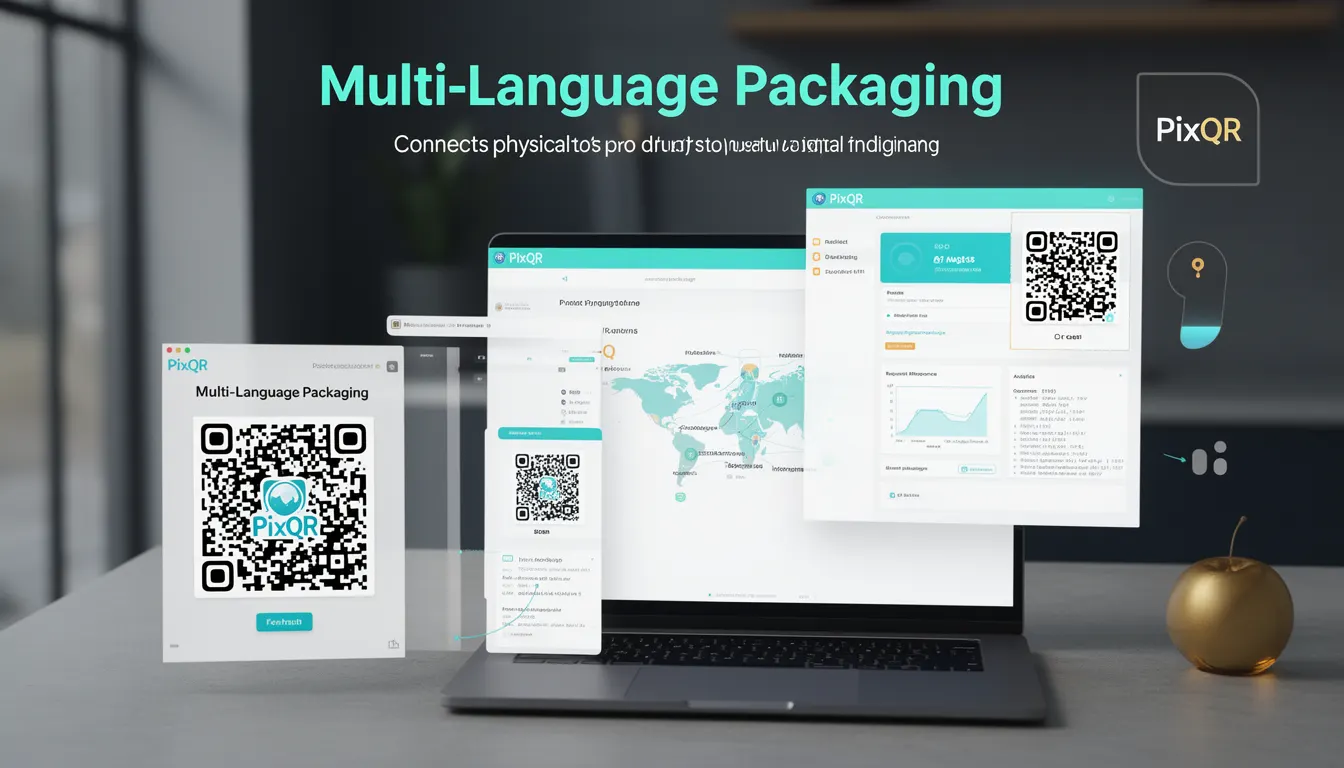
Multi-Language Packaging refers to the practice of embedding QR codes in physical product packaging that can dynamically redirect users to localized digital content based on language or region. This approach allows brands to maintain a single physical label while delivering tailored content to users around the world.
In the context of PixQR, Multi-Language Packaging enables developers to create QR codes that adapt their destination URL based on detected user language, geographic location, or device settings. This capability is essential for global brands that need to comply with regional regulations, provide localized product information, or support multilingual customer service.
Why It Matters
For developers working with PixQR, Multi-Language Packaging addresses critical requirements in global product distribution. It reduces the need for physical label changes, lowers manufacturing costs, and ensures compliance with local regulations. The technology supports accessibility by providing content in the user's preferred language and can improve user experience by delivering relevant information quickly.
From a security perspective, proper implementation prevents unauthorized redirects and ensures that dynamic content remains within brand-controlled domains. For operational workflows, it streamlines supply chain management by eliminating the need for different physical packaging for different markets. The approach also enables robust analytics, as each language variant can be tracked separately for performance optimization.
How It Works
The mechanism behind Multi-Language Packaging relies on dynamic URL resolution that considers multiple factors including browser language settings, IP geolocation, or explicit user selection. When a user scans a QR code, the PixQR platform evaluates these factors to determine the most appropriate content delivery path.
- Language detection is typically based on the Accept-Language header sent by the user's browser or device settings
- Geolocation services can determine the user's physical location to select appropriate content variants
- Content variants are configured in PixQR's backend with specific language or region tags
- URL resolution happens in real-time, with fallback mechanisms to ensure content delivery
- Analytics tracking can be configured per language variant to measure engagement across different markets
Quick Reference
| Item | Purpose | Notes |
|---|---|---|
| language | Defines target language for content delivery | Must match ISO 639-1 or 639-2 codes |
| region | Specifies geographic region for content selection | Supports ISO 3166-1 alpha-2 country codes |
| fallback | Default content when no language match is found | Must be a valid PixQR redirect URL |
| redirect_type | Specifies how redirect is handled | Options: '301', '302', 'client' |
| analytics_enabled | Enables tracking for language variants | Requires analytics configuration |
Basic Example
PixQR Example QR
This QR links directly to this glossary page, so printed notes, onboarding docs, and support material can bring scanners back to the current reference.
/glossary/qr-code-for-packaging/qr-codes-for-packaging-multi-language-packaging
This basic example demonstrates how to configure a QR code with language-specific redirects using PixQR's API.
{
  "qr_code": {
    "content": "https://example.com/product",
    "language_variants": {
      "en": "https://example.com/product/en",
      "es": "https://example.com/product/es",
      "fr": "https://example.com/product/fr"
    },
    "fallback": "https://example.com/product/en"
  }
}
The example shows a simple language variant configuration where the base URL points to a product page. Each language gets its own specific URL, with English as the fallback. This approach allows for different content structures while maintaining a single physical QR code.
Production Example
This production example shows a more robust implementation that includes error handling, analytics, and security measures.
{
  "qr_code": {
    "content": "https://api.pixqr.com/redirect",
    "language_variants": {
      "en": "https://example.com/product/en",
      "es": "https://example.com/product/es",
      "fr": "https://example.com/product/fr",
      "de": "https://example.com/product/de",
      "ja": "https://example.com/product/ja"
    },
    "fallback": "https://example.com/product/en",
    "redirect_type": "302",
    "analytics_enabled": true,
    "security": {
      "allowed_domains": [
        "example.com",
        "pixqr.com"
      ],
      "rate_limit": 1000
    },
    "validation": {
      "required_fields": ["content", "language_variants"],
      "url_format": "https://example.com/product/{language}"
    }
  }
}
This version includes proper error handling through validation rules, security restrictions to prevent unauthorized domain redirects, and analytics tracking for performance monitoring. The configuration ensures that only valid URLs from trusted domains are used, preventing potential abuse while maintaining flexibility for global content delivery.
Common Mistakes
- Using inconsistent language codes that don't match ISO standards, leading to failed redirects and poor user experience
- Not configuring proper fallback URLs, causing users to see broken links when no language match is found
- Ignoring regional variations in content format, such as date or currency formats, which can confuse international users
- Overlooking security implications by allowing redirects to untrusted domains, opening vulnerability to phishing attacks
- Not implementing analytics tracking for language variants, making it impossible to optimize content delivery or measure success
- Creating language variants without proper content validation, resulting in mismatched or outdated information
Security And Production Notes
- Always validate language codes against ISO standards to prevent invalid redirect attempts
- Implement domain whitelisting to restrict redirects to known, trusted domains
- Use HTTPS for all language variant URLs to ensure secure content delivery
- Configure rate limiting to prevent abuse of dynamic redirect functionality
- Implement proper error handling to ensure users always receive a valid response
- Regularly audit language variant content to maintain accuracy and compliance
- Use secure redirect types (301 or 302) rather than client-side redirects to maintain SEO and performance
- Ensure that analytics tracking doesn't inadvertently collect user privacy data without consent
Related Concepts
Multi-Language Packaging connects closely with several core QR code development concepts. Language detection mechanisms work in conjunction with URL routing to provide seamless content delivery. Dynamic redirects ensure that the same physical label can serve multiple markets efficiently. Content localization strategies determine how product information adapts to different regions. Analytics tracking provides insights into user engagement across different markets. Finally, security protocols ensure that dynamic content delivery remains safe and compliant with privacy regulations.