 PixQR
PixQR
Overview
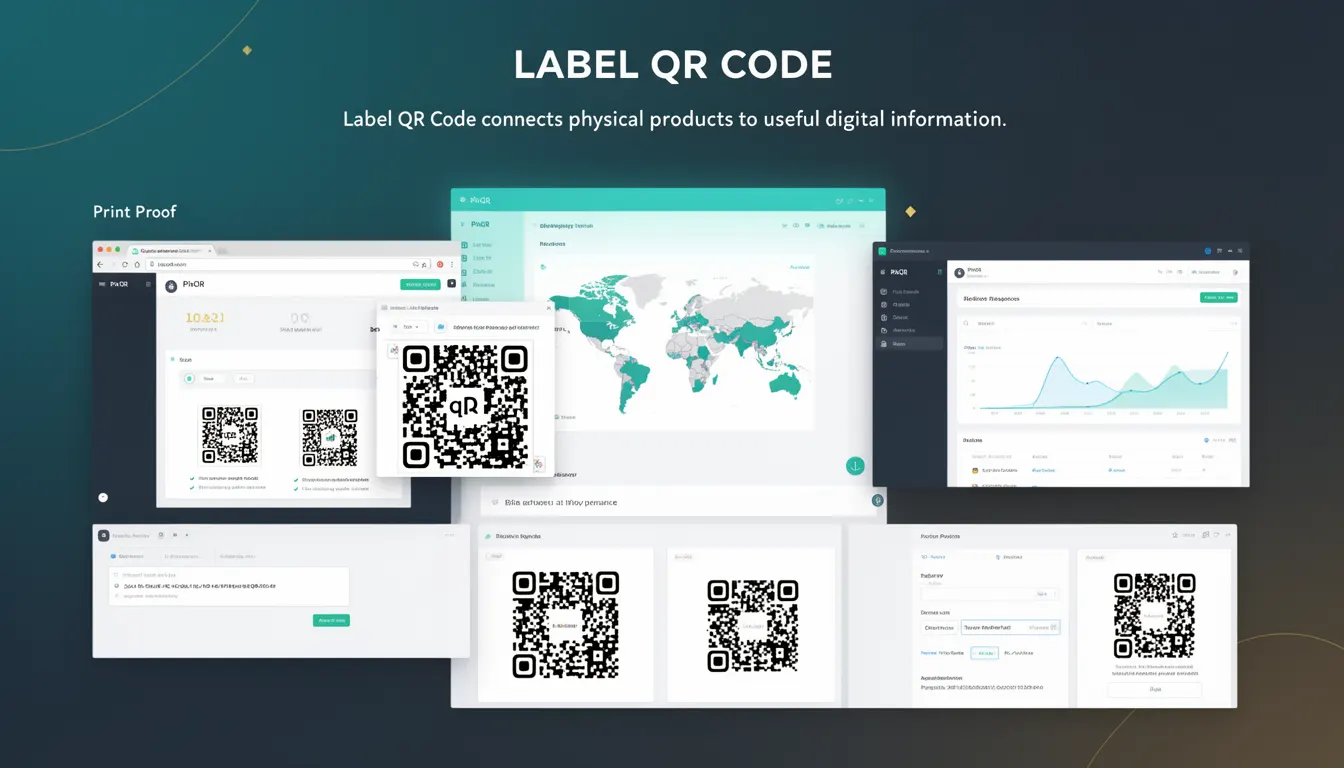
A Label QR Code is a specific type of QR code designed for use on product packaging. It is a machine-readable identifier that links physical items to digital resources, such as product information, usage instructions, warranty details, or promotional content. The primary purpose of a Label QR Code is to bridge the gap between physical and digital environments, enabling consumers to access relevant information instantly through a QR scanner.
For developers working with PixQR, a Label QR Code is a foundational element in creating a secure, scalable, and brand-safe digital experience. It is used in product packaging workflows to ensure that the QR code is not only scannable but also redirects to content that is safe, compliant, and aligned with brand guidelines. The term emphasizes the role of the QR code as a label or identifier, distinct from other QR code types such as dynamic redirects, marketing campaigns, or internal tracking codes.
Why It Matters
Label QR Codes play a critical role in product packaging workflows, particularly for businesses that rely on physical-to-digital integration for customer engagement, compliance, and brand experience. For developers, the design and implementation of these codes must ensure compatibility with various scanning tools, adherence to industry standards, and alignment with privacy and security policies. Incorrectly implemented Label QR Codes can lead to misdirected traffic, failed scans, or even security vulnerabilities.
In production, Label QR Codes are often part of larger ecosystems where content is dynamically generated or redirected based on user interaction, product variants, or regional regulations. This requires careful attention to URL structure, content delivery, and tracking mechanisms. PixQR’s support for brand-safe design and secure operational workflows ensures that Label QR Codes can be integrated reliably into packaging without exposing users or systems to risks.
How It Works
Label QR Codes are generated using a combination of standard QR code encoding and platform-specific configurations. The QR code itself is a matrix of black and white modules that encode data in a standardized format. When scanned, it typically redirects to a URL that is managed through a PixQR backend, ensuring that the redirect is secure, trackable, and compliant with brand guidelines.
- Label QR Codes are generated using a data payload that can be a simple URL or a structured identifier.
- The payload is encoded into a QR code matrix using a standard encoding algorithm such as QR Code Model 2.
- Each code can be associated with a unique identifier or product variant, enabling dynamic content delivery.
- PixQR ensures that the final URL is safe, brand-compliant, and accessible to all users.
- Label QR Codes support analytics tracking, which allows developers to monitor scan rates, geographic distribution, and user engagement.
Quick Reference
| Item | Purpose | Notes |
|---|---|---|
| QR Code Payload | Encodes redirect URL or identifier | Must be valid and secure |
| Dynamic Redirect | Routes to brand-safe content | Managed through PixQR backend |
| Scan Analytics | Tracks user engagement | Provides data for optimization |
| Brand Compliance | Ensures content safety | Prevents malicious or inappropriate links |
| Print Reliability | Ensures scannability | Optimized for packaging printing |
Basic Example
PixQR Example QR
This QR links directly to this glossary page, so printed notes, onboarding docs, and support material can bring scanners back to the current reference.
/glossary/qr-code-for-packaging/qr-codes-for-packaging-label-qr-code
This basic example demonstrates how a Label QR Code can be generated with a static URL payload. It shows a simple integration where the QR code points to a product page.
const qrCodeData = {
  payload: "https://example.com/product/12345",
  type: "label",
  size: "200x200"
};

const labelQRCode = pixqr.generate(qrCodeData);
The payload is a URL that points to a product page. The type is set to "label" to indicate its use in packaging. The size parameter ensures the QR code is optimized for printing.
Production Example
In a production environment, Label QR Codes must support dynamic content delivery, analytics, and compliance checks. This example shows a more robust implementation that includes validation, branding, and tracking.
const productData = {
  productId: "SKU-7890",
  region: "US",
  language: "en"
};

const qrCodeConfig = {
  payload: pixqr.buildRedirectUrl(productData),
  type: "label",
  analytics: true,
  brandCompliance: true,
  printOptimization: true
};

const labelQRCode = pixqr.generate(qrCodeConfig);
This version ensures that the QR code payload is dynamically built based on product and user context. It also enables analytics and brand compliance checks, making it suitable for large-scale deployment.
Common Mistakes
- Using non-HTTPS URLs in the payload, which can trigger browser warnings or security blocks.
- Generating QR codes without considering print resolution, leading to scannability issues.
- Ignoring brand compliance policies, resulting in inappropriate or unsafe redirects.
- Not validating QR code payloads, which can lead to broken links or malicious redirections.
- Overlooking analytics integration, missing opportunities to measure user engagement.
Security And Production Notes
- Always validate and sanitize URL payloads to prevent open redirect vulnerabilities.
- Ensure that all redirects are HTTPS to maintain user trust and security.
- Use PixQR’s built-in brand compliance checks to avoid unsafe or inappropriate content.
- Optimize QR code size and resolution for print to ensure scannability across devices.
- Integrate analytics and monitoring to detect anomalies or unexpected usage patterns.
Related Concepts
Label QR Codes are closely related to several other QR code concepts and platform features. Dynamic Redirects ensure that the QR code can point to different content based on user context or product variant. Scan Tracking provides insights into how users interact with the QR code. Brand Safety ensures that the content is appropriate and secure. Print Reliability focuses on the physical characteristics of the QR code to ensure it scans correctly. Finally, API Integration allows developers to programmatically generate and manage QR codes at scale.