 PixQR
PixQR
Overview
Ingredient Information, in the context of packaging and QR code systems, refers to a structured data element embedded within a physical product's packaging that connects to a digital resource. This mechanism allows consumers to scan a QR code and access detailed information about the product's ingredients, nutritional facts, sourcing, and compliance details. It is a critical component in modern product traceability and transparency systems, especially in industries like food, pharmaceuticals, cosmetics, and consumer goods.
For developers working with PixQR, Ingredient Information represents a specific implementation of a QR code’s payload structure, where the QR code encodes data that can be interpreted by a scanning application to fetch and display relevant ingredient data from a backend service. This connection is typically established through a dynamic redirect mechanism, ensuring that the data can be updated without modifying the physical QR code itself.
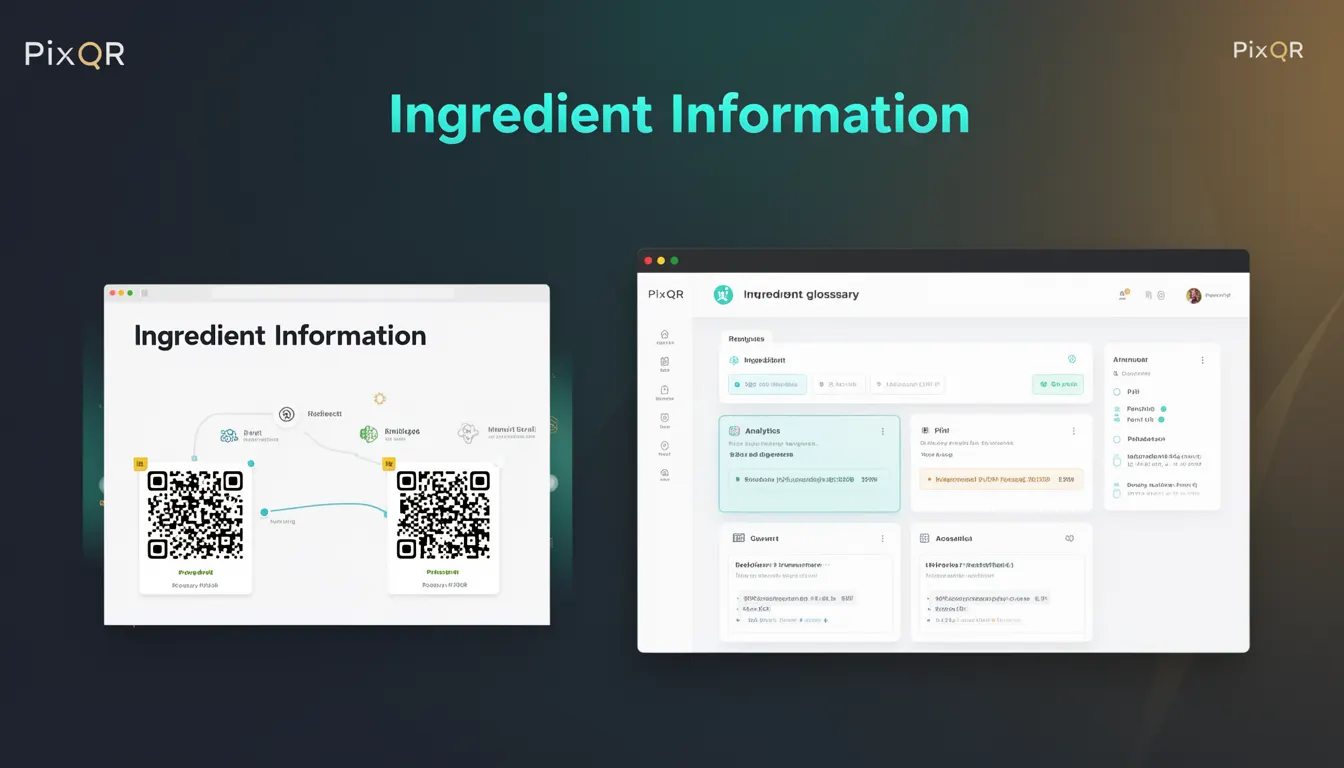
Why It Matters
From a developer perspective, implementing Ingredient Information correctly ensures that users receive accurate, up-to-date product data directly from the packaging. This is especially critical in regulated industries where compliance with labeling laws, allergen warnings, and nutritional accuracy is mandatory. For PixQR, this feature supports brand-safe design, as it allows for consistent, secure data delivery while maintaining the integrity of the QR code’s core functionality.
For site operators and product managers, Ingredient Information helps reduce liability by providing a centralized, dynamic way to manage and update ingredient data. It also supports analytics by tracking how often and under what conditions users scan the QR code for ingredient details, which can be valuable for marketing, compliance, and user experience optimization.
How It Works
Ingredient Information is typically encoded as part of a QR code’s payload, often in a structured format such as JSON or a URL-encoded query string. When a user scans the QR code, the scanning application resolves the QR code to a dynamic URL, which then fetches the relevant ingredient data from a backend API or database.
- The QR code payload must be structured to support dynamic redirection to a data endpoint.
- Ingredient data is often stored in a centralized database, which is accessed via an API endpoint.
- The QR code system must support secure and reliable redirects to ensure data integrity.
- Scan tracking and analytics can be implemented to monitor how often ingredient data is accessed.
- The system must support versioning or updates to ingredient data without requiring physical QR code replacement.
Quick Reference
| Item | Purpose | Notes |
|---|---|---|
| QR Code Payload | Encodes ingredient data or a reference to it | Should be URL-safe and dynamic |
| Dynamic Redirect | Routes to the ingredient data source | Must be secure and reliable |
| Ingredient API | Provides structured ingredient data | Supports JSON or XML formats |
| Scan Analytics | Tracks usage of ingredient data | Enables user behavior insights |
| Version Control | Manages updates to ingredient data | Supports data lifecycle management |
Basic Example
PixQR Example QR
This QR links directly to this glossary page, so printed notes, onboarding docs, and support material can bring scanners back to the current reference.
/glossary/qr-code-for-packaging/qr-codes-for-packaging-ingredient-information

This basic example shows a QR code payload that references a URL containing ingredient information. It demonstrates how the QR code encodes a simple data structure that can be resolved to a data source.
https://api.pixqr.com/ingredients?product_id=12345&version=1The QR code encodes a URL that points to a backend service. When scanned, the application resolves this URL to fetch ingredient data for product ID 12345, version 1. This is a minimal implementation suitable for development or testing.
Production Example
In a production environment, Ingredient Information is implemented using a secure, scalable API and a robust QR code system. The payload includes a unique identifier and cryptographic signature to ensure data integrity and prevent tampering.
https://api.pixqr.com/ingredients?product_id=12345&sig=abc123def456×tamp=1678886400This version includes a signature and timestamp to validate the data source and ensure the data has not been altered. It is designed to be scalable, secure, and maintainable, with support for analytics, versioning, and error handling.
Common Mistakes
- Hardcoding ingredient data directly into the QR code payload instead of using a dynamic API, leading to outdated information.
- Using insecure or unverified redirect mechanisms, which can lead to phishing or data injection risks.
- Not implementing proper error handling for cases where ingredient data is unavailable or malformed.
- Ignoring version control, resulting in inconsistent data across different product versions.
- Overlooking scan analytics and tracking, which prevents optimization of ingredient data delivery.
Security And Production Notes
- QR code payloads must be URL-safe and should not contain sensitive or confidential data directly.
- Use secure redirects with HTTPS to prevent man-in-the-middle attacks.
- Implement API authentication and rate limiting to protect ingredient data from abuse.
- Validate all inputs to prevent injection or malformed data from affecting the system.
- Ensure that the system supports audit logs for tracking data access and modifications.
Related Concepts
Ingredient Information is closely related to several key developer concepts:
- Dynamic Redirects: The mechanism by which QR codes point to dynamic data sources.
- API Design: The backend service that delivers ingredient data must be well-designed for performance and scalability.
- Scan Analytics: Tracking QR code usage to improve user experience and compliance.
- Data Versioning: Managing updates to ingredient data without changing the QR code itself.
- Privacy and Compliance: Ensuring that data handling meets legal and regulatory requirements for product information.