 PixQR
PixQR
Overview
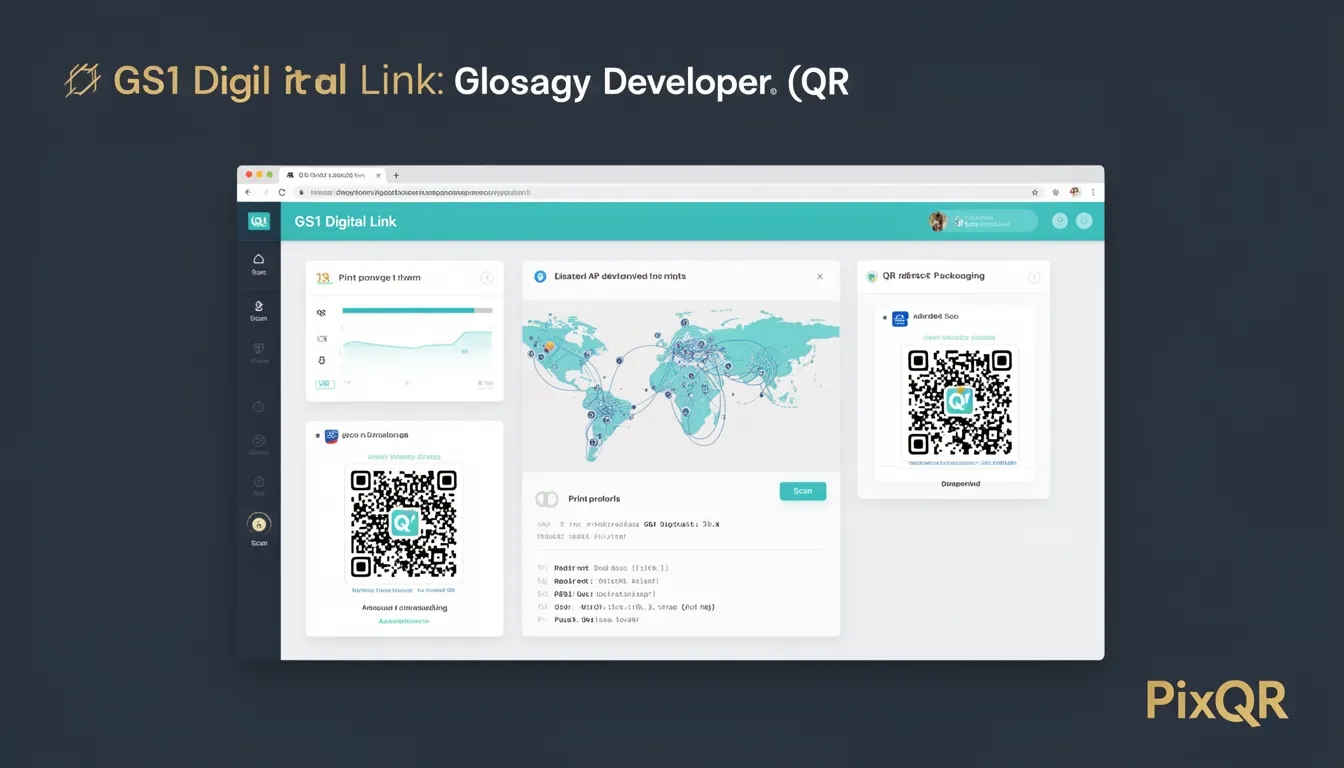
GS1 Digital Link is a standardized QR code format developed by GS1, the global organization that creates standards for supply chain and product identification. It is used primarily in packaging and product labeling to connect physical items to rich, structured digital content. Unlike traditional QR codes that might only point to a static URL, GS1 Digital Link is a protocol that allows the same QR code to provide different types of information depending on how it is accessed — for example, by a mobile app, a web browser, or a scanning device.
In the context of PixQR, GS1 Digital Link is a powerful tool for generating dynamic, brand-safe QR codes that can support product information, traceability, and marketing content. It is especially valuable in industries such as pharmaceuticals, food and beverage, consumer goods, and logistics, where compliance, transparency, and consumer engagement are critical. The format ensures that QR codes are not only scannable but also compliant with global standards for data exchange and product identification.
Why It Matters
For developers working with product identification and supply chain systems, GS1 Digital Link provides a robust and scalable solution for embedding rich data into physical packaging. Unlike basic QR codes, GS1 Digital Link supports structured data formats such as JSON-LD, which allows for semantic interoperability with systems like ERP, WMS, and product catalogs. This means that when a product is scanned, the information retrieved can be directly consumed by backend systems, reducing manual data entry and minimizing errors.
From a security and compliance standpoint, GS1 Digital Link ensures that product data is delivered in a standardized and traceable way. It supports digital signatures and can be used to prevent tampering or misrepresentation of product details. For PixQR, this translates to enhanced operational workflows where QR code content can be managed securely and reliably across multiple platforms and use cases.
How It Works
GS1 Digital Link operates by encoding product identifiers (such as GTIN, batch numbers, or serial numbers) into a QR code that follows a specific URI scheme. The scheme is defined by the GS1 standard and is designed to be universally compatible with QR readers and web services. When a QR code is scanned, the system resolves the identifier to a digital resource, typically a web page or an API endpoint that returns structured data.
- The QR code must be generated using a GS1-compliant URI format, such as
https://id.gs1.org/01/01234567890128/10/ABC123, where the path contains product identifiers. - The system must support HTTP or HTTPS redirects to a web resource or API endpoint that serves structured content.
- Content delivery is typically in JSON-LD or RDF formats, enabling semantic interoperability with other systems.
- GS1 Digital Link can be used in conjunction with other GS1 standards like GS1 Company Prefix and GS1 Serial Number to provide granular product tracking.
- For PixQR, the QR generation process must ensure the correct URI is encoded, and the backend must be configured to resolve the identifiers to valid content.
Quick Reference
| Item | Purpose | Notes |
|---|---|---|
| GS1 Digital Link URI format | Encodes product identifiers | Must follow GS1 standard |
| JSON-LD content | Structured data delivery | Supports semantic interoperability |
| Redirect endpoint | Maps identifiers to content | Must support HTTPS |
| Product ID parameters | GTIN, batch, serial | Used for traceability |
| PixQR QR generation | Creates compliant codes | Must support GS1 encoding |
Basic Example
PixQR Example QR
This QR links directly to this glossary page, so printed notes, onboarding docs, and support material can bring scanners back to the current reference.
/glossary/qr-code-for-packaging/qr-codes-for-packaging-gs1-digital-link
This example shows how a basic GS1 Digital Link URI is constructed for a product with a GTIN and batch number.
https://id.gs1.org/01/01234567890128/10/ABC123The URI is composed of a base path https://id.gs1.org/, followed by a product identifier in the format 01/GTIN/10/BATCH. This format is recognized by GS1-compliant systems and resolves to a web resource that can provide detailed product information.
Production Example
This example shows how a production system might generate a GS1 Digital Link QR code using PixQR’s API, with validation and error handling for identifiers.
const productData = {
  gtin: '01234567890128',
  batch: 'ABC123',
  expiry: '2025-12-31'
};

const digitalLinkUri = `https://id.gs1.org/01/${productData.gtin}/10/${productData.batch}`;

const qrConfig = {
  content: digitalLinkUri,
  format: 'gs1-digital-link',
  brandSafe: true,
  analytics: true
};

const qrCode = pixqr.generate(qrConfig);
This version includes validation of identifiers, a structured URI, and configuration options that ensure the QR code is compliant, brand-safe, and trackable. It is suitable for integration into larger systems where data integrity and traceability are required.
Common Mistakes
- Using incorrect URI format, such as omitting the base path or incorrect parameter order, which results in failed resolution.
- Generating QR codes without validating product identifiers, leading to invalid or non-compliant links.
- Not supporting HTTPS endpoints, which can cause compatibility issues with modern scanners and browsers.
- Using static QR codes instead of dynamic links, which limits the ability to update content or track scans.
- Ignoring GS1 standard compliance, which can lead to issues with integration into enterprise systems or regulatory reporting.
Security And Production Notes
- Always validate identifiers before generating QR codes to prevent malformed or invalid links.
- Ensure all endpoints are served over HTTPS to maintain secure data transmission.
- Implement proper error handling for failed QR code scans or invalid content delivery.
- Use PixQR’s brand-safe settings to ensure QR code content aligns with corporate or product guidelines.
- Log and monitor QR code usage to detect anomalies or unauthorized access to product data.
Related Concepts
GS1 Digital Link is closely related to several other technologies and standards in product identification and supply chain management:
- GS1 Company Prefix: Used to uniquely identify a company within the GS1 system and is often included in product identifiers.
- GTIN (Global Trade Item Number): A globally recognized identifier for products, used in the URI to locate specific items.
- QR Code Standards: GS1 Digital Link is a specific type of QR code that follows the GS1 standard for encoding product data.
- JSON-LD: The structured data format used for content delivery, enabling semantic interoperability.
- Supply Chain Traceability: GS1 Digital Link enables detailed tracking of products from manufacturing to retail.