 PixQR
PixQR
Overview
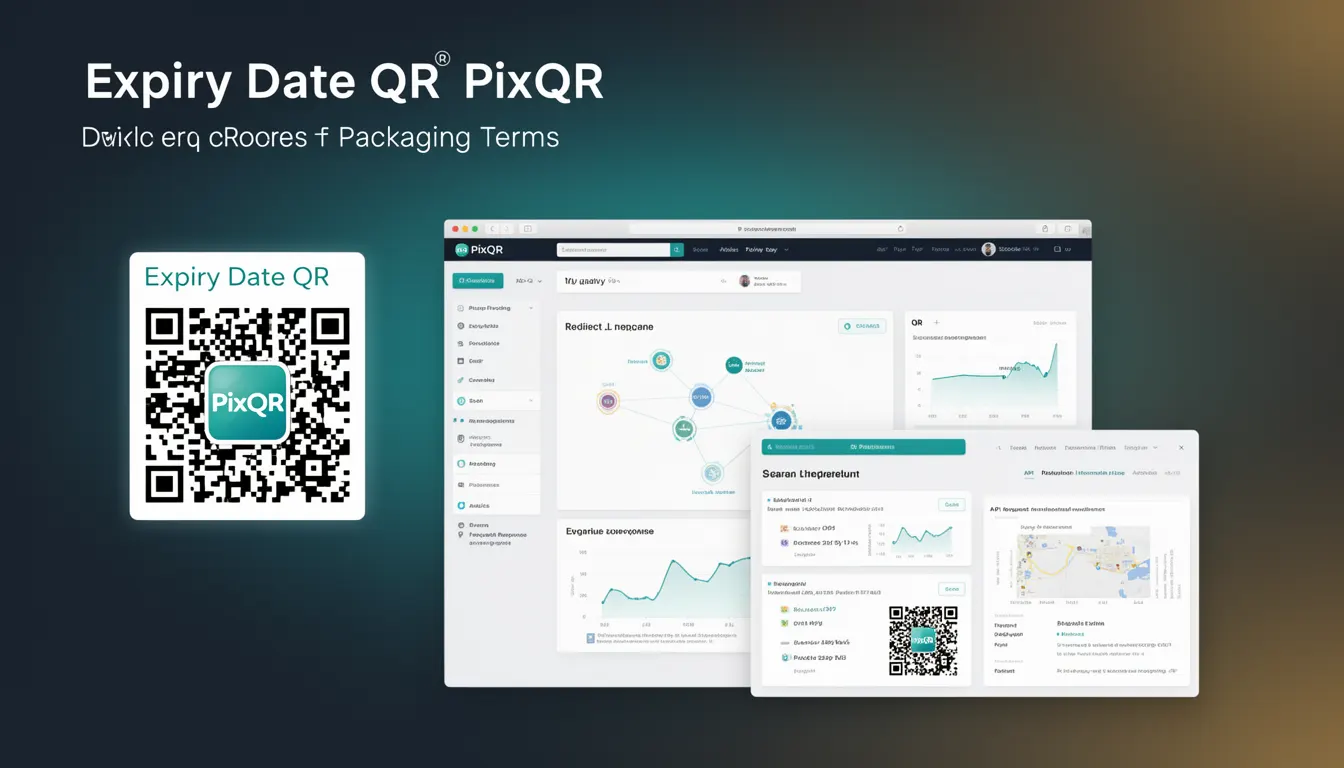
An Expiry Date QR is a specific type of QR code used in packaging and product identification systems to link physical items to digital content with a defined time limit. This mechanism is particularly useful in industries such as pharmaceuticals, food and beverage, cosmetics, and consumer goods, where product expiration dates are critical for safety, compliance, and inventory management.
When a consumer scans an Expiry Date QR, the system redirects them to a digital page that displays product details, including the expiry date, usage instructions, safety warnings, or recall information. This approach helps brands maintain brand-safe, privacy-compliant, and reliable communication channels between physical and digital product states.
Why It Matters
For developers and product teams, Expiry Date QR codes are essential for implementing traceability, compliance, and user experience enhancements in product packaging. The technology allows for dynamic content delivery, which means that the information shown to users can be updated without changing the physical QR code itself.
In production environments, this approach supports real-time updates to expiry data, which is critical for reducing waste, improving safety, and maintaining regulatory compliance. For example, if a product is recalled due to a safety issue, the associated QR code can be updated to redirect users to a recall notice without requiring a physical label change.
From a security standpoint, Expiry Date QRs can help prevent fraud by ensuring that only valid, non-expired products can be verified through the system. This is particularly important in industries where counterfeit products pose a significant risk to consumers.
How It Works
Expiry Date QR codes are generated with a specific payload that includes a timestamp or date reference, which is used to determine whether the product is still valid. The system evaluates this date against the current time and redirects the user to a corresponding page or API endpoint.
- The QR code payload is typically a URL or a unique identifier that maps to a database entry containing expiry information.
- When scanned, the QR code redirects to a PixQR-managed endpoint that evaluates the product's validity based on the embedded expiry date.
- Results are returned in a structured format, such as JSON, to support integration with web or mobile applications.
- Dynamic redirects ensure that the content shown to the user is always up-to-date, even if the physical label remains unchanged.
- Expiry date validation can be configured to include time zones, daylight saving adjustments, and custom business logic.
Quick Reference
| Item | Purpose | Notes |
|---|---|---|
| Expiry Date Payload | Encodes product expiration information | Must be a valid timestamp or ISO 8601 date string |
| Redirect Endpoint | Handles QR scan and validation | Must support HTTPS and secure redirects |
| Dynamic Content | Displays real-time product data | Can include expiry status, recall notices, or usage info |
| Validation Logic | Checks if product is expired | Supports timezone-aware and custom date comparisons |
| Scan Analytics | Tracks QR scan events | Logs timestamp, device info, and scan outcomes |
Basic Example
PixQR Example QR
This QR links directly to this glossary page, so printed notes, onboarding docs, and support material can bring scanners back to the current reference.
/glossary/qr-code-for-packaging/qr-codes-for-packaging-expiry-date-qr

This example shows a minimal QR code payload that encodes an expiry date. The payload is a URL that points to a PixQR endpoint, which validates the date and returns relevant product information.
https://api.pixqr.com/validate-expiry?product_id=12345&expiry=2025-06-15The payload encodes a product ID and an expiry date. When scanned, this URL is resolved by the PixQR API, which checks the date and returns a JSON response indicating whether the product is valid or expired.
Production Example
In a production environment, an Expiry Date QR might include additional validation and security measures. The following example demonstrates how a QR code payload might be structured to support dynamic content and analytics.
https://api.pixqr.com/validate-expiry?product_id=12345&expiry=2025-06-15&locale=en-US&analytics=trueThis version includes parameters for localization and analytics tracking. The system uses these to customize the user experience and log scan events. The analytics flag ensures that every scan is recorded for future review or compliance reporting.
Common Mistakes
- Using static QR codes with fixed expiry dates, which prevents updates to recall notices or product information.
- Not validating time zones when setting expiry dates, leading to incorrect expiry status in different regions.
- Hardcoding expiry dates in QR payloads, which makes it difficult to update content without re-printing labels.
- Ignoring scan analytics, which prevents tracking of product usage or potential fraud.
- Using insecure endpoints for QR redirection, which exposes the system to man-in-the-middle attacks or unauthorized access.
- Not implementing fallback mechanisms for expired QRs, which can lead to a broken user experience.
Security And Production Notes
- Always use HTTPS for QR redirection to ensure secure communication between the device and the PixQR backend.
- Validate all input parameters, especially expiry dates, to prevent injection or manipulation of the system.
- Implement access control for the QR validation endpoints to prevent unauthorized updates or data retrieval.
- Ensure that expiry date comparisons are timezone-aware to avoid discrepancies in global deployments.
- Use short-lived tokens or secure identifiers in QR payloads to reduce the risk of unauthorized access or replay attacks.
Related Concepts
Expiry Date QR codes are closely related to several other technologies and practices in product identification and digital packaging. These include:
- Dynamic QR Codes – QR codes that can be updated post-generation, allowing for real-time content changes.
- Product Lifecycle Management – The process of managing a product from development to end-of-life, including expiry tracking.
- Scan Analytics – The collection and analysis of QR scan data to inform marketing, compliance, and inventory decisions.
- Brand Safety – Ensuring that QR-generated content aligns with brand standards and does not expose users to harmful or misleading information.
- Privacy Compliance – Ensuring that QR code usage respects data protection regulations, such as GDPR or CCPA.