 PixQR
PixQR
Overview
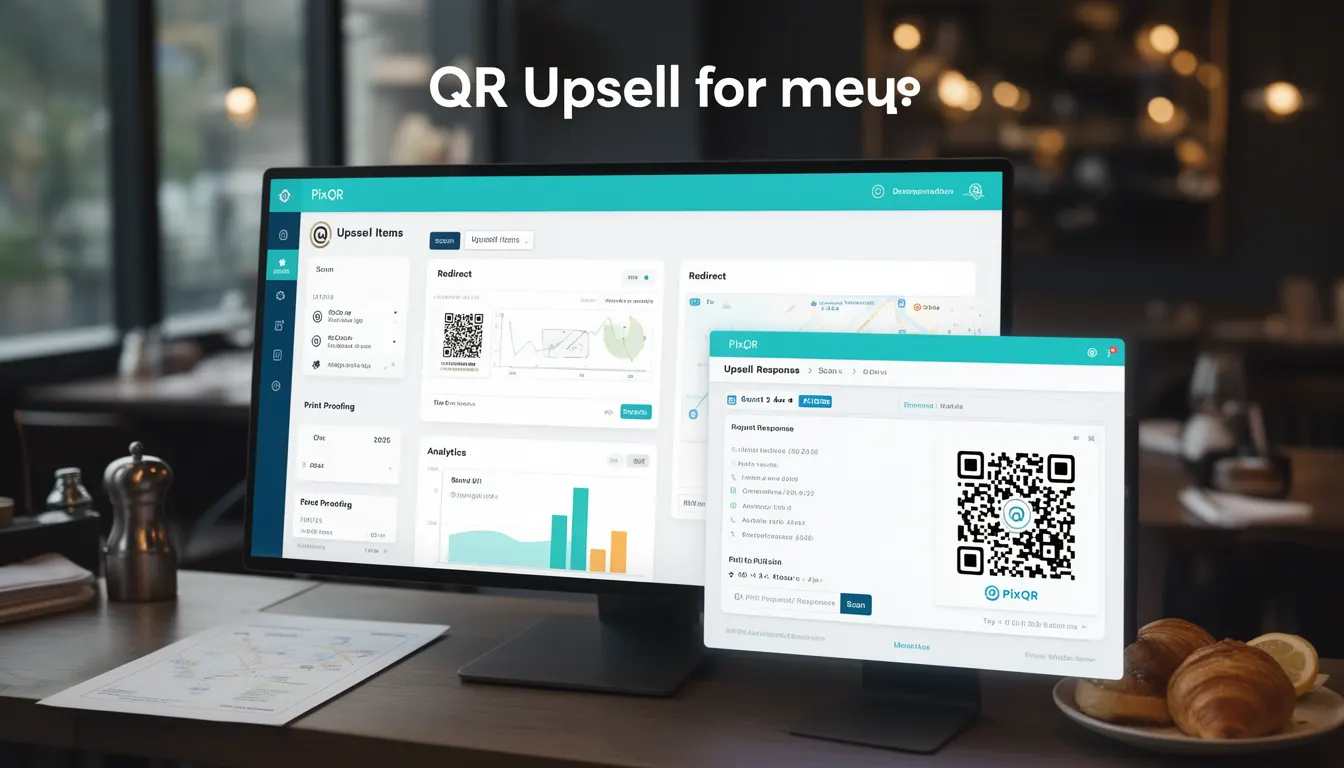
In the context of QR code menus, Upsell Items refers to strategically selected menu items that are presented alongside primary offerings to encourage customers to choose higher-value options. This functionality is especially relevant in digital menu systems where QR codes serve as the primary interface for ordering and payment.
Upsell Items are typically implemented through dynamic menu configurations that can be updated in real time, allowing restaurant operators to promote seasonal specialties, premium ingredients, or bundled offers. These items are not merely displayed but are often contextualized with pricing, descriptions, and visual cues to increase perceived value and encourage transactional decisions.
Why It Matters
For developers working with PixQR's digital menu platform, Upsell Items play a critical role in revenue optimization and user engagement. When implemented effectively, they can increase average order value without requiring significant UI redesigns or additional hardware investments.
From a technical standpoint, Upsell Items must integrate seamlessly with backend analytics, dynamic redirect systems, and inventory management to ensure real-time relevance. Misconfigured upsells can lead to customer confusion, system performance degradation, or compliance issues if not aligned with privacy and accessibility standards.
How It Works
The Upsell Items mechanism operates through a structured configuration model that allows menu data to be dynamically layered onto QR-generated content. This system supports both static and dynamic upsell rules based on time, customer behavior, or menu availability.
- Upsell Items are defined in structured JSON or XML formats that are processed by PixQR's menu engine before rendering to the user.
- They are typically displayed in a secondary panel or below the main menu item to avoid overwhelming the primary offering.
- Each Upsell Item includes metadata such as price, category, popularity score, and availability status to support intelligent selection logic.
- Dynamic upsells can be triggered by customer scan patterns, time of day, or integration with CRM systems.
- Support for accessibility features such as screen reader compatibility and keyboard navigation ensures compliance with WCAG standards.
Quick Reference
| Item | Purpose | Notes |
|---|---|---|
| upsell_enabled | Enables or disables upsell logic | Must be set in menu configuration |
| upsell_items | List of items to promote | JSON array of item objects |
| trigger_conditions | Rules for when to show upsells | Time, scan, or behavior-based |
| item_id | Unique identifier for upsell item | Required for analytics tracking |
| display_priority | Order of upsell items | Higher numbers shown first |
Basic Example
PixQR Example QR
This QR links directly to this glossary page, so printed notes, onboarding docs, and support material can bring scanners back to the current reference.

This example shows a minimal JSON structure for defining Upsell Items within a PixQR menu configuration.
{
  "menu_id": "menu_12345",
  "items": [
    {
      "id": "item_001",
      "name": "Classic Burger",
      "price": 12.99,
      "upsell_enabled": true,
      "upsell_items": [
        {
          "id": "upsell_001",
          "name": "Truffle Fries",
          "price": 4.99
        }
      ]
    }
  ]
}
The example demonstrates how a primary menu item can include a list of related upsell items. The upsell_enabled flag determines whether the upsell section is rendered to the user.
Production Example
This example illustrates a more robust implementation with validation, error handling, and analytics-ready structure.
{
  "menu_id": "menu_12345",
  "items": [
    {
      "id": "item_001",
      "name": "Classic Burger",
      "price": 12.99,
      "upsell_enabled": true,
      "upsell_items": [
        {
          "id": "upsell_001",
          "name": "Truffle Fries",
          "price": 4.99,
          "category": "sides",
          "display_priority": 1,
          "analytics_tag": "upsell_truffle_fries"
        },
        {
          "id": "upsell_002",
          "name": "Premium Sauce Pack",
          "price": 2.50,
          "category": "condiments",
          "display_priority": 2,
          "analytics_tag": "upsell_premium_sauce"
        }
      ],
      "trigger_conditions": {
        "time_of_day": "evening",
        "scan_frequency": "high"
      }
    }
  ],
  "analytics": {
    "track_upsells": true,
    "conversion_rate": 0.15
  }
}
This version includes structured metadata for analytics, prioritization, and conditional triggering. It is suitable for production because it separates upsell logic from core menu data and supports scalable tracking.
Common Mistakes
- Not validating upsell item IDs against a master catalog, leading to broken links or invalid selections.
- Overloading the upsell section with too many items, reducing clarity and increasing scan time.
- Ignoring accessibility standards when presenting upsell items, such as lack of contrast or screen reader support.
- Hardcoding upsell triggers instead of using dynamic conditions, making the menu inflexible to customer behavior.
- Using the same analytics tags for multiple upsell items, making conversion tracking unreliable.
Security And Production Notes
- Always sanitize upsell item data to prevent injection attacks in dynamic menus.
- Validate all upsell item metadata against a predefined schema to avoid runtime errors.
- Implement rate-limiting for upsell item fetches to prevent DoS or excessive API load.
- Ensure all upsell items comply with local privacy regulations, especially in EU or US markets.
- Use HTTPS for all upsell item endpoints to maintain data integrity and prevent man-in-the-middle attacks.
Related Concepts
Upsell Items are closely connected to several core PixQR concepts:
- Dynamic Redirects: Upsell items may be triggered by specific scan events, requiring integration with redirect logic.
- Scan Analytics: Tracking upsell interactions helps optimize menu configurations and revenue strategies.
- Menu Configuration: Upsell logic is defined within the menu's configuration layer, often managed via PixQR's API.
- Brand-Safe Design: Upsell items must align with brand guidelines and visual consistency.
- Privacy Compliance: Upsell tracking must respect user privacy and data protection laws.