 PixQR
PixQR
Overview
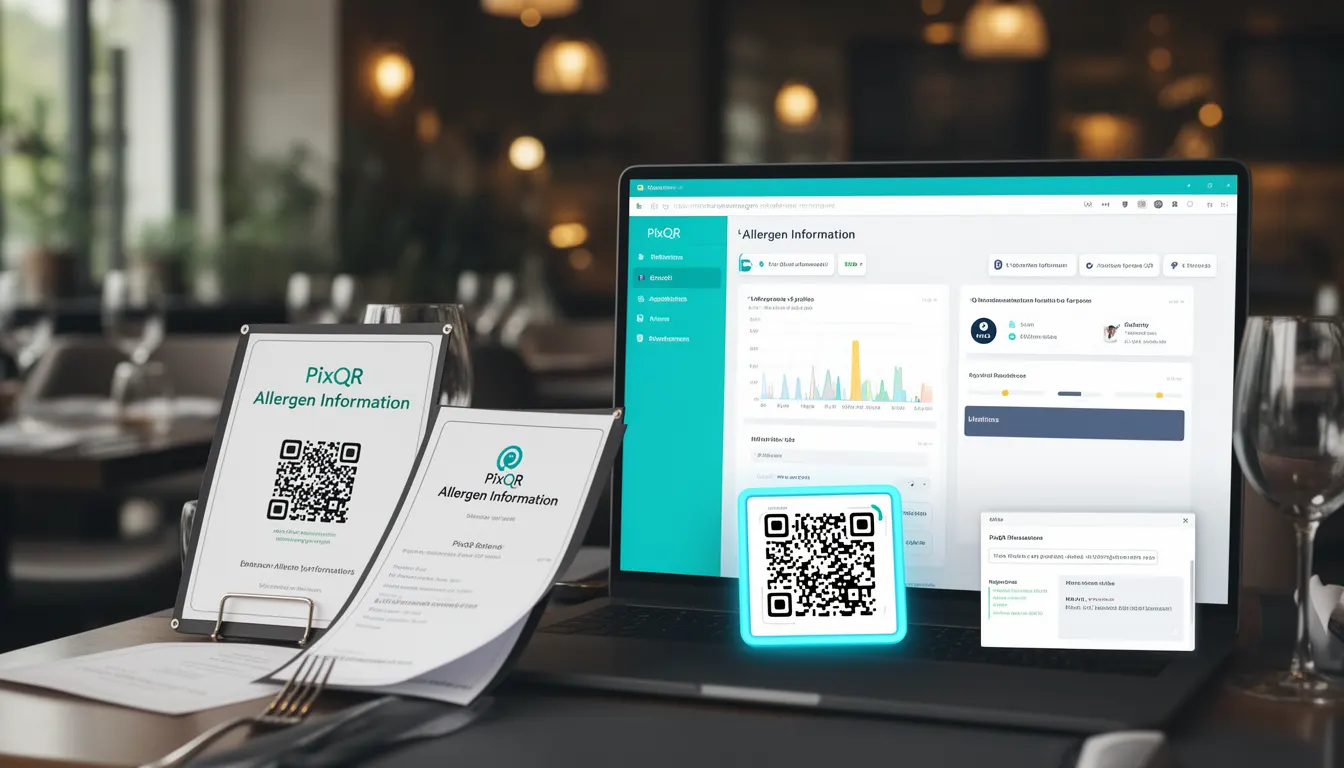
Allergen Information, in the context of QR code menus, refers to structured data embedded within digital menu systems that identifies and communicates potential allergens present in menu items. This information is critical for users with food allergies or dietary restrictions, ensuring they can make informed decisions about their meals. In the PixQR ecosystem, Allergen Information is implemented as part of the menu QR code generation process, enabling dynamic updates and consistent delivery of safety-critical data.
When used in digital menu systems, Allergen Information allows restaurants to associate specific ingredients or allergens with menu items through structured data fields. These fields are then embedded into QR codes that link to digital menu pages. This approach ensures that allergen data is always current, accessible, and presented in a standardized format that can be interpreted by both users and applications.
Why It Matters
For developers working with PixQR, implementing Allergen Information within QR code menus is essential for compliance with food safety regulations and accessibility standards. In many jurisdictions, restaurants are legally required to provide allergen information to customers, and digital menus must support this obligation. Failure to provide clear allergen data can lead to legal liability, customer harm, and brand reputation damage.
From a technical standpoint, Allergen Information enhances user experience by reducing ambiguity in menu items. It also supports analytics and operational workflows within PixQR, such as tracking customer interactions with allergen-heavy items or generating reports for health inspectors. This data can be integrated into backend systems to improve inventory management, staff training, and customer service protocols.
How It Works
Allergen Information is implemented through structured data fields that are mapped to menu items during QR code generation. These fields are typically stored in a database or CMS system and are dynamically rendered into QR code-linked pages. The data is usually transmitted via JSON-LD or similar structured formats to ensure compatibility with various platforms and accessibility tools.
- Allergen data is stored in a standardized format that includes common allergens like gluten, dairy, nuts, soy, eggs, fish, shellfish, and sulfites.
- Each menu item can be associated with zero or more allergen tags, which are mapped to a predefined taxonomy.
- The PixQR API allows developers to define and update allergen information programmatically through REST endpoints.
- QR code generation includes metadata that embeds allergen information directly into the scan result or linked page content.
- Scan tracking systems can record which allergen information was accessed by users, supporting analytics and compliance reporting.
Quick Reference
| Item | Purpose | Notes |
|---|---|---|
| Allergen Tag | Identifies a specific allergen in a menu item | Standardized list of common allergens |
| Menu Item Mapping | Associates allergen tags with specific menu items | Supports multiple tags per item |
| QR Code Metadata | Embeds allergen data into the QR code structure | Used in scan result or linked page |
| API Endpoint | Provides programmatic access to allergen data | Supports update and retrieval operations |
| Scan Tracking | Records user access to allergen information | Used for analytics and compliance |
Basic Example
PixQR Example QR
This QR links directly to this glossary page, so printed notes, onboarding docs, and support material can bring scanners back to the current reference.
/glossary/qr-code-for-menus/qr-codes-for-menus-allergen-information

This example demonstrates a simple JSON structure that could be embedded into a QR code to provide allergen information for a menu item.
{
  "name": "Caesar Salad",
  "description": "Romaine lettuce with croutons and parmesan",
  "allergens": ["Gluten", "Dairy", "Eggs"]
}
The example shows a basic menu item with its associated allergens. The allergens array lists the specific allergens present in the dish, which can be rendered on a digital menu page or accessed via a QR code scan.
Production Example
This example shows a more comprehensive implementation of Allergen Information in a PixQR-powered digital menu system, including validation, structure, and integration with analytics.
{
  "menu_item": {
    "id": "caesar-salad-123",
    "name": "Caesar Salad",
    "description": "Romaine lettuce with croutons and parmesan",
    "allergens": ["Gluten", "Dairy", "Eggs"],
    "dietary_flags": ["Vegetarian", "Gluten-Free Option Available"],
    "nutritional_info": {
      "calories": 320,
      "fat_g": 22,
      "protein_g": 12
    }
  },
  "qr_metadata": {
    "scan_count": 0,
    "last_updated": "2024-05-15T10:00:00Z",
    "version": "1.0"
  }
}
This version includes additional metadata and structured data fields to support advanced features like dietary flags, nutritional information, and analytics tracking. It demonstrates how Allergen Information can be extended to support broader menu features while maintaining compatibility with PixQR’s QR generation and tracking systems.
Common Mistakes
- Using inconsistent allergen terminology across menu items, leading to confusion and accessibility issues.
- Forgetting to update allergen data when menu items change, resulting in outdated or incorrect information.
- Not validating allergen data during API submission, which can lead to malformed or unsafe data in QR codes.
- Embedding allergen data in a non-standard format, making it difficult for third-party applications or accessibility tools to interpret.
- Ignoring scan tracking data for allergen information, missing opportunities to improve menu design or staff training.
Security And Production Notes
- Allergen data should be validated and sanitized before being stored or transmitted to prevent injection or manipulation attacks.
- QR codes containing allergen information should not expose sensitive or internal system details.
- Use HTTPS for all QR code links to ensure data integrity and prevent man-in-the-middle attacks.
- Implement access controls for allergen data updates to prevent unauthorized changes.
- Regularly audit allergen data to ensure it aligns with current menu offerings and regulatory requirements.
Related Concepts
Several developer concepts are closely related to Allergen Information in the context of QR code menus. Menu Item Metadata provides a broader framework for associating structured data with menu items, including nutritional values, dietary flags, and availability. QR Code Data Encoding determines how allergen data is embedded into QR codes, including the use of JSON-LD or similar formats. Accessibility Compliance ensures that allergen information is presented in a way that is accessible to users with disabilities. Scan Tracking enables developers to monitor how often allergen information is accessed, supporting analytics and compliance reporting. Finally, Dynamic Content Delivery allows allergen data to be updated in real time, ensuring that QR codes always provide the most current information.