 PixQR
PixQR
Overview
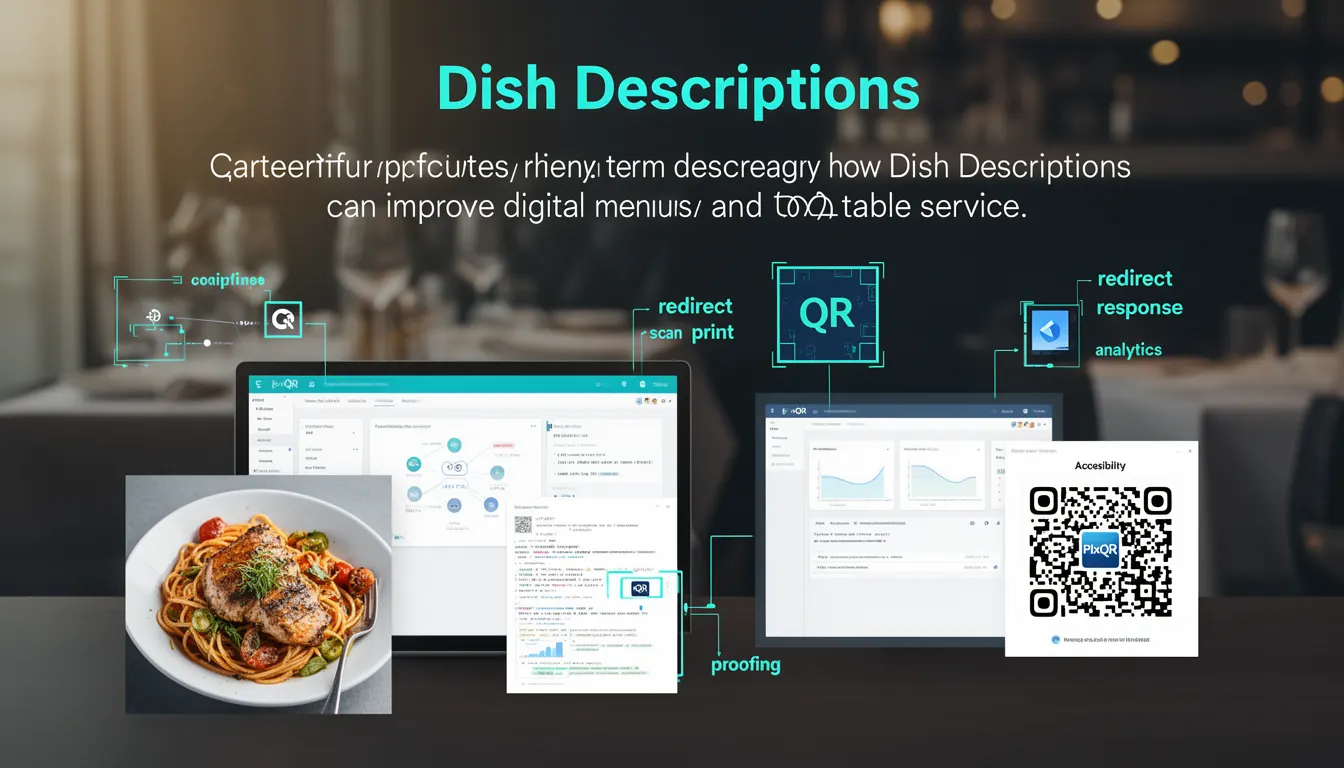
Dish Descriptions in the context of PixQR refer to the textual content associated with menu items that are embedded within QR codes used for digital menus. These descriptions provide context, ingredients, dietary information, and other details that help customers make informed ordering decisions. When integrated into a PixQR-generated menu system, Dish Descriptions are part of a broader digital menu ecosystem that enhances accessibility, improves customer experience, and supports dynamic content updates.
Developers working with PixQR's QR code generation and menu management features will encounter Dish Descriptions when configuring dynamic menu items, managing content through PixQR's API, or integrating menu data into web or mobile applications. These descriptions are typically stored and managed in PixQR’s backend, then rendered through a QR code that links to a structured menu page or API endpoint.
Why It Matters
For developers, Dish Descriptions are critical for maintaining a seamless and informative customer experience in digital menu systems. They ensure that customers can access detailed information without requiring physical menu cards, which is especially important in fast-paced restaurant environments or during times when physical materials may be limited. From a development perspective, these descriptions must be structured for machine readability, support accessibility standards, and integrate well with PixQR’s analytics and tracking features.
Security and privacy considerations are also relevant. Dish Descriptions often contain sensitive or proprietary information about ingredients or preparation methods. Developers must ensure that content is handled securely, especially when exposed through QR codes or APIs. Additionally, accurate and consistent descriptions improve scan reliability and reduce confusion, which is crucial for maintaining operational workflows and preventing customer service issues.
How It Works
In PixQR’s system, Dish Descriptions are part of the structured menu data that can be managed through the PixQR dashboard or via the PixQR API. These descriptions are linked to specific menu items and are rendered when a user scans a QR code associated with a menu item. The system supports multiple formats for descriptions, including plain text, HTML, and structured data for enhanced accessibility and analytics.
- Dish Descriptions are stored as key-value pairs in PixQR’s menu data model, with each item having a unique identifier and associated description.
- Descriptions can be updated dynamically through the PixQR API, allowing real-time menu changes without requiring new QR codes.
- Each description can include dietary tags, allergen information, and ingredient lists, which are used for filtering and analytics.
- Descriptions are rendered in a mobile-friendly format when accessed through a QR code, supporting responsive design and accessibility standards.
- When integrated with PixQR’s analytics, Dish Descriptions are tracked for scan behavior, helping restaurants optimize menu layouts and item placement.
Quick Reference
| Item | Purpose | Notes |
|---|---|---|
| menu_item_id | Identifies the menu item associated with the description | Required for linking to QR code |
| description | Textual content of the dish description | Supports HTML and plain text |
| dietary_tags | Flags for allergens or dietary preferences | Used for filtering and analytics |
| ingredient_list | Structured list of ingredients | Supports accessibility and scan tracking |
| updated_at | Timestamp of last description update | Used for content synchronization |
Basic Example
PixQR Example QR
This QR links directly to this glossary page, so printed notes, onboarding docs, and support material can bring scanners back to the current reference.
/glossary/qr-code-for-menus/qr-codes-for-menus-dish-descriptions
This example shows a basic structure of how a Dish Description might be defined within a menu item in PixQR’s data model. It demonstrates the core fields that are essential for generating and rendering a QR code-based menu.
{
  "menu_item_id": "dish_001",
  "name": "Truffle Pasta",
  "description": "Creamy pasta with black truffle and parmesan cheese.",
  "dietary_tags": ["vegetarian", "gluten-free"],
  "ingredient_list": ["pasta", "cream", "truffle", "parmesan"]
}
The example shows a minimal set of fields required for a dish description. The menu_item_id uniquely identifies the item, while the description provides the textual content. The dietary_tags and ingredient_list are used for filtering and analytics.
Production Example
In a production environment, Dish Descriptions are typically managed through PixQR’s API with validation and structured input. This example shows how a developer might prepare a menu item with a detailed description, including dietary and accessibility considerations.
{
  "menu_item_id": "dish_002",
  "name": "Grilled Salmon",
  "description": "Fresh Atlantic salmon grilled with lemon and herbs, served with seasonal vegetables.",
  "dietary_tags": ["gluten-free", "dairy-free", "low-carb"],
  "ingredient_list": ["salmon", "lemon", "herbs", "seasonal vegetables"],
  "allergen_info": "Contains fish and citrus",
  "accessibility": {
    "text": "Salmon grilled with lemon and herbs, served with seasonal vegetables.",
    "alt": "Grilled salmon with lemon and vegetables"
  },
  "updated_at": "2024-04-01T10:00:00Z"
}
This version includes additional fields for accessibility, allergen warnings, and timestamps, making it suitable for integration with PixQR’s analytics and ensuring compliance with accessibility standards. The structured data supports better scan tracking and dynamic menu updates.
Common Mistakes
- Not including dietary tags or allergen warnings can lead to accessibility and safety issues, especially in regulated environments.
- Using plain text instead of structured data for ingredient lists makes it difficult to track or filter menu items effectively.
- Overlooking the need for accessibility attributes like alt text can cause issues for users with visual impairments.
- Hardcoding descriptions in QR code payloads instead of using dynamic API updates leads to outdated information and poor maintainability.
- Ignoring the impact of description length on scan reliability can result in QR codes that fail to read properly on some devices.
Security And Production Notes
- Ensure all Dish Descriptions are sanitized before storage or rendering to prevent injection attacks.
- Use HTTPS for all API endpoints that manage menu data to protect sensitive content.
- Implement access controls to restrict who can update Dish Descriptions in PixQR’s system.
- Validate description content length to maintain compatibility with QR code scanning standards.
- Use structured data formats for descriptions to support better analytics and filtering capabilities.
Related Concepts
Dish Descriptions are closely related to several core PixQR features and concepts:
- QR Code Generation – Dish Descriptions are embedded within QR codes and are essential for dynamic menu rendering.
- Dynamic Redirects – The QR code links to a dynamic endpoint that serves the structured menu data, including Dish Descriptions.
- Scan Analytics – Tracking how often users interact with Dish Descriptions helps optimize menu design and content.
- Content Management – Dish Descriptions are part of a broader content strategy that includes menu updates and branding.
- Privacy and Compliance – Proper handling of Dish Descriptions is essential for compliance with data protection regulations.