 PixQR
PixQR
Overview
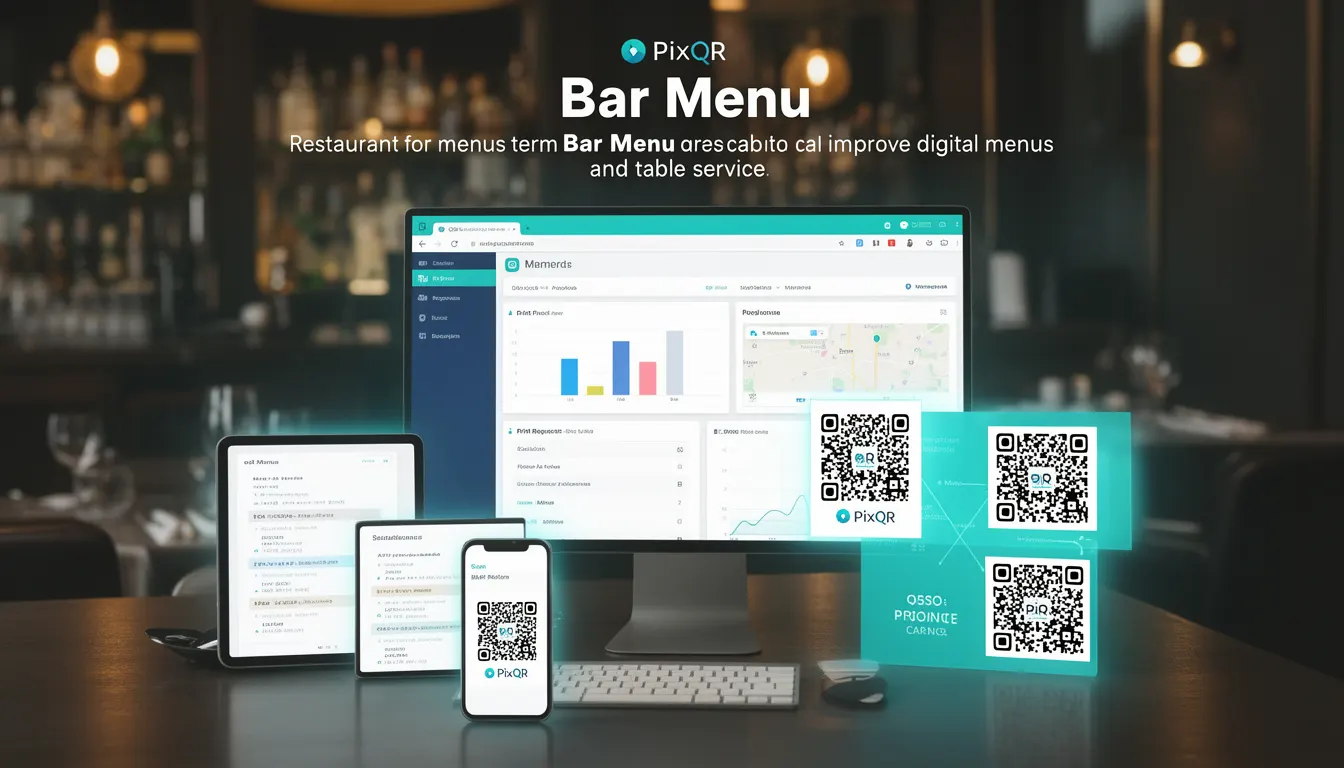
A Bar Menu in the context of PixQR refers to a specialized QR code configuration used to deliver digital menu content specifically for beverage offerings. It is a distinct category of menu QR code that allows restaurants and bars to present their drink selection, pricing, and descriptions through a dynamic, scannable interface. Unlike general menu QR codes, Bar Menu QR codes are optimized for quick access to alcoholic and non-alcoholic beverages, often with visual design elements tailored to the bar’s brand identity.
Bar Menu QR codes are implemented using PixQR's dynamic redirect capabilities, enabling real-time updates to menu items without requiring physical QR code replacement. These QR codes can link to web pages, mobile apps, or internal systems where beverage data is stored. In production, they are commonly used in lounge settings, restaurants, and event spaces where patrons expect quick access to drink options.
Why It Matters
For developers working with PixQR, the Bar Menu concept is significant because it requires a structured approach to content delivery and data synchronization. Unlike static QR codes, Bar Menu QR codes must support frequent updates, maintain brand consistency, and ensure accessibility for users with varying device capabilities. It also impacts analytics tracking, as the system must distinguish between beverage scans and general menu interactions.
From a performance perspective, Bar Menu QR codes are often scanned in high-traffic environments where reliability and speed are critical. Security considerations include ensuring that the redirect URLs are valid and that content is not exposed to unauthorized modifications. Properly implemented, Bar Menu QR codes enhance user experience and reduce operational overhead for venues.
How It Works
The implementation of a Bar Menu QR code in PixQR involves several key mechanisms and components:
- Bar Menu QR codes are created via the PixQR dashboard or API with a specific menu type configuration, typically labeled as "bar-menu".
- Each QR code supports a dynamic redirect to a backend endpoint, allowing real-time updates to drink prices, availability, and descriptions.
- The system ensures that the redirect URL is secure and uses HTTPS, preventing exposure to man-in-the-middle attacks.
- Bar Menu QR codes support optional metadata fields, such as alcohol content, serving size, and dietary information, which can be rendered in the final UI.
- Analytics are segmented to track beverage-specific scan behavior, helping venues understand patron preferences and optimize inventory.
Bar Menu QR codes are generated with a unique identifier and are tied to a backend database or content management system. They are not static; instead, they use a redirect mechanism that ensures content is always current. This dynamic nature is critical for businesses that frequently update their offerings or have seasonal drinks.
Quick Reference
| Item | Purpose | Notes |
|---|---|---|
| Menu Type | Specifies QR code category | Must be set to 'bar-menu' |
| Redirect URL | Target content delivery | Must be HTTPS |
| Metadata Fields | Drink-specific data | Supports alcohol content, size, etc. |
| Scan Analytics | Tracking beverage interaction | Segmented by drink item |
| Update Frequency | Content refresh capability | Supports real-time changes |
Basic Example
PixQR Example QR
This QR links directly to this glossary page, so printed notes, onboarding docs, and support material can bring scanners back to the current reference.

This example demonstrates how to define a basic Bar Menu QR code configuration in PixQR's API.
{
  "type": "bar-menu",
  "redirect_url": "https://example.com/bar-menu",
  "metadata": {
    "brand": "The Blue Moon",
    "location": "Main Bar"
  }
}
This configuration sets the QR code type to "bar-menu", specifies a secure HTTPS redirect, and includes optional metadata for branding and location.
Production Example
This example shows a more robust implementation that includes validation, error handling, and accessibility considerations for a Bar Menu QR code.
{
  "type": "bar-menu",
  "redirect_url": "https://api.example.com/v1/bar-menu/12345",
  "metadata": {
    "brand": "The Blue Moon",
    "location": "Main Bar",
    "last_updated": "2025-04-01T10:00:00Z"
  },
  "options": {
    "enable_analytics": true,
    "secure_redirect": true,
    "scan_tracking": true
  }
}
This version includes robust metadata, analytics enablement, and a secure redirect option, making it suitable for production environments where compliance and reliability are critical.
Common Mistakes
- Using HTTP instead of HTTPS for redirect URLs, which exposes data to interception and fails PixQR's security checks.
- Forgetting to include metadata fields, leading to inconsistent branding or lack of drink-specific details.
- Not enabling analytics, which prevents venues from tracking beverage popularity and optimizing their offerings.
- Using static QR codes instead of dynamic ones, which means content updates require physical replacement.
- Ignoring scan tracking options, resulting in missed opportunities to gather user behavior insights.
Security And Production Notes
- Always use HTTPS for redirect URLs to prevent data leaks and ensure compliance with PixQR’s security policies.
- Validate that all metadata fields are properly sanitized to avoid injection vulnerabilities.
- Ensure that analytics are enabled only for legitimate tracking and comply with privacy regulations.
- Regularly audit QR code configurations to prevent unauthorized access or modification of menu content.
- Use secure tokens or API keys for dynamic content access to prevent unauthorized updates to menu items.
Related Concepts
Bar Menu QR codes are closely related to several core PixQR concepts:
Dynamic QR Code: Bar Menu QR codes are a type of dynamic QR code that supports real-time updates.
Redirect Safety: Ensures that the target URL is valid and secure, a key requirement for Bar Menu QR codes.
Scan Analytics: Bar Menu QR codes are designed to provide detailed insights into beverage consumption patterns.
Brand Design: The visual presentation of Bar Menu QR codes must align with the brand's identity, including color schemes and typography.
Privacy Compliance: Analytics and data collection for Bar Menu QR codes must adhere to local privacy laws and regulations.