 PixQR
PixQR
Overview
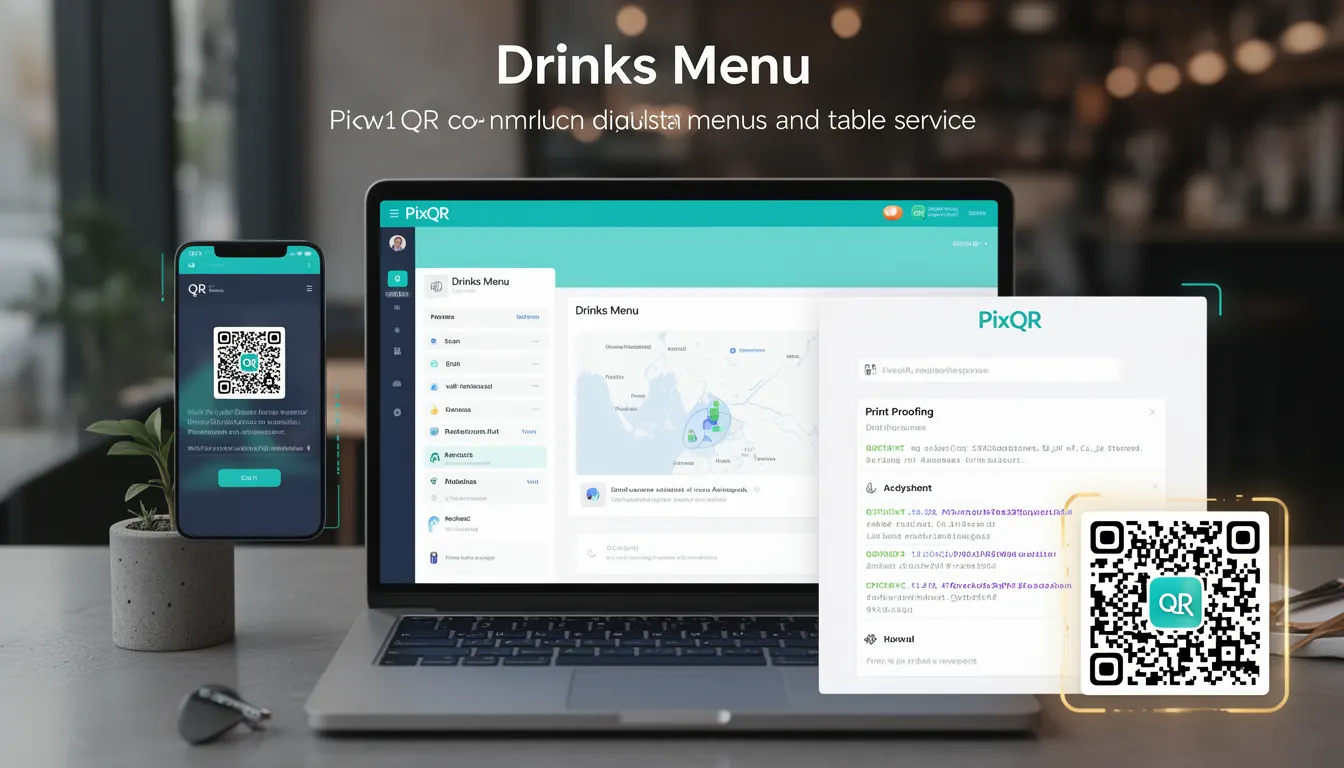
In the context of PixQR, a Drinks Menu refers to a specific QR code configuration that links to a digital drinks menu, often used in restaurants, bars, and hospitality environments. This feature allows venues to provide customers with instant access to their beverage offerings via a QR code, which can be scanned directly from a physical menu or promotional material.
Unlike traditional printed menus, a digital drinks menu accessed via a QR code can be updated in real time, reducing the risk of outdated pricing or unavailable items. This is particularly valuable for venues that frequently change their drink selection, offer seasonal specials, or maintain dynamic pricing strategies. The implementation within PixQR enables seamless integration with backend systems, ensuring that scanned QR codes consistently redirect to the correct and current menu content.
Why It Matters
For developers working with PixQR, implementing a drinks menu via QR code enhances operational efficiency and user experience. The technology supports real-time content updates, which is essential for businesses that need to quickly respond to inventory changes or special events. From a security standpoint, the QR code can be configured to ensure only authorized access to the menu, reducing the risk of unauthorized modifications or data leaks.
Additionally, the ability to track scan activity through PixQR's analytics provides valuable insights into customer behavior, such as which drinks are most popular or how often the menu is accessed. This data can inform marketing strategies and inventory planning, making the drinks menu not just a functional tool, but a strategic asset.
How It Works
The PixQR Drinks Menu feature operates by generating a QR code that redirects to a secure URL hosting the digital drinks menu. This URL can be dynamically configured to pull content from a database or API, allowing for real-time updates without requiring changes to the QR code itself.
- The QR code is generated with a unique identifier that maps to a specific drinks menu URL in PixQR's backend.
- Content for the drinks menu is typically stored in a structured format such as JSON or XML, which can be fetched by the endpoint.
- Each menu item can include attributes such as name, description, price, category, and availability status.
- Scans are tracked through PixQR's analytics system, allowing businesses to monitor engagement and update frequency.
- Access controls can be applied to ensure that only authenticated users or specific devices can access the menu content.
Quick Reference
| Item | Purpose | Notes |
|---|---|---|
| QR Code Identifier | Maps to a drinks menu URL | Unique per menu instance |
| Content Format | JSON or XML structure | Used for dynamic menu rendering |
| Scan Tracking | Logs scan events | Enables analytics and insights |
| Access Control | Restricts menu access | Supports authentication or device validation |
| Dynamic Update | Allows real-time menu changes | No QR code re-printing required |
Basic Example
PixQR Example QR
This QR links directly to this glossary page, so printed notes, onboarding docs, and support material can bring scanners back to the current reference.
This example demonstrates a basic JSON structure for a drinks menu, which can be hosted on a server and linked to a PixQR code.
{
  "drinks": [
    {
      "name": "Mojito",
      "price": 8.50,
      "description": "Fresh mint, lime, and rum",
      "category": "Cocktails"
    },
    {
      "name": "Iced Tea",
      "price": 3.00,
      "description": "Classic sweet or unsweetened",
      "category": "Non-Alcoholic"
    }
  ]
}
The JSON structure defines two drinks, each with a name, price, description, and category. This data can be fetched by a frontend application when a QR code is scanned, rendering the drinks menu in a user-friendly interface.
Production Example
In a production environment, a drinks menu might be structured with additional fields for accessibility and error handling, and integrated with a backend service for secure updates.
{
  "menu_id": "drinks_12345",
  "last_updated": "2024-05-20T10:00:00Z",
  "items": [
    {
      "id": "1",
      "name": "Mojito",
      "price": 8.50,
      "description": "Fresh mint, lime, and rum",
      "category": "Cocktails",
      "available": true,
      "image_url": "https://example.com/images/mojito.jpg",
      "allergens": ["alcohol", "citrus"]
    }
  ],
  "currency": "USD"
}
This version includes metadata such as a unique menu ID, a timestamp for updates, and additional fields like an image URL and allergen information. This structure supports more advanced features such as image rendering, allergen alerts, and version control, making it more suitable for a real-world deployment.
Common Mistakes
- Not validating the structure of the drinks menu data, leading to rendering errors or broken links when scanned.
- Hardcoding menu content in the QR code, which prevents dynamic updates and requires re-printing for changes.
- Using unescaped or unsafe characters in menu item names or descriptions, potentially causing security vulnerabilities or rendering issues.
- Ignoring accessibility features such as alt text for images or semantic HTML in the menu display, reducing usability for users with disabilities.
- Not implementing access controls, which can expose the menu to unauthorized modifications or data breaches.
Security And Production Notes
- Always validate and sanitize menu data before rendering to prevent injection attacks or malformed content.
- Use HTTPS for all menu endpoints to ensure secure data transmission and prevent man-in-the-middle attacks.
- Implement access controls to restrict who can update or view the drinks menu, especially if it contains sensitive pricing or inventory data.
- Ensure that QR code identifiers are sufficiently random to prevent predictable access patterns or unauthorized scanning.
- Monitor scan analytics for unusual activity or spikes, which may indicate misuse or security breaches.
Related Concepts
Several related concepts are crucial for understanding and implementing a drinks menu via PixQR. These include:
- Dynamic QR Codes: QR codes that can be updated without re-printing, a core feature for real-time menu changes.
- Content Management Systems (CMS): Platforms that manage menu content, often integrated with PixQR for automated updates.
- Scan Analytics: Data tracking features that monitor how often and from where QR codes are scanned.
- API Integration: The ability to connect the QR code backend to external systems for real-time menu updates.
- Accessibility Standards: Ensuring that digital menus are usable by people with disabilities, such as those using screen readers.