 PixQR
PixQR
Overview
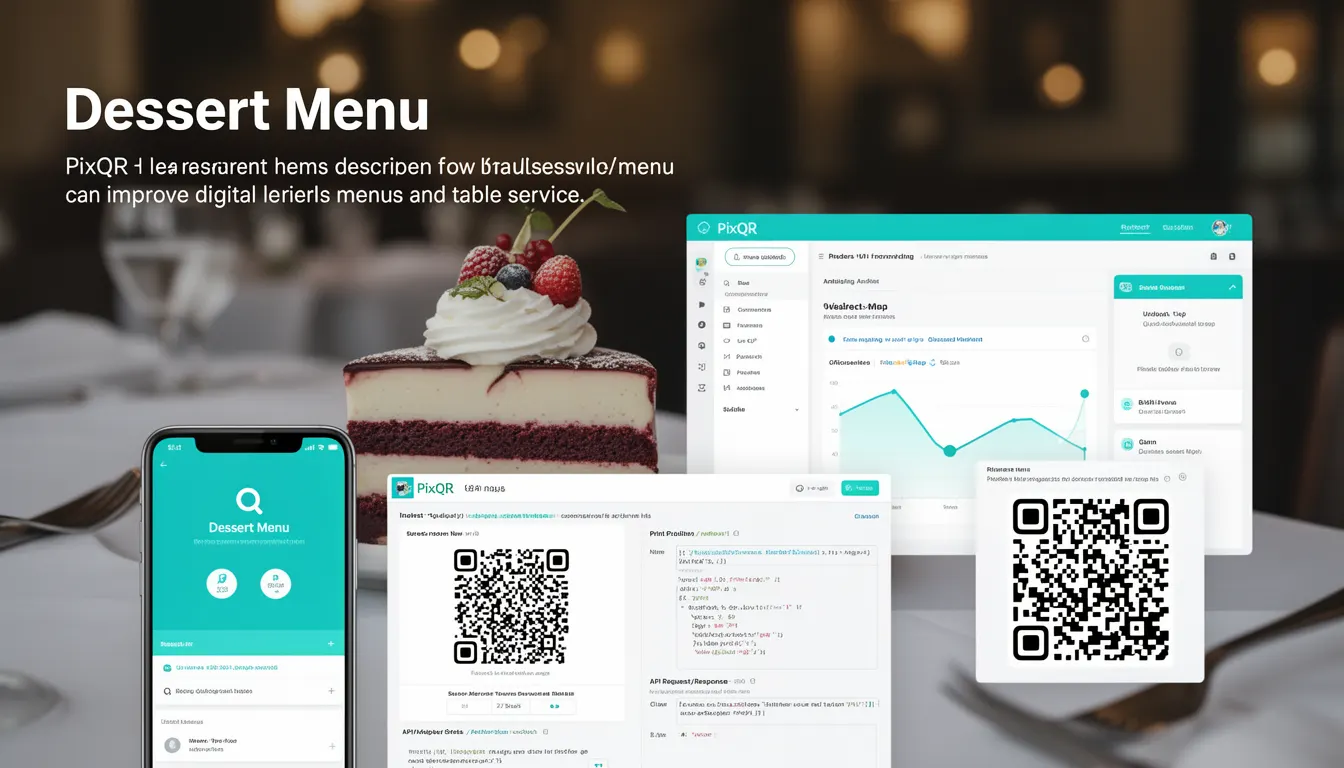
In the context of PixQR, a Dessert Menu refers to a specific QR code configuration that allows restaurants to dynamically link to a digital dessert section of their menu. This feature is used to provide customers with an easy way to access and view dessert options, often in a separate, dedicated menu section, using a QR code.
When a customer scans a Dessert Menu QR code, they are redirected to a pre-configured URL or page that displays only the dessert items, typically in a mobile-optimized format. This enhances table service by reducing the need for physical menu boards and allows for real-time updates to dessert offerings without reprinting materials.
Why It Matters
For developers and restaurant operators, the Dessert Menu QR code feature offers a streamlined solution to digital menu management. It allows for rapid updates to dessert offerings, integration with analytics, and improved customer experience by reducing wait times and minimizing physical contact.
From a technical standpoint, it supports dynamic redirects and scan tracking, which are core PixQR features. It also improves operational workflows by enabling real-time inventory and pricing updates, and ensures brand-safe design by maintaining consistent menu presentation across platforms. This is particularly important in a digital-first environment where consistency and reliability are paramount.
How It Works
The Dessert Menu functionality in PixQR operates through a series of configuration steps and backend integrations that enable dynamic QR code generation and redirection.
- The system allows users to define a unique URL or endpoint that corresponds to the dessert section of a menu, which can be hosted on a web server or within a content management system.
- QR codes are generated using PixQR's API or dashboard, with a configuration option to specify the target URL for dessert items.
- When scanned, the QR code triggers a redirect to the defined dessert URL, which can be a static page or a dynamic menu section.
- Scan analytics are tracked for the dessert menu QR code, providing insights into customer behavior and engagement.
- The feature supports secure operational workflows by ensuring that all redirects are HTTPS-based and comply with PixQR's privacy and security standards.
Quick Reference
| Item | Purpose | Notes |
|---|---|---|
| Dessert Menu URL | Specifies the page or endpoint for dessert items | Must be HTTPS and accessible |
| QR Code Configuration | Defines how the QR code redirects to the dessert menu | Supports dynamic and static redirect options |
| Scan Analytics | Tracks how many times the dessert QR code is scanned | Provides real-time engagement metrics |
| Dynamic Redirect | Allows real-time updates to dessert offerings | Requires backend integration for updates |
| Brand Safety | Ensures consistent and secure menu presentation | Complies with PixQR’s design and privacy policies |
Basic Example
PixQR Example QR
This QR links directly to this glossary page, so printed notes, onboarding docs, and support material can bring scanners back to the current reference.

This example shows how to configure a basic Dessert Menu QR code using PixQR’s API. It defines a redirect URL and generates a QR code for the dessert section.
const pixqr = require('pixqr-sdk');

const config = {
  redirectUrl: 'https://restaurant.example.com/desserts',
  qrType: 'dessert-menu',
  label: 'Dessert Menu'
};

const qrCode = pixqr.generate(config);
console.log(qrCode.url); // Output: https://pixqr.com/qr/dessert-menu-12345
The redirectUrl specifies where the QR code will point, and the qrType is set to dessert-menu to indicate its purpose. This configuration allows for easy tracking and analytics.
Production Example
This example demonstrates a production-ready setup for a Dessert Menu QR code. It includes error handling, HTTPS validation, and analytics tracking.
const pixqr = require('pixqr-sdk');

const dessertMenuConfig = {
  redirectUrl: 'https://restaurant.example.com/desserts',
  qrType: 'dessert-menu',
  label: 'Dessert Menu',
  analytics: true,
  secure: true,
  expires: '2025-12-31'
};

try {
  const qrCode = pixqr.generate(dessertMenuConfig);
  console.log('Dessert Menu QR Code Generated:', qrCode.url);
} catch (error) {
  console.error('Error generating QR code:', error.message);
}
This version ensures that the QR code is secure, tracked, and has a defined expiration date. It also includes validation to prevent misconfiguration and improve maintainability.
Common Mistakes
- Using HTTP instead of HTTPS for the redirect URL, which can cause security warnings or redirect failures.
- Not specifying a label or description, which can lead to confusion in analytics or reporting.
- Forgetting to set analytics tracking, resulting in missed insights into customer engagement.
- Generating QR codes without validation, which may cause runtime errors or invalid redirects.
- Not setting an expiration date, which can lead to outdated or unused QR codes in long-term operations.
Security And Production Notes
- All redirect URLs must be HTTPS to ensure secure data transmission and compliance with PixQR’s security policies.
- QR code configurations should be validated to prevent invalid or malicious redirects.
- Analytics data should be reviewed regularly to detect anomalies or unexpected behavior in scan patterns.
- QR codes should be configured with appropriate access controls to prevent unauthorized updates or modifications.
- Ensure that the dessert menu page is accessible and optimized for mobile devices to enhance user experience.
Related Concepts
Several developer concepts are closely related to the Dessert Menu QR code functionality:
- Dynamic Redirects: The ability to change where a QR code points without regenerating it.
- Scan Analytics: Tracking how often and when QR codes are scanned to improve menu engagement.
- Menu API Integration: Connecting QR code systems to backend menu management tools.
- Brand-Safe Design: Ensuring QR code-generated content aligns with brand guidelines and privacy policies.
- Operational Workflows: The processes and tools used to manage QR code lifecycle from creation to retirement.