 PixQR
PixQR
Overview
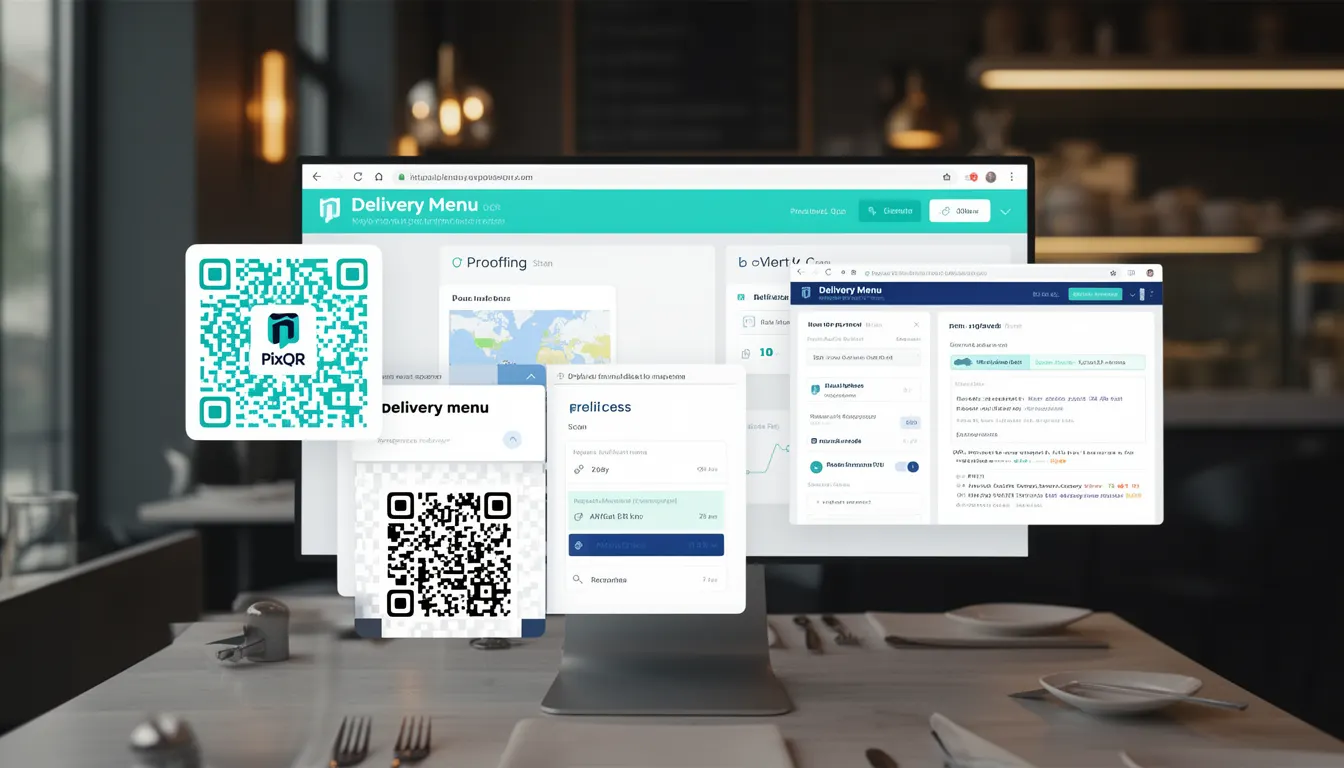
A Delivery Menu in the context of PixQR refers to a QR code-based system that dynamically serves menu content to customers, either for in-person dining or for delivery orders. It is a core feature that enables restaurants to link a physical QR code to an online digital menu, which can be updated in real time and tracked for analytics.
Delivery Menu functionality is used in PixQR to support both table service and off-site ordering workflows. When a customer scans a QR code, they are redirected to a menu page or integrated ordering system, where they can view items, prices, descriptions, and nutritional data. This system is designed to be brand-safe, privacy-aware, and scan-optimized for reliability.
Why It Matters
For developers and product teams, the Delivery Menu is a critical component in building scalable, secure, and user-friendly digital restaurant experiences. It bridges the gap between physical and digital, allowing businesses to reduce costs, improve inventory control, and offer a consistent brand experience across platforms.
From a security perspective, PixQR ensures that Delivery Menu links are validated and tracked, reducing the risk of fraudulent redirections or unauthorized access. It also supports privacy controls to manage how customer data is collected and used during menu interactions. For performance, the system is optimized to load quickly and support high traffic during peak hours, ensuring no disruption to the ordering flow.
How It Works
Delivery Menu functionality within PixQR operates through a dynamic QR code generation system that maps a unique URL to a menu resource. The system supports both static and dynamic menu content, allowing real-time updates to menu items without re-printing physical QR codes.
- QR code generation is handled through a secure API endpoint that accepts menu configuration parameters, such as item names, descriptions, prices, and images.
- Each menu item can be tagged with metadata, including allergen information, category, and availability status, which are used for filtering and display.
- Scan tracking and analytics are automatically enabled, providing insights into how often a menu is accessed, which items are most popular, and the user journey.
- Delivery Menu content is rendered through a lightweight, responsive web interface that supports multiple platforms, including mobile and desktop browsers.
- Link safety is enforced through URL validation, ensuring that only trusted domains and resources are accessible via the QR code.
Quick Reference
| Item | Purpose | Notes |
|---|---|---|
| Menu ID | Uniquely identifies a menu resource | Used in QR code generation and analytics |
| Dynamic URL | Redirects to the latest menu content | Supports real-time updates without re-printing QR codes |
| Scan tracking | Monitors QR code scan activity | Provides data for marketing and inventory insights |
| Menu metadata | Includes allergens, category, and availability | Used for filtering and accessibility |
| Link validation | Ensures only safe URLs are used | Prevents phishing or malicious redirections |
Basic Example
PixQR Example QR
This QR links directly to this glossary page, so printed notes, onboarding docs, and support material can bring scanners back to the current reference.
/glossary/qr-code-for-menus/qr-codes-for-menus-delivery-menu

This example demonstrates how to configure a basic Delivery Menu using PixQR's API. It shows how to define a menu structure with items and assign it to a QR code.
{
  "menu": {
    "name": "Lunch Specials",
    "items": [
      {
        "name": "Grilled Salmon",
        "price": 18.99,
        "description": "Fresh Atlantic salmon with lemon and herbs",
        "category": "Main Course"
      }
    ]
  },
  "qr_config": {
    "redirect_url": "https://api.pixqr.com/menu/12345"
  }
}
The example includes a menu with a single item and a QR configuration that points to a dynamic URL. The redirect_url is a PixQR-managed endpoint that serves the menu content to the user upon scanning.
Production Example
This more advanced example includes validation, metadata tagging, and analytics integration, suitable for production use in a restaurant’s operational system.
{
  "menu": {
    "name": "Dinner Menu",
    "items": [
      {
        "id": "item_001",
        "name": "Margherita Pizza",
        "price": 14.99,
        "description": "Classic pizza with tomato, mozzarella, and basil",
        "category": "Pizza",
        "allergens": ["Gluten", "Dairy"],
        "available": true,
        "image_url": "https://cdn.pixqr.com/images/pizza_margherita.jpg"
      }
    ]
  },
  "qr_config": {
    "redirect_url": "https://api.pixqr.com/menu/67890",
    "scan_tracking": true,
    "analytics": {
      "source": "restaurant_kiosk",
      "location": "Main Dining Room"
    }
  }
}
This version includes item IDs, allergen tags, image URLs, and scan tracking settings. It ensures that the menu is accessible, compliant with accessibility standards, and integrates with PixQR’s analytics platform for business insights.
Common Mistakes
- Not validating menu item URLs or image paths, leading to broken links or 404 errors when scanned.
- Using outdated or hardcoded menu IDs, which can cause confusion or data mismatch in analytics.
- Ignoring accessibility metadata like allergen tags or category labels, which impacts compliance and user experience.
- Overlooking scan tracking configuration, resulting in lost data for performance and marketing analysis.
- Not implementing fallback or error handling for menu rendering, which can leave users unable to view the menu.
Security And Production Notes
- Always validate URLs and image sources to prevent malicious content injection or phishing attempts.
- Use HTTPS-only endpoints for menu delivery to ensure data integrity and user privacy.
- Implement rate limiting for menu API requests to avoid abuse or performance degradation.
- Ensure all menu metadata is sanitized to prevent XSS or injection vulnerabilities.
- Design menu content to be responsive and compatible with screen readers for accessibility compliance.
Related Concepts
Delivery Menu is closely connected to several other developer concepts within PixQR:
- Dynamic QR Code – The mechanism that generates a unique URL for each menu, enabling real-time updates.
- Scan Analytics – Tracks how often a menu is accessed and user behavior for business insights.
- Redirect Safety – Ensures QR code links are safe and validated before redirection.
- Brand Design – The visual and functional consistency of menu display across platforms.
- Privacy Controls – Manages data collection and user consent for menu access and scan tracking.