 PixQR
PixQR
Overview
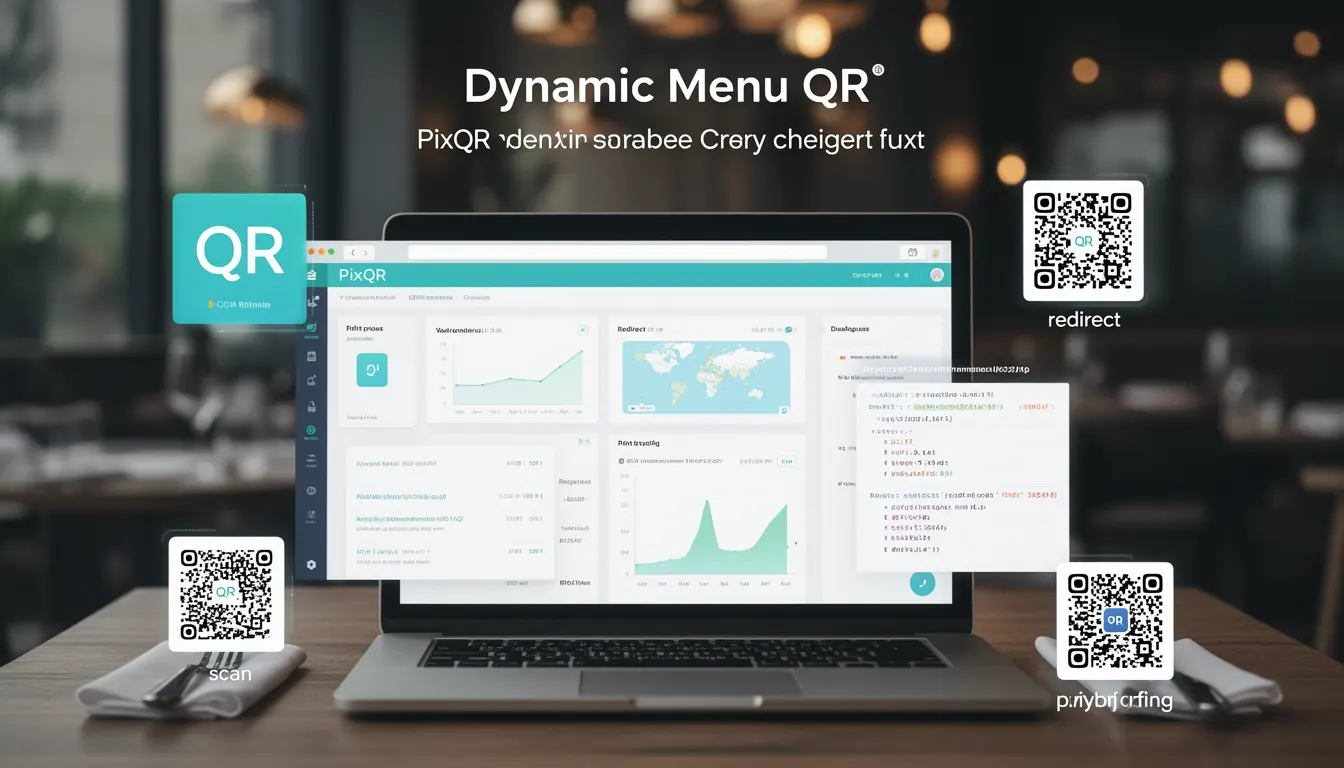
A Dynamic Menu QR is a type of QR code that links to a digital menu hosted on a remote server, rather than embedding static content directly into the QR code. This approach allows restaurant operators to update menu items, prices, and availability in real time without reprinting physical QR codes.
In PixQR, a Dynamic Menu QR is created by generating a standard QR code that points to a URL, which in turn delivers a dynamically rendered menu. This mechanism is particularly useful for restaurants, cafes, and food service providers looking to reduce operational overhead, improve accuracy, and provide customers with up-to-date information.
Why It Matters
For developers and restaurant operators, Dynamic Menu QRs offer significant advantages over static menu QRs. They reduce the cost and complexity of physical menu updates, support real-time inventory management, and allow for better integration with ordering systems. From a technical perspective, they enable scalable, maintainable, and flexible menu delivery systems that can be updated programmatically.
For developers, implementing a Dynamic Menu QR system involves considerations around API design, content delivery, data consistency, and security. The ability to remotely update menu data ensures that the digital experience remains current and relevant, improving both customer satisfaction and operational efficiency.
How It Works
The Dynamic Menu QR system operates by generating a QR code that points to a URL. This URL is typically a web endpoint that delivers a menu in a format suitable for display on a mobile device or web browser. The menu content is fetched dynamically from a server-side database or API, allowing for real-time updates.
- The QR code itself is a standard 2D barcode that encodes a URL pointing to a menu delivery service.
- The URL typically resolves to a RESTful API or a server-side rendered HTML page.
- Menu content is stored in a structured database or CMS, with endpoints designed for efficient retrieval.
- Dynamic updates are propagated through the backend system, which may include inventory or pricing logic.
- Scanning the QR code triggers a browser or app to fetch and render the menu, often with caching or CDN optimization.
Quick Reference
| Item | Purpose | Notes |
|---|---|---|
| QR Code URL | Points to menu endpoint | Must be a valid HTTPS URL |
| Menu API | Delivers menu data | Supports JSON or HTML output |
| Dynamic Content | Menu items, prices, availability | Updated via backend |
| Scan Tracking | Monitors QR code usage | Optional analytics |
| Secure Delivery | Protects menu content | Requires HTTPS and authentication |
Basic Example
PixQR Example QR
This QR links directly to this glossary page, so printed notes, onboarding docs, and support material can bring scanners back to the current reference.
/glossary/qr-code-for-menus/qr-codes-for-menus-dynamic-menu-qr

This example demonstrates how a basic Dynamic Menu QR URL might be constructed and used in a PixQR system. The URL points to a server endpoint that delivers menu data in a simple JSON format.
https://api.pixqr.com/menu/restaurant-123The QR code encodes this URL, which when scanned, fetches menu data from the PixQR API. The endpoint returns a structured JSON object that can be rendered in a mobile browser or app.
Production Example
A production-ready Dynamic Menu QR implementation includes validation, error handling, and secure delivery. The following example shows a more robust setup, including a URL that fetches menu data with fallbacks and security considerations.
https://api.pixqr.com/v1/menu/restaurant-123?format=html&cache=300This URL includes parameters for content format and caching duration. It ensures that menu data is delivered efficiently and securely, with proper handling of network errors or server downtime.
Common Mistakes
- Using HTTP instead of HTTPS for menu endpoints, exposing data to interception.
- Not implementing caching or CDN strategies, leading to slow load times.
- Hardcoding menu IDs or URLs, making updates difficult or error-prone.
- Ignoring accessibility standards for menu display, such as contrast or font size.
- Failing to validate or sanitize menu data before delivery, risking injection or malformed content.
Security And Production Notes
- Always use HTTPS for menu endpoints to prevent data interception or tampering.
- Implement authentication or rate limiting to protect menu APIs from abuse.
- Sanitize and validate all menu content to prevent XSS or injection attacks.
- Use a CDN or caching layer to improve performance and reduce server load.
- Ensure menu data is structured and consistent for reliable rendering across devices.
Related Concepts
Dynamic Menu QRs are closely related to several core PixQR features and web development practices. These include QR code generation, API design, content delivery networks (CDNs), secure data transmission, and dynamic content rendering. Understanding these concepts helps developers build robust and scalable menu systems.