 PixQR
PixQR
Overview
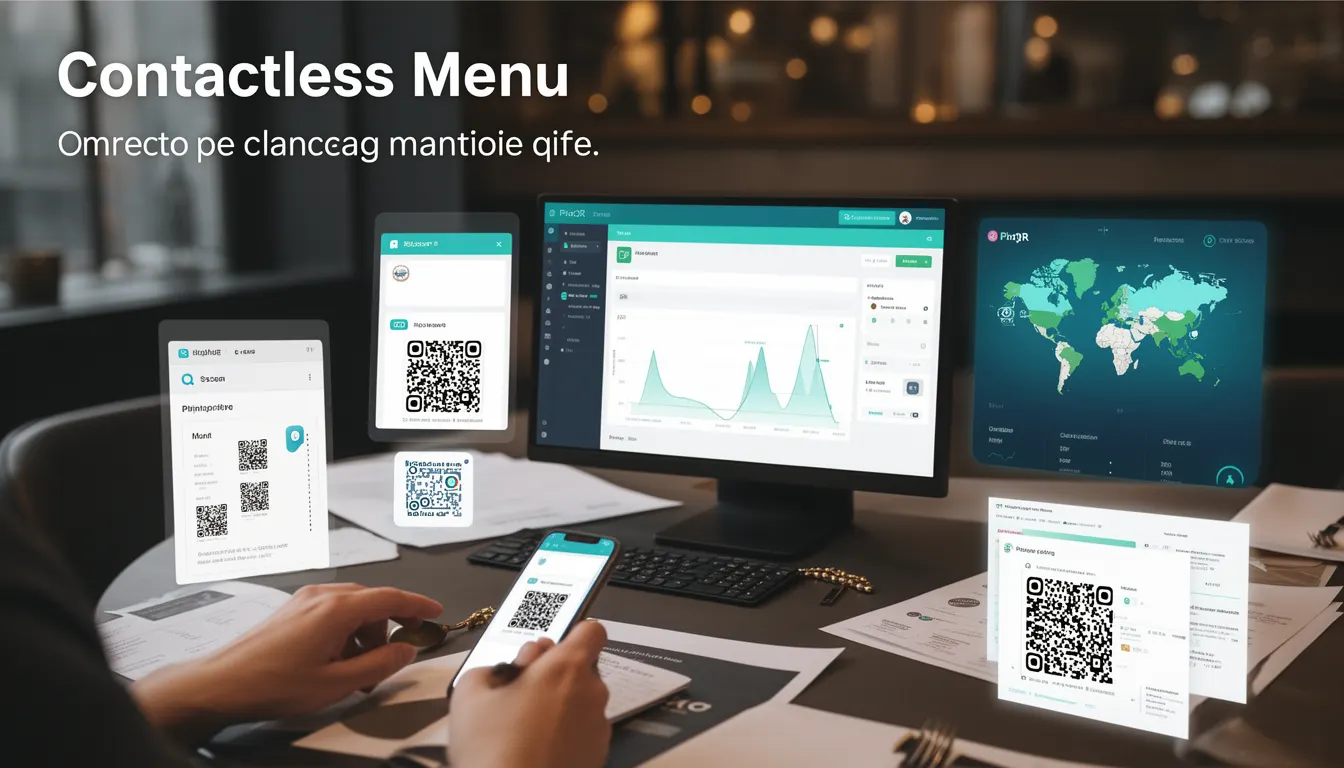
A Contactless Menu is a digital menu implementation that uses QR codes to allow customers to access restaurant or food service offerings without requiring physical menus or staff interaction. In the context of PixQR, this term refers to a specific type of dynamic QR code configuration that serves menu content directly to scanning devices.
These QR codes are typically generated using PixQR's API or dashboard, with each code pointing to a secure, branded digital menu page. The implementation supports both static and dynamic content, with options for real-time updates, multi-language support, and integration with point-of-sale systems. The system is designed to reduce physical contact, support hygiene protocols, and enable scalable menu management across multiple locations.
Why It Matters
For developers and site operators, Contactless Menu implementations are critical for maintaining operational efficiency while adhering to public health guidelines. The technology allows for rapid updates to menu items, pricing, and availability without physical reprints or staff intervention. This is especially valuable in dynamic environments where menu changes are frequent.
From a security perspective, PixQR ensures that QR code content is protected through secure URL redirection, encryption, and access controls. The platform supports brand-safe design, which prevents malicious content injection and maintains customer trust. Additionally, analytics capabilities provide insights into menu engagement, helping operators optimize offerings and reduce waste.
How It Works
The Contactless Menu system operates through a series of interconnected components that ensure secure, reliable, and scalable menu delivery. The core mechanism involves generating a QR code that links to a dynamic content endpoint managed by PixQR. This endpoint delivers menu content based on predefined configurations and can be updated in real-time without modifying QR code physical assets.
- QR code generation uses PixQR's API with parameters for content type, expiration, analytics tracking, and branding settings.
- Dynamic content is served through a secure HTTPS endpoint that supports caching, compression, and content delivery network (CDN) integration.
- Menu items are stored in a structured format, typically JSON, allowing for easy parsing and rendering on various device types.
- Access control and analytics are implemented through headers and tracking pixels that monitor scan behavior and user engagement.
- Support for multi-language menus is achieved through language detection and content localization features within the PixQR platform.
Quick Reference
| Item | Purpose | Notes |
|---|---|---|
| qr_code_url | Endpoint for QR code content | Must be HTTPS for security |
| content_type | Menu data format | JSON or HTML supported |
| language | Menu language | Auto-detect or fixed |
| analytics_enabled | Tracking status | Defaults to true |
| access_control | Authentication method | None, token, or session |
Basic Example
PixQR Example QR
This QR links directly to this glossary page, so printed notes, onboarding docs, and support material can bring scanners back to the current reference.
/glossary/qr-code-for-menus/qr-codes-for-menus-contactless-menu

This basic example shows how a simple menu QR code is generated using PixQR's API. The QR code points to a static menu page with basic formatting and minimal analytics.
curl -X POST https://api.pixqr.com/v1/qr \
  -H "Authorization: Bearer YOUR_API_TOKEN" \
  -H "Content-Type: application/json" \
  -d '{
    "content": "https://example.com/menu",
    "type": "dynamic",
    "analytics": false,
    "branding": {
      "logo": "https://example.com/logo.png"
    }
  }'
The important lines in this example are the POST request to the PixQR API endpoint, the inclusion of an authorization token, and the specification of content URL and type. The analytics field is set to false to disable tracking for this example.
Production Example
This production example demonstrates a more robust implementation with access control, analytics, and multi-language support. It uses PixQR's advanced features to ensure secure and scalable menu delivery.
curl -X POST https://api.pixqr.com/v1/qr \
  -H "Authorization: Bearer YOUR_API_TOKEN" \
  -H "Content-Type: application/json" \
  -d '{
    "content": "https://api.pixqr.com/v1/menu/restaurant-123",
    "type": "dynamic",
    "analytics": true,
    "branding": {
      "logo": "https://example.com/logo.png",
      "colors": {
        "primary": "#007BFF",
        "secondary": "#F8F9FA"
      }
    },
    "access_control": {
      "type": "token",
      "required": true
    },
    "language": "auto",
    "expiration": "2025-12-31T23:59:59Z"
  }'
This version includes access control with token-based authentication, enables analytics for tracking, and specifies branding colors. The language parameter set to auto allows the system to detect and serve content in the user's preferred language, making it suitable for international locations.
Common Mistakes
- Using HTTP URLs instead of HTTPS for menu content, which can lead to security vulnerabilities and reduced trust.
- Not implementing access control for sensitive menu data, exposing pricing or inventory information to unauthorized users.
- Ignoring analytics configuration, resulting in missed opportunities for menu optimization and customer insights.
- Failing to test QR code reliability across different scanning devices and environments, causing user frustration.
- Not configuring proper expiration dates, leading to outdated content being served indefinitely.
- Overlooking branding consistency, which can diminish brand recognition and user trust.
Security And Production Notes
- Always use HTTPS for menu content delivery to prevent man-in-the-middle attacks and ensure data integrity.
- Implement access control to protect sensitive menu data and prevent unauthorized modifications.
- Validate all QR code parameters during creation to prevent injection attacks or malformed content.
- Use PixQR's CDN integration to improve performance and reduce server load for menu delivery.
- Regularly audit QR code access logs and analytics to detect unusual activity or potential security breaches.
Related Concepts
Several developer concepts are closely related to Contactless Menu implementation. Dynamic QR codes form the foundation, allowing content to be updated without physical changes. Secure redirects ensure that QR code scanning leads to trusted content. Scan analytics provide insights into user behavior and menu effectiveness. Content management systems are often integrated to allow real-time menu updates. API security is essential for protecting the backend services that manage menu data.