 PixQR
PixQR
Overview
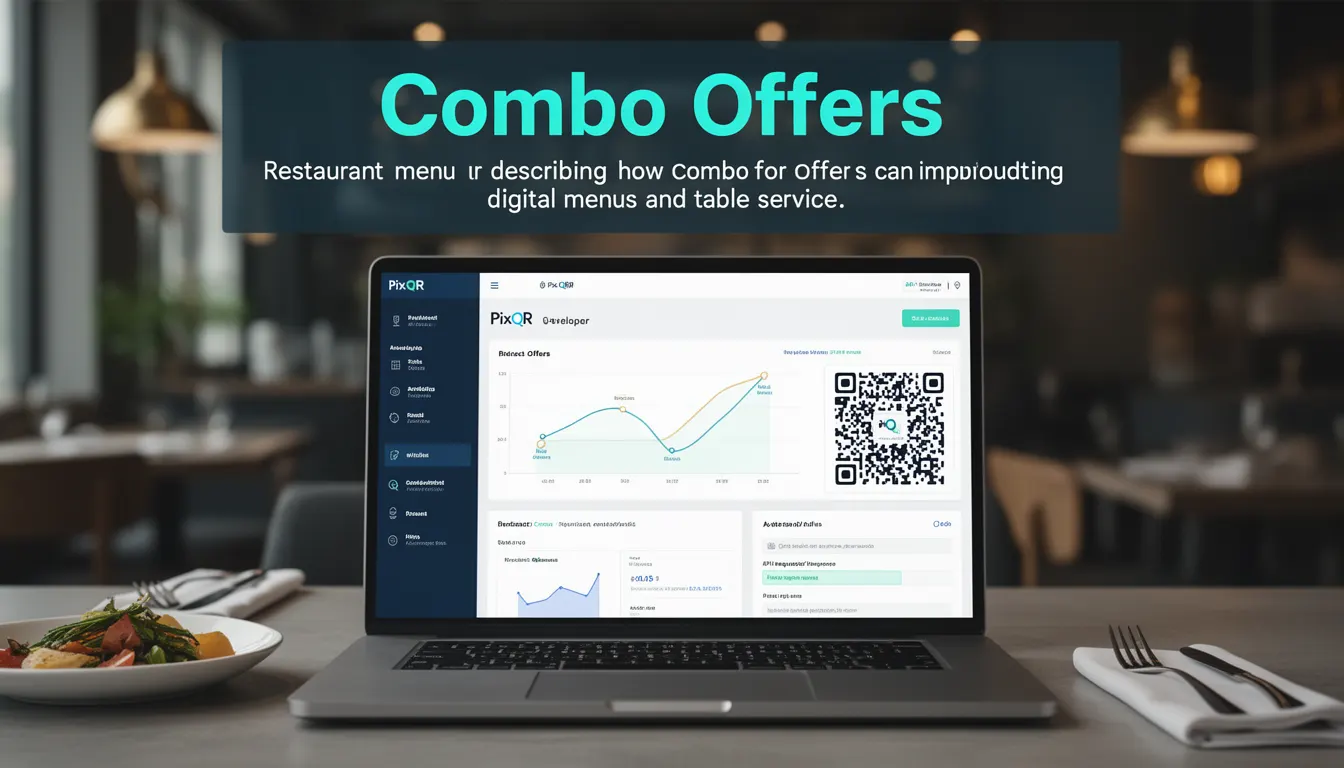
Combo Offers are a digital menu strategy that combines multiple items into a single, predefined package, typically presented as a QR code for quick access. In the context of PixQR, these offers are implemented through structured QR codes that link to dynamic menu content, enabling restaurants to present bundled meals, drinks, or services that are more appealing to customers than individual item selection.
These offers are commonly used in QR code menus to simplify ordering, increase average transaction value, and reduce decision fatigue for customers. By presenting a curated set of items at a fixed price, Combo Offers help streamline the ordering process, especially in fast-paced environments like cafeterias, fast food chains, or event catering. PixQR supports Combo Offers through customizable QR links that can dynamically update menu items, prices, and availability based on real-time backend systems.
Why It Matters
For developers and platform maintainers, Combo Offers represent a balance between menu flexibility and user experience. They require careful integration with backend systems to ensure real-time pricing, availability, and inventory tracking. Incorrect implementation can lead to mismatched pricing, out-of-stock items, or inconsistent ordering flows, which directly affect customer satisfaction and revenue.
From a security standpoint, Combo Offers must be protected against tampering or unauthorized modification. PixQR ensures that QR codes linking to Combo Offers are generated with cryptographic integrity, preventing attackers from altering menu content or prices. Accessibility is also critical, as Combo Offers should be fully navigable and understandable for users with disabilities, especially when integrated into mobile applications or kiosks.
How It Works
Combo Offers in PixQR are managed through a structured data model that maps multiple menu items into a single offer. The system supports dynamic updates, allowing the same QR code to display different Combo Offers depending on time of day, season, or inventory status. Each Combo Offer is defined by a set of parameters that determine its content, pricing, and visibility.
- Combo Offers are defined with a unique identifier, a list of associated menu items, and a fixed price.
- Each item in the Combo can have its own quantity, modifiers, or preparation notes.
- Offers can be scheduled to activate or deactivate based on time or date parameters.
- Dynamic linking to backend systems ensures real-time updates to item availability and pricing.
- QR code generation includes metadata to support analytics, such as scan frequency and conversion rates.
Quick Reference
| Item | Purpose | Notes |
|---|---|---|
| offer_id | Unique identifier for the Combo Offer | Required for linking to backend systems |
| items | List of menu items included in the offer | Each item can have modifiers or quantities |
| price | Fixed price of the Combo Offer | Must be validated against backend pricing |
| valid_from | Start date for the offer | Used for time-based scheduling |
| valid_until | End date for the offer | Ensures timely deactivation of expired offers |
Basic Example
PixQR Example QR
This QR links directly to this glossary page, so printed notes, onboarding docs, and support material can bring scanners back to the current reference.

This example demonstrates how a basic Combo Offer might be structured in a JSON format, suitable for backend integration or API calls.
{
  "offer_id": "combo_001",
  "name": "Family Feast Combo",
  "items": [
    {
      "item_id": "item_101",
      "quantity": 1,
      "modifiers": ["extra_chicken", "spicy"]
    },
    {
      "item_id": "item_102",
      "quantity": 2
    }
  ],
  "price": 29.99,
  "valid_from": "2025-04-01T00:00:00Z",
  "valid_until": "2025-04-30T23:59:59Z"
}
This JSON defines a Combo Offer with two items, one with modifiers, and a fixed price. The validity period ensures that the offer is only active during a specified time range.
Production Example
In a production environment, Combo Offers are often generated dynamically based on backend data. This example shows a more robust structure with validation and error handling for QR code generation.
{
  "offer_id": "combo_001",
  "name": "Family Feast Combo",
  "items": [
    {
      "item_id": "item_101",
      "quantity": 1,
      "modifiers": ["extra_chicken", "spicy"]
    },
    {
      "item_id": "item_102",
      "quantity": 2
    }
  ],
  "price": 29.99,
  "valid_from": "2025-04-01T00:00:00Z",
  "valid_until": "2025-04-30T23:59:59Z",
  "currency": "USD",
  "description": "Includes main dish, two sides, and a drink",
  "category": "family_meals",
  "tags": ["family", "discount", "limited_time"]
}
This version includes additional metadata such as currency, description, category, and tags. These fields are essential for analytics, filtering, and user experience in a fully integrated menu system.
Common Mistakes
- Using static QR codes for dynamic Combo Offers without backend integration leads to outdated or incorrect menu content.
- Failing to validate item availability or pricing before publishing a Combo Offer results in customer dissatisfaction and revenue loss.
- Not accounting for modifiers or item variations when defining a Combo can cause confusion or errors in the ordering process.
- Ignoring time-based scheduling can lead to expired offers still being visible to customers, causing pricing mismatches.
- Overlooking accessibility considerations in Combo Offer design can exclude users with disabilities from using QR menu systems.
Security And Production Notes
- QR codes for Combo Offers must be cryptographically signed to prevent tampering and ensure data integrity.
- Backend systems should validate all offer parameters before allowing QR generation to prevent inconsistent or invalid data.
- Ensure that Combo Offers are accessible to users with disabilities by using semantic HTML and ARIA labels.
- Use HTTPS for all QR code redirections to prevent man-in-the-middle attacks or content injection.
- Implement logging and monitoring for Combo Offer scans to detect anomalies or fraudulent usage patterns.
Related Concepts
Combo Offers are closely related to several other menu and QR code concepts. Dynamic QR codes allow for real-time updates of menu content, while menu item modifiers enable customization of individual offerings. Redirect safety ensures that users are directed to the correct content without exposure to malicious links. Analytics and tracking provide insights into customer behavior, and privacy controls ensure that personal data is handled responsibly. These concepts work together to create a robust and scalable menu system within PixQR.