 PixQR
PixQR
Overview
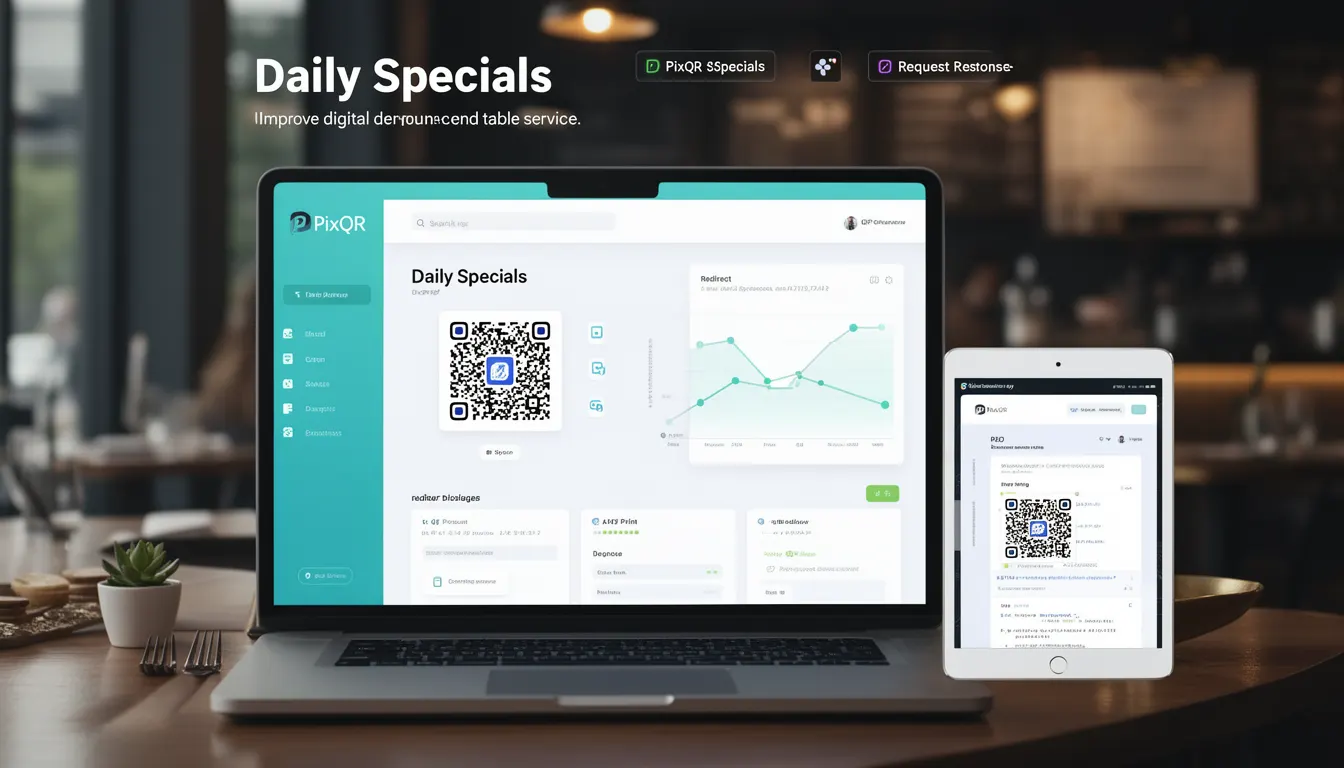
Daily Specials in PixQR refers to a dynamic menu content management feature that allows restaurants to update their digital menu offerings on a daily basis through a single, persistent QR code. The system maintains a stable QR code identifier that redirects to a centralized menu endpoint, which then serves the appropriate daily item content based on current date and time.
This functionality enables real-time menu updates without requiring physical menu reprinting or QR code regeneration. The content is managed through PixQR's backend API, where daily specials are configured with start/end dates, availability flags, and pricing information. When a customer scans the QR code, the system fetches the current day's menu items and displays them in a responsive web interface.
Why It Matters
For restaurant operators, Daily Specials provide a cost-effective way to promote seasonal ingredients, reduce food waste, and drive customer engagement. From a developer perspective, this feature supports scalable menu management while maintaining consistent user experience across all scanning platforms. The dynamic nature allows for automated updates from POS systems, reducing manual intervention and human error.
Security-wise, Daily Specials can be configured with access controls to limit visibility to specific customer segments or geographic regions. Performance considerations include caching strategies to minimize API load while ensuring content freshness. Analytics capabilities allow operators to track which daily specials generate the most engagement and revenue.
How It Works
The Daily Specials system operates through a three-tier architecture: QR code generation, content delivery, and menu rendering. The QR code always points to a fixed endpoint, typically https://api.pixqr.com/menu/daily, which then queries a database or API to determine the current day's offerings.
- Each menu item includes a unique identifier, name, description, price, dietary tags, and availability status
- Content is fetched via HTTPS REST API with JSON response format
- System supports timezone-aware scheduling for global restaurant operations
- Items can be marked as unavailable or hidden with automatic fallback behavior
- Database records include timestamps for content lifecycle management and audit trails
Quick Reference
| Parameter | Required | Format | Description |
|---|---|---|---|
| daily_specials | Yes | Boolean | Enables dynamic menu content |
| item_id | Yes | String | Unique identifier for menu item |
| valid_from | Yes | ISO 8601 | Start date for item visibility |
| valid_until | Yes | ISO 8601 | End date for item visibility |
| available | No | Boolean | Item status for display |
Basic Example
PixQR Example QR
This QR links directly to this glossary page, so printed notes, onboarding docs, and support material can bring scanners back to the current reference.
/glossary/qr-code-for-menus/qr-codes-for-menus-daily-specials

This example shows a minimal JSON payload returned by the daily specials API endpoint for a single day:
{
  "daily_specials": true,
  "menu_id": "dailyspecials_20241001",
  "items": [
    {
      "item_id": "salmon_001",
      "name": "Grilled Salmon",
      "description": "Fresh Atlantic salmon with lemon butter sauce",
      "price": "$18.99",
      "dietary": ["gluten-free", "dairy-free"],
      "available": true
    }
  ]
}
The key elements include the daily_specials flag that enables dynamic content, the menu_id for tracking, and a structured items array containing essential menu metadata for display.
Production Example
A production-ready Daily Specials configuration includes comprehensive error handling, timezone management, and robust data validation:
{
  "daily_specials": true,
  "menu_id": "dailyspecials_20241001",
  "valid_from": "2024-10-01T00:00:00Z",
  "valid_until": "2024-10-01T23:59:59Z",
  "timezone": "America/New_York",
  "items": [
    {
      "item_id": "salmon_001",
      "name": "Grilled Salmon",
      "description": "Fresh Atlantic salmon with lemon butter sauce",
      "price": "$18.99",
      "dietary": ["gluten-free", "dairy-free"],
      "available": true,
      "nutrition": {
        "calories": 320,
        "protein": "28g",
        "fat": "18g"
      }
    },
    {
      "item_id": "risotto_002",
      "name": "Mushroom Risotto",
      "description": "Creamy arborio rice with wild mushrooms",
      "price": "$14.99",
      "dietary": ["vegetarian"],
      "available": false,
      "fallback": "Grilled Chicken"
    }
  ]
}
This enhanced structure includes timezone specification, nutrition information, and fallback handling for unavailable items, making it suitable for enterprise-level deployments with multiple locations and complex menu requirements.
Common Mistakes
- Not implementing proper date validation when scheduling daily specials, leading to items appearing on incorrect dates
- Using outdated or unescaped JSON responses that cause parsing errors on the client side
- Ignoring timezone differences between server and client, resulting in incorrect daily special timing for geographically distributed restaurants
- Creating static QR codes for dynamic content without backend integration, causing customers to see stale menu information
- Not providing fallback content when API endpoints are temporarily unavailable, resulting in broken user experiences
Security And Production Notes
- Always validate and sanitize all incoming data from menu management interfaces to prevent injection attacks
- Implement robust authentication for API endpoints that manage daily special configurations
- Use HTTPS exclusively for all QR code content delivery to prevent content tampering
- Design caching policies that balance performance with content freshness for time-sensitive menu items
- Include comprehensive error handling and logging to monitor daily special content delivery failures
Related Concepts
Daily Specials in PixQR integrates with several core platform features including menu versioning for content tracking, API gateway security for access control, analytics dashboards for engagement metrics, content delivery networks for performance optimization, and user segmentation for targeted promotions. These concepts work together to provide a complete solution for dynamic menu management.