 PixQR
PixQR
Overview
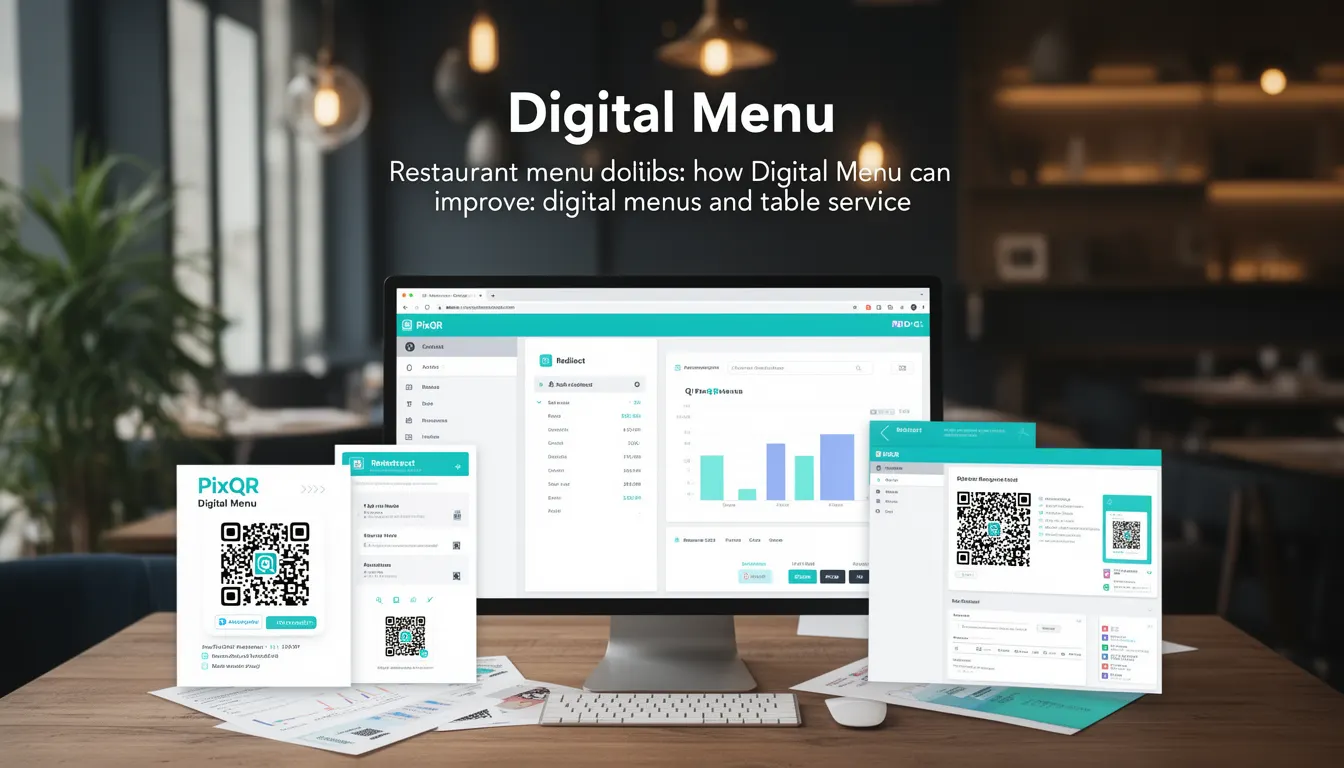
A Digital Menu in the context of PixQR refers to a QR code-based system that allows restaurants to dynamically display their menu items via a digital interface, typically accessed through a mobile device scan. This system replaces traditional printed menus and offers a scalable, real-time update mechanism for menu content, pricing, and availability.
When integrated with PixQR, a Digital Menu leverages the platform's dynamic QR generation and redirect capabilities to link to a secure, hosted menu interface. The QR code itself does not change, but the content it points to can be updated in real time, offering flexibility for seasonal offerings, price adjustments, or inventory changes.
Why It Matters
For developers working with PixQR, Digital Menu systems provide a scalable way to manage menu updates without physical reprinting or manual intervention. This is especially valuable in fast-paced restaurant environments where menu items change frequently, or during events like holidays or promotions.
From a security standpoint, PixQR's approach to Digital Menus ensures that all content is hosted securely, and access to the menu can be controlled through authentication or access tokens. This prevents unauthorized modifications and maintains brand consistency and integrity.
From a performance perspective, the system reduces the need for physical inventory, which also supports sustainability goals. Additionally, analytics can track menu item popularity, helping restaurant owners optimize offerings based on actual customer behavior.
How It Works
The PixQR Digital Menu system operates through a combination of QR code generation, dynamic redirect logic, and backend content management. When a customer scans a QR code, they are redirected to a URL that points to a secure digital menu hosted by PixQR.
- The QR code is generated using PixQR's API, which supports dynamic content updates without changing the physical QR code.
- The system uses a secure HTTPS endpoint that returns menu data in JSON format, which is then rendered by a mobile-optimized frontend interface.
- Content updates are managed through a content management interface, which allows restaurant staff to modify menu items, prices, and descriptions in real time.
- Access control can be implemented using tokens or authentication mechanisms, ensuring that only authorized personnel can update menu content.
- Analytics and tracking are enabled through PixQR’s scan tracking infrastructure, which logs every menu access and can provide insights into customer engagement.
Quick Reference
| Item | Purpose | Notes |
|---|---|---|
| QR Code | Redirects to digital menu | Static for the lifetime of the menu |
| Menu API Endpoint | Provides menu data | Secure HTTPS with JSON response |
| Content Management Interface | Allows real-time updates | Access controlled via authentication |
| Scan Tracking | Logs access and engagement | Enables analytics and reporting |
| Dynamic Redirect | Updates content without changing QR | Powered by PixQR's backend |
Basic Example
PixQR Example QR
This QR links directly to this glossary page, so printed notes, onboarding docs, and support material can bring scanners back to the current reference.

This basic example demonstrates how a QR code can be generated to point to a digital menu. The QR code itself is static, but the menu content is fetched dynamically from a backend service.
const qrCodeData = {
  "url": "https://api.pixqr.com/menu/restaurant123",
  "type": "dynamic",
  "redirect": "https://restaurant123.pixqr.com/menu"
};
const qrCode = pixqr.generate(qrCodeData);
console.log(qrCode);
The url field specifies the backend endpoint that serves the menu data. The redirect field defines where the QR code points to when scanned. The type field indicates that this is a dynamic QR code, meaning its content can be updated without changing the QR code itself.
Production Example
This production example includes access control, error handling, and analytics integration. It demonstrates how a full-featured Digital Menu system would be implemented using PixQR's API.
const menuConfig = {
  "restaurantId": "restaurant123",
  "accessToken": "abc123xyz",
  "menuEndpoint": "https://api.pixqr.com/v1/menu",
  "analyticsEnabled": true,
  "fallbackUrl": "https://restaurant123.pixqr.com/fallback"
};

const qrCodeData = {
  "url": menuConfig.menuEndpoint,
  "redirect": menuConfig.fallbackUrl,
  "type": "dynamic",
  "metadata": {
    "restaurant": menuConfig.restaurantId,
    "version": "1.0"
  }
};

const qrCode = pixqr.generate(qrCodeData, {
  headers: {
    "Authorization": "Bearer " + menuConfig.accessToken
  }
});

console.log("Generated QR Code for menu:", qrCode);
This version includes a token-based access control mechanism, analytics flags, and a fallback URL in case the primary menu endpoint is unavailable. It is suitable for production environments where reliability, security, and traceability are critical.
Common Mistakes
- Not using HTTPS for menu endpoints, which can expose data to interception and man-in-the-middle attacks.
- Hardcoding access tokens in client-side code, which can lead to unauthorized access to menu data.
- Ignoring fallback URLs, which can result in a broken experience if the primary menu endpoint fails.
- Not validating menu data before rendering, which can lead to rendering errors or unexpected behavior.
- Using static QR codes for dynamic content, which negates the benefits of real-time updates and requires physical reprints.
Security And Production Notes
- All menu endpoints must use HTTPS to ensure data integrity and confidentiality.
- Access tokens should be managed server-side and never exposed to client-side code.
- Implement input validation for all menu data to prevent injection or rendering issues.
- Use PixQR's built-in analytics to monitor access patterns and detect anomalies.
- Ensure fallback URLs are available and functional to maintain user experience during outages.
Related Concepts
Several related concepts are important for understanding and implementing Digital Menus within PixQR:
- Dynamic QR Code – A QR code that can be updated without changing the physical code, enabling real-time content changes.
- Redirect Management – The process of directing QR code scans to specific endpoints, which is central to how Digital Menus function.
- Content Delivery Network (CDN) – Often used to serve menu content efficiently and ensure fast access for users.
- Scan Analytics – Data collection mechanisms that track how often and how users interact with the menu, useful for business insights.
- Access Control – Methods to ensure only authorized personnel can update menu data, such as API tokens or user roles.