 PixQR
PixQR
Overview
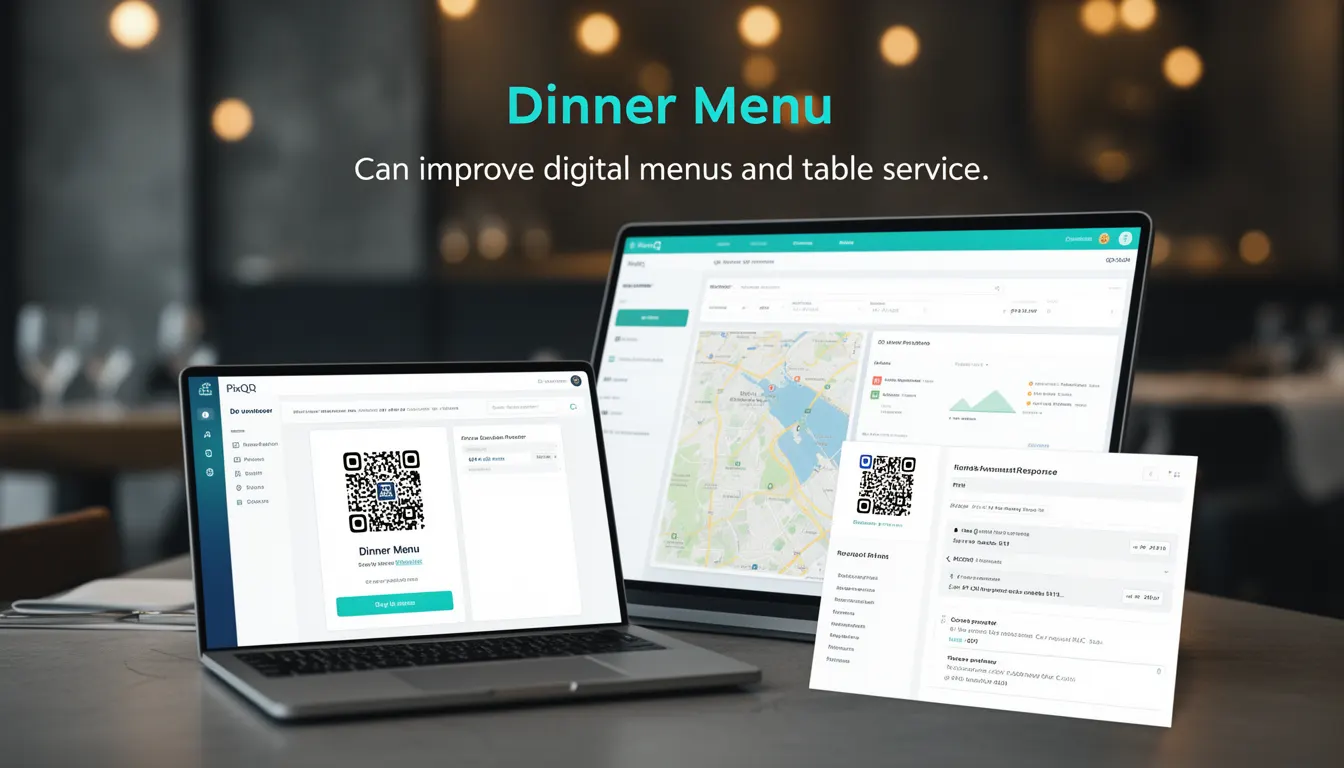
In the context of PixQR, a Dinner Menu refers to a QR code implementation that serves a digital restaurant menu, typically used for table service or mobile ordering. It allows customers to scan a QR code to access the menu, view dish details, and potentially place orders directly through the platform. This functionality is part of PixQR’s broader menu management and dynamic redirect capabilities, designed to streamline restaurant operations while improving customer engagement.
Developers working with PixQR must understand how Dinner Menu integration works, especially in terms of QR generation, link routing, dynamic content delivery, and analytics tracking. It's a core feature that bridges physical and digital experiences in hospitality environments, making it essential for developers building or maintaining restaurant digital ecosystems.
Why It Matters
Dinner Menu functionality in PixQR is critical for developers managing restaurant digital platforms because it impacts user experience, operational efficiency, and data tracking. A well-implemented Dinner Menu system ensures customers can quickly access menu items, view descriptions, and potentially order food without physical menus or staff intervention. This reduces service delays and supports contactless interactions, which are increasingly important for health and safety compliance.
From a technical standpoint, Dinner Menu integration affects API design, content delivery, and analytics reporting. It requires robust QR generation and tracking systems, secure routing, and scalable backend handling for menu updates. Poorly implemented Dinner Menu systems can lead to broken links, outdated information, or data loss, all of which can impact restaurant reputation and customer satisfaction.
How It Works
Dinner Menu in PixQR operates through a series of interconnected systems that manage QR code generation, content delivery, and analytics. The core mechanism involves linking a QR code to a dynamic URL that serves menu content, which can be updated in real time through the PixQR dashboard. This system allows restaurants to modify menus without changing physical QR codes or re-printing materials.
- The QR code is generated using PixQR’s API, which supports custom branding, scan tracking, and analytics.
- Each QR code points to a dynamic URL that serves menu content, which can be hosted on PixQR’s secure CDN or a custom domain.
- Menu data is stored in PixQR’s structured database, allowing for versioning, localization, and real-time updates.
- Scan events are tracked and logged, providing restaurant owners with insights into customer engagement and menu popularity.
- Menu items can include rich media such as images, descriptions, and pricing, all delivered via PixQR’s content delivery system.
Quick Reference
| Item | Purpose | Notes |
|---|---|---|
| QR Code Generation | Creates a unique link to the menu | Supports branding and analytics |
| Dynamic URL Routing | Serves updated menu content | Allows real-time menu changes |
| Content Delivery | Delivers menu items and images | Uses PixQR’s CDN or custom domains |
| Scan Tracking | Logs menu access events | Provides analytics and engagement data |
| Menu Versioning | Manages content updates | Supports historical data and rollback |
Basic Example
PixQR Example QR
This QR links directly to this glossary page, so printed notes, onboarding docs, and support material can bring scanners back to the current reference.

This example demonstrates how to generate a basic Dinner Menu QR code using PixQR’s API. It shows a minimal setup that links to a static menu URL.
const qrConfig = {
  url: "https://restaurant.example.com/dinner-menu",
  brand: "RestaurantLogo",
  analytics: true
};

const qrCode = pixqr.generate(qrConfig);
console.log(qrCode.url); // Outputs the generated QR code URL
The configuration object sets the destination URL for the menu, applies branding, and enables analytics tracking. The generated QR code can be used in print materials or digital displays.
Production Example
This example shows a more robust Dinner Menu implementation, including error handling, analytics configuration, and secure content delivery. It reflects real-world production requirements for scalability and reliability.
const menuConfig = {
  url: "https://api.pixqr.com/v1/menu/restaurant-123",
  brand: "RestaurantBrand",
  analytics: true,
  redirectTimeout: 5000,
  scanTracking: true,
  contentDelivery: "cdn"
};

const qrCode = pixqr.generate(menuConfig);
if (!qrCode || !qrCode.url) {
  throw new Error("Failed to generate QR code");
}

// Use the QR code in print or digital display
console.log("Dinner Menu QR Code URL:", qrCode.url);
This version includes secure content delivery, timeout handling, and detailed scan tracking, making it suitable for production environments where reliability and performance are critical.
Common Mistakes
- Using static QR codes for dynamic menus, which leads to outdated information and broken links.
- Ignoring analytics settings, resulting in missed opportunities for customer engagement insights.
- Not validating menu content before publishing, causing errors or display issues for customers.
- Hardcoding menu URLs instead of using dynamic redirects, which increases maintenance overhead.
- Failing to test QR code functionality across different devices and scanning apps, leading to inconsistent user experiences.
Security And Production Notes
- Always use HTTPS for menu URLs to ensure secure content delivery and prevent man-in-the-middle attacks.
- Validate all menu content and images before publishing to prevent broken or malicious links.
- Implement rate limiting for QR code generation to avoid abuse or system overload.
- Ensure that analytics tracking does not collect sensitive user data without explicit consent.
- Use PixQR’s built-in CDN for content delivery to reduce latency and improve scan reliability.
Related Concepts
Dinner Menu in PixQR connects to several key developer concepts:
- Dynamic QR Redirects – The foundation of how QR codes link to changing content.
- Content Delivery Networks (CDNs) – Used to ensure fast, reliable menu delivery.
- Analytics and Tracking – Enables restaurants to monitor customer behavior.
- API Versioning – Ensures menu systems remain stable across updates.
- Scan Reliability – Core to ensuring QR codes work consistently across platforms.