 PixQR
PixQR
Overview
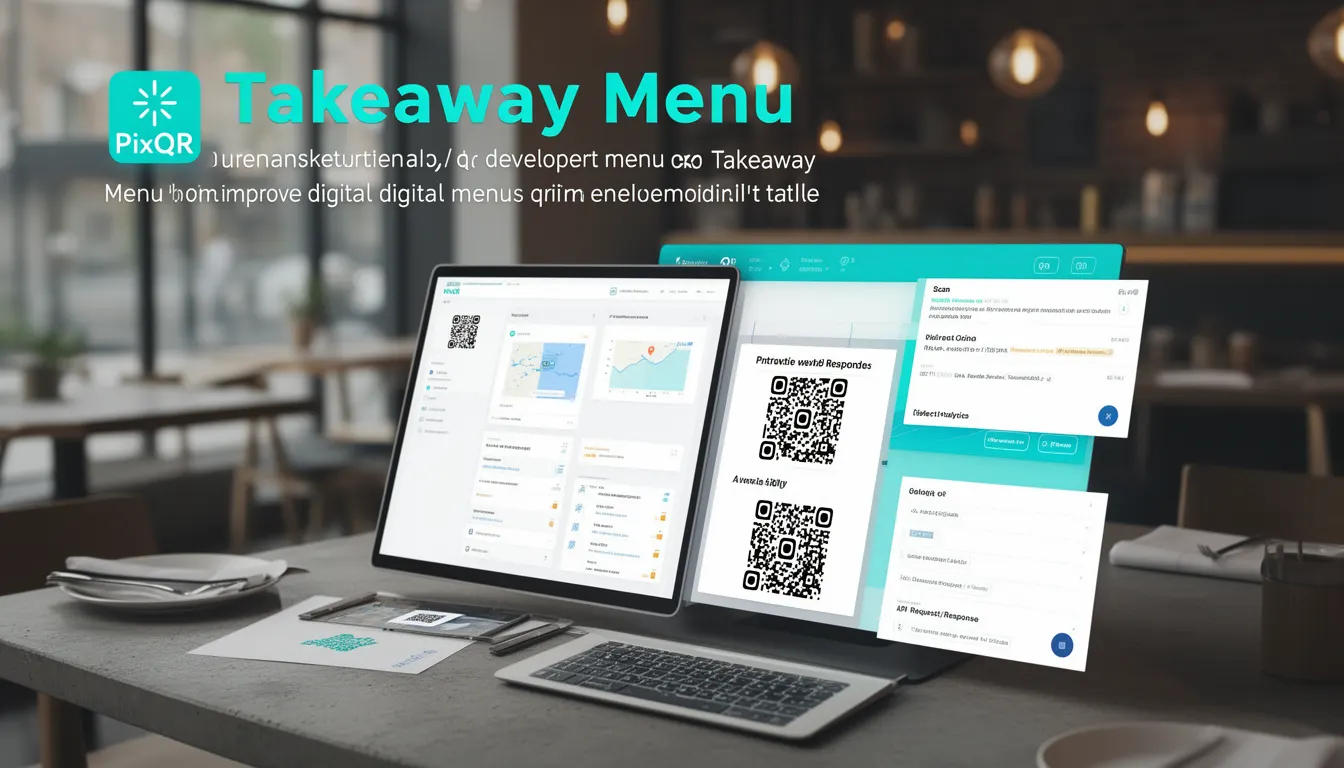
A Takeaway Menu, in the context of PixQR and digital restaurant solutions, refers to a QR code-based system that allows customers to access menu information, place orders, and receive real-time updates without physical menu interaction. This approach supports both takeaway and table service operations by dynamically linking to digital menu content.
Takeaway Menu systems are used in restaurants, cafes, and food delivery services to reduce physical contact, enhance order accuracy, and streamline customer experience. The QR code itself acts as a bridge between a customer's device and a hosted menu, enabling dynamic content updates without reprinting materials.
Why It Matters
For developers working with PixQR, Takeaway Menu functionality is crucial because it integrates QR code generation, dynamic redirect logic, analytics tracking, and secure content delivery. It allows businesses to maintain centralized menu data while providing customers with a seamless, modern interaction model.
From a production standpoint, Takeaway Menu systems must support scalability, privacy compliance, and robust error handling. They are often part of larger workflows involving API integrations, user tracking, and backend inventory management. Misconfigurations can lead to poor user experience or data leakage.
How It Works
The Takeaway Menu system operates by generating a QR code that points to a dynamically managed URL. When scanned, this URL can redirect to a menu hosted on a secure server or a content management platform. The system supports both static and dynamic menu content, enabling real-time updates without physical menu changes.
- QR code generation uses PixQR’s API to produce scannable links with optional tracking parameters.
- Dynamic redirects are configured through PixQR’s backend to point to menu content stored in cloud storage or a CMS.
- Menu content is often served via HTTPS with caching headers to improve load performance and reduce server load.
- Scan analytics are collected and accessible through PixQR’s dashboard, including device type, location, and time of access.
- Content can be versioned, allowing for staged rollouts and rollback capabilities during updates.
Quick Reference
| Item | Purpose | Notes |
|---|---|---|
| QR Code URL | Points to menu content | Must be HTTPS for security |
| Redirect Type | Static or dynamic | Dynamic allows content updates |
| Scan Tracking | Analytics for menu access | Includes device and time data |
| Menu Versioning | Supports staged updates | Ensures backward compatibility |
| Content Hosting | Secure menu delivery | Cloud or CMS integration |
Basic Example
PixQR Example QR
This QR links directly to this glossary page, so printed notes, onboarding docs, and support material can bring scanners back to the current reference.
/glossary/qr-code-for-menus/qr-codes-for-menus-takeaway-menu

This example shows how to generate a basic Takeaway Menu QR code using PixQR’s API. It demonstrates the core concept of linking a QR code to a URL that hosts menu content.
const qrData = {
  url: "https://example.com/menu",
  type: "takeaway",
  tracking: true
};

const qrCode = pixqr.generate(qrData);
console.log(qrCode.url); // Output: https://pixqr.com/qr/abc123
The example creates a QR code for a takeaway menu, enabling tracking. The returned URL is a PixQR-generated redirect that points to the specified menu URL.
Production Example
This example shows a more robust implementation that includes validation, error handling, and integration with a CMS for menu content.
const menuConfig = {
  id: "menu_001",
  version: "v2.1",
  url: "https://api.example.com/menu/001",
  secure: true,
  analytics: {
    enabled: true,
    events: ["scan", "order"]
  }
};

try {
  const qr = pixqr.generate(menuConfig);
  if (qr && qr.url) {
    console.log("QR code generated:", qr.url);
  }
} catch (error) {
  console.error("QR generation failed:", error.message);
}
This version ensures menu content is fetched securely and analytics are enabled. It also includes error handling for production reliability and supports versioning to manage content rollouts.
Common Mistakes
- Using non-HTTPS URLs in QR codes can lead to browser warnings and reduced trust.
- Failing to validate QR code content can result in redirecting to malicious or outdated URLs.
- Not enabling analytics tracking can prevent businesses from understanding menu usage patterns.
- Ignoring version control in menu updates can cause inconsistency or broken links.
- Overlooking mobile responsiveness in menu content can lead to poor user experience on mobile devices.
Security And Production Notes
- Always use HTTPS for menu content to ensure secure delivery and prevent man-in-the-middle attacks.
- Implement input validation to avoid injection attacks or unauthorized redirects.
- Use PixQR’s secure redirect features to prevent open redirect vulnerabilities.
- Ensure all QR code data is sanitized to avoid XSS or tracking bypass attempts.
- Monitor analytics data to detect unusual scan patterns or unauthorized access attempts.
Related Concepts
Takeaway Menu systems are closely related to several core PixQR concepts:
- Dynamic Redirects — QR codes that point to URLs that can change without re-printing the QR code.
- Scan Analytics — Data collection on how and when QR codes are scanned, useful for menu engagement metrics.
- Content Delivery — The mechanism for securely and efficiently serving menu content to users.
- Privacy Compliance — Ensuring menu access and scan tracking comply with data protection laws like GDPR.
- Brand-Safe Design — QR code and menu aesthetics that align with brand guidelines and user expectations.