 PixQR
PixQR
Overview
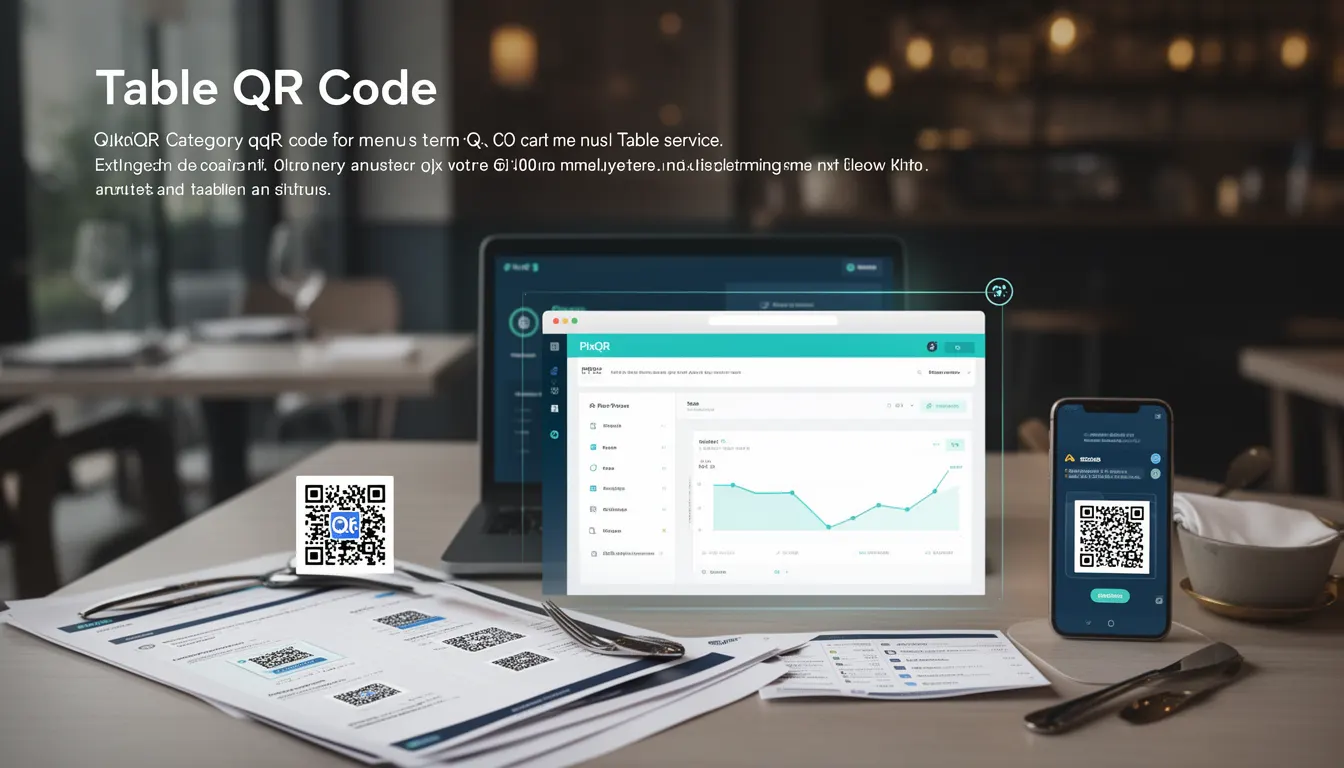
A Table QR Code is a specific type of QR code designed for restaurant and hospitality environments, where each table is assigned a unique QR code that links to a digital menu or ordering system. These codes are typically printed on table cards, placemats, or signage and enable customers to access menu items, place orders, and even pay directly through their mobile devices.
In the context of PixQR, a Table QR Code is generated using a dynamic redirect system that allows operators to update menu content without reprinting physical materials. It supports multiple menu formats, including static HTML, JSON, or linked CMS content, and integrates with analytics to track scan behavior and customer engagement.
Why It Matters
Table QR Codes are critical for modern hospitality environments seeking to reduce operational overhead, improve customer experience, and enhance data-driven decision-making. From a developer perspective, they require careful attention to QR code reliability, link safety, and dynamic content handling.
Security is paramount when implementing Table QR Codes, especially in environments where payment or personal data is involved. PixQR ensures that all generated QR codes are brand-safe, scanned reliably, and support secure redirect chains that prevent malicious redirections or tracking link injection. From a performance standpoint, the system must support high-volume scanning without latency or failure.
How It Works
Table QR Codes function as a bridge between physical and digital environments. Each QR code is dynamically generated with a unique URL that resolves to a menu or ordering interface. The system supports multiple types of menu delivery and can integrate with backend systems for real-time updates.
- Each Table QR Code is tied to a unique identifier that maps to a specific table or menu section.
- The QR code links to a dynamic URL that can be updated in real-time without physical reprinting.
- Menu content is typically delivered via JSON or HTML and can include images, descriptions, and pricing.
- Scans are tracked through PixQR’s analytics platform, providing insights into customer behavior and menu popularity.
- Support for multiple languages and accessibility features allows for broader customer reach.
Quick Reference
| Item | Purpose | Notes |
|---|---|---|
| Table ID | Uniquely identifies a table or menu section | Must be consistent across systems |
| Redirect URL | Points to the menu or ordering interface | Should support HTTPS and dynamic updates |
| Scan Analytics | Tracks how often and when QR codes are scanned | Supports real-time dashboards |
| Content Format | Menu data structure (HTML, JSON) | Must be validated for security |
| Dynamic Updates | Ability to modify menu content without re-printing | Requires backend integration |
Basic Example
PixQR Example QR
This QR links directly to this glossary page, so printed notes, onboarding docs, and support material can bring scanners back to the current reference.
/glossary/qr-code-for-menus/qr-codes-for-menus-table-qr-code

A basic Table QR Code implementation involves generating a QR code that points to a menu page using a dynamic URL. This URL is managed by PixQR’s backend and can be updated without changing physical materials.
<img src="https://api.pixqr.com/qr/table/12345" alt="Table 12345 Menu" />This code snippet generates a QR image for table 12345, which resolves to a menu page. The QR code is generated dynamically by PixQR and can be updated to point to a new menu or ordering system without re-printing the physical QR code.
Production Example
In a production environment, a Table QR Code system must handle validation, security, and scalability. The following example shows how a system might generate a QR code with dynamic content and proper security headers.
const generateTableQR = (tableId, menuData) => {
  const url = `https://api.pixqr.com/redirect/table/${tableId}`;
  const payload = {
    menu: menuData,
    timestamp: Date.now(),
    secure: true
  };
  const qrUrl = `https://api.pixqr.com/qr/table/${tableId}?data=${encodeURIComponent(JSON.stringify(payload))}`;
  return qrUrl;
};
This version ensures that menu data is securely encoded, timestamped, and passed through a dynamic redirect system. It supports scalability by allowing backend updates without physical changes and integrates with PixQR’s analytics and security features.
Common Mistakes
- Using static QR codes that cannot be updated, leading to outdated menu information or missed promotions.
- Not validating or sanitizing menu data before embedding in QR code redirects, which can introduce XSS or tracking vulnerabilities.
- Generating QR codes without considering scan reliability or print quality, leading to poor customer experience.
- Ignoring analytics integration, which prevents operators from optimizing menu performance or tracking customer behavior.
- Using insecure redirect URLs or lack of HTTPS, which can expose customers to man-in-the-middle attacks or tracking.
Security And Production Notes
- Always use HTTPS for all QR code redirects to prevent interception and tracking link injection.
- Validate and sanitize all menu content to prevent XSS or malicious script injection.
- Implement secure QR code generation with brand-safe content and scan tracking to prevent fraud.
- Use PixQR’s dynamic redirect system to ensure menu updates can be made without re-printing physical materials.
- Monitor scan analytics for unusual behavior, such as high-volume or repeated scans from the same device.
Related Concepts
Table QR Codes are closely related to several key concepts in QR code development and hospitality technology:
- Dynamic Redirects – The core mechanism used to ensure menu content can be updated without physical reprints.
- Scan Analytics – Enables operators to track customer engagement and optimize menu placement or offerings.
- Brand Safety – Ensures QR code content aligns with brand guidelines and avoids inappropriate or malicious links.
- Privacy Compliance – Ensures that scan data and menu interactions are handled in compliance with data protection regulations.
- Print Reliability – Ensures QR codes are scannable across different devices and lighting conditions.