 PixQR
PixQR
Overview
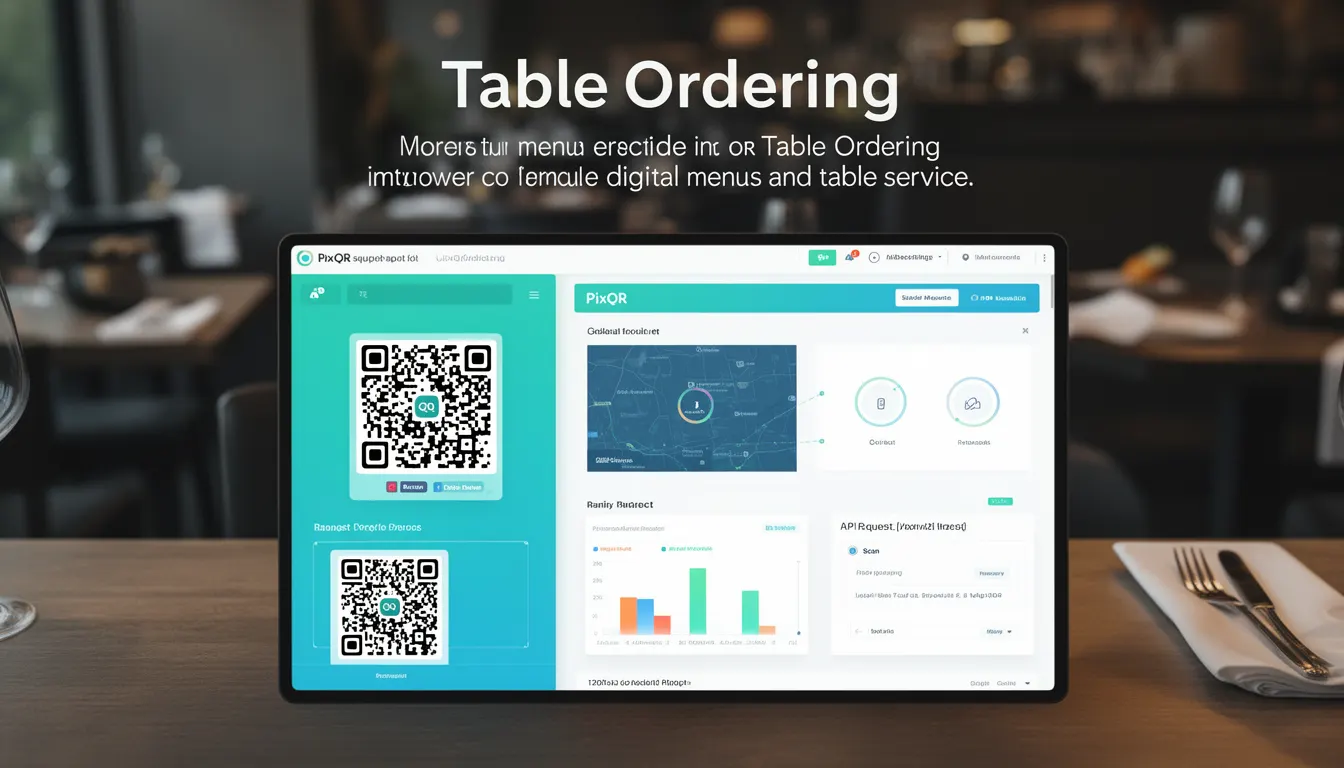
Table Ordering in the context of PixQR refers to a digital menu and order management system enabled through QR code technology. It allows restaurants to provide customers with dynamic, interactive menus that can be scanned via a QR code to place orders directly from their mobile devices or tablets. This system improves traditional table service by reducing the need for physical menu boards, waitstaff intervention, and minimizing order entry errors.
Developers working with PixQR must understand how to configure and integrate Table Ordering functionality into their QR code workflows. The implementation typically involves setting up dynamic QR codes that redirect to a menu or ordering system, ensuring proper analytics tracking, and maintaining secure data handling for transactions.
Why It Matters
For developers and site operators, Table Ordering represents a significant shift in how QR codes are used for customer engagement and business operations. It requires careful attention to data flow, user experience, and system scalability. The integration of Table Ordering into PixQR systems can reduce labor costs, increase order accuracy, and improve customer satisfaction through faster service.
From a security standpoint, Table Ordering systems must manage sensitive data such as customer preferences, payment information, and order history. Developers must ensure proper encryption, access control, and privacy compliance when implementing these features. Additionally, performance considerations are critical, especially during peak dining hours, to avoid system bottlenecks that could impact customer experience.
How It Works
Table Ordering within PixQR operates through a combination of dynamic QR code generation, backend redirection, and customer-facing menu interfaces. The system uses QR codes that can be scanned by customers to access a menu hosted on a secure platform. Once an order is placed, it is transmitted to the restaurant's kitchen display system or point-of-sale system.
- Dynamic QR codes are generated with unique identifiers for each table or location, allowing for tracking and analytics.
- QR codes redirect to a secure HTTPS endpoint that serves the menu interface based on table or location data.
- Menu items are typically structured using JSON or XML formats to support dynamic updates without changing QR code content.
- Order data is transmitted securely using HTTPS and may include encryption for payment information.
- Analytics tracking is implemented to monitor customer behavior, popular menu items, and service efficiency.
Quick Reference
| Item | Purpose | Notes |
|---|---|---|
| Dynamic QR Code | Redirects to menu interface | Must support HTTPS and analytics |
| Menu Data Format | Structured data for menu items | JSON or XML recommended |
| Order Transmission | Secure data transfer to POS | Use HTTPS and encryption |
| Analytics Tracking | Monitors customer behavior | Implement event tracking |
| Security Protocols | Protects sensitive data | Enforce access controls |
Basic Example
PixQR Example QR
This QR links directly to this glossary page, so printed notes, onboarding docs, and support material can bring scanners back to the current reference.
/glossary/qr-code-for-menus/qr-codes-for-menus-table-ordering

This example demonstrates a simple QR code configuration for a basic menu system. The QR code points to a menu URL with basic parameters for table identification.
https://pixqr.example.com/menu?table=12&location=mainThe URL includes table and location parameters that help identify the specific customer session. This approach allows for personalized menu experiences and accurate order routing to the correct kitchen station.
Production Example
This example shows a more robust implementation that includes secure data handling, analytics, and error management for a Table Ordering system.
https://pixqr.example.com/order?table=12&location=main&token=abc123xyz&analytics=enabledThis version includes a security token for session validation and enables analytics tracking. The implementation ensures that all data is transmitted securely and that the system can handle errors gracefully while maintaining user privacy.
Common Mistakes
- Using static QR codes instead of dynamic ones, which prevents menu updates without physical reprints.
- Not implementing proper HTTPS encryption for order transmission, exposing sensitive data to interception.
- Failing to validate table identifiers, leading to incorrect order routing or security vulnerabilities.
- Ignoring analytics tracking setup, resulting in missed opportunities for business insights and optimization.
- Not handling session timeouts or expired tokens, causing customer confusion and potential data loss.
- Overlooking accessibility considerations, such as screen reader compatibility or keyboard navigation, for users with disabilities.
Security And Production Notes
- Always use HTTPS for all menu and order transmission endpoints to prevent data interception.
- Implement proper authentication tokens for each session to prevent unauthorized access to menu systems.
- Validate all input parameters from QR code URLs to prevent injection attacks or incorrect routing.
- Regularly audit analytics tracking to ensure compliance with privacy regulations like GDPR or CCPA.
- Implement rate limiting and session timeouts to prevent abuse and maintain system performance.
Related Concepts
Table Ordering connects closely with several core PixQR concepts. Dynamic QR code generation provides the foundation for personalized menu experiences. Analytics integration enables data-driven business decisions. Secure redirect handling ensures safe data transmission between customer devices and backend systems. Privacy compliance requirements affect how customer data is stored and processed. API integration capabilities allow for seamless connection to existing restaurant management systems.