 PixQR
PixQR
Overview
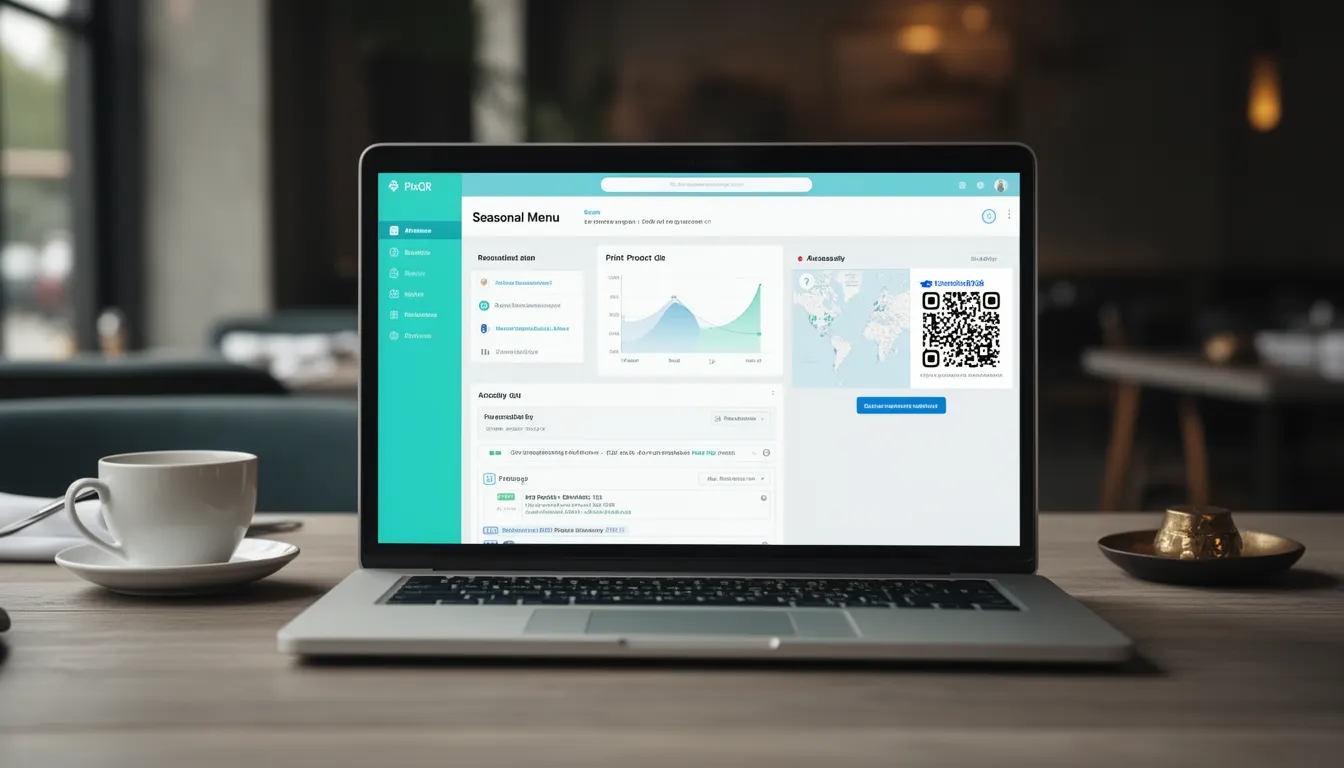
A Seasonal Menu in the context of PixQR refers to a dynamic menu system that adapts content based on the current time of year or event cycle, typically used by restaurants to showcase fresh, relevant offerings. This functionality is implemented through QR code generation that can redirect to different menu versions depending on the time of year or event.
For developers working with PixQR, Seasonal Menu functionality enables the creation of a single QR code that dynamically serves updated menu content, without requiring physical QR code replacement or manual URL changes. This approach reduces operational overhead and supports consistent branding across varying menu offerings.
Why It Matters
Seasonal Menu support in PixQR enhances flexibility and reduces maintenance burden for restaurant operators. It allows a single QR code to be used year-round, with backend logic determining which menu to display based on current date or event calendar. This is especially valuable for establishments that change their offerings based on seasonal ingredients, holidays, or special events.
From a developer perspective, implementing seasonal menus requires careful attention to URL routing, content delivery, and analytics tracking. It ensures that scan data reflects accurate menu versions and that operational workflows maintain consistency across different menu states.
How It Works
The Seasonal Menu functionality in PixQR operates through a combination of dynamic URL redirection, backend date logic, and content versioning. When a user scans a QR code, the system evaluates the current date or event context and redirects to an appropriate menu version.
- QR codes are configured with a base redirect URL that points to a dynamic content handler.
- The content handler evaluates the current date or event calendar to determine which menu version to display.
- Each menu version is stored separately in the PixQR content management system, with metadata indicating its active period.
- Scan analytics track which menu version was accessed, allowing operators to monitor seasonal performance.
- Content updates are managed through a secure API that ensures only authorized users can modify menu content or activation dates.
Quick Reference
| Item | Purpose | Notes |
|---|---|---|
| Seasonal Menu Configuration | Define active periods for menu versions | Must align with event calendar or date ranges |
| Dynamic Redirect URL | Base URL that determines menu version | Must support date-based logic |
| Content Versioning | Separate menu content for different periods | Each version must be independently trackable |
| Scan Analytics | Track which menu versions are accessed | Supports performance analysis |
| API Access Control | Securely update menu content | Requires authentication and permissions |
Basic Example
PixQR Example QR
This QR links directly to this glossary page, so printed notes, onboarding docs, and support material can bring scanners back to the current reference.
/glossary/qr-code-for-menus/qr-codes-for-menus-seasonal-menu

This example demonstrates a basic seasonal menu redirect logic using a PixQR dynamic URL structure.
https://pixqr.com/redirect?menu=seasonal&date=2024-06-15The URL contains a date parameter that the backend uses to determine which menu version to display. The system evaluates the date and redirects to the appropriate menu content, ensuring users always see the relevant seasonal offering.
Production Example
This example shows how a production implementation might handle seasonal menu logic with secure API access and date validation.
GET /api/v1/redirect?menu=seasonal&date=2024-06-15&token=abc123
{
  "redirect_url": "https://restaurant.com/menu/summer-2024",
  "version": "summer-2024",
  "expires": "2024-09-15"
}
This version includes authentication via token, ensures date validation, and returns structured metadata. It allows for robust analytics tracking and ensures only authorized users can modify seasonal content.
Common Mistakes
- Not validating date parameters in redirect logic, leading to incorrect menu display or errors.
- Using static QR codes instead of dynamic ones, preventing seasonal updates without physical replacement.
- Ignoring scan analytics to monitor which seasonal versions are accessed, limiting performance insights.
- Storing menu versions without clear metadata, making content management difficult and error-prone.
- Allowing unauthorized access to update menu content, creating potential for fraud or brand inconsistency.
Security And Production Notes
- Always validate date parameters to prevent unexpected behavior or content exposure.
- Use secure tokens or API keys to control access to seasonal menu content updates.
- Implement logging for all menu version changes to maintain audit trails.
- Ensure scan analytics are accurate and include seasonal version tracking for performance measurement.
- Use HTTPS for all dynamic redirects to prevent interception or tampering of menu data.
Related Concepts
Seasonal Menu functionality connects to several core PixQR concepts including dynamic QR code generation, redirect safety, scan analytics, content management, and API security. It also integrates with operational workflows for menu updates and brand consistency.