 PixQR
PixQR
Overview
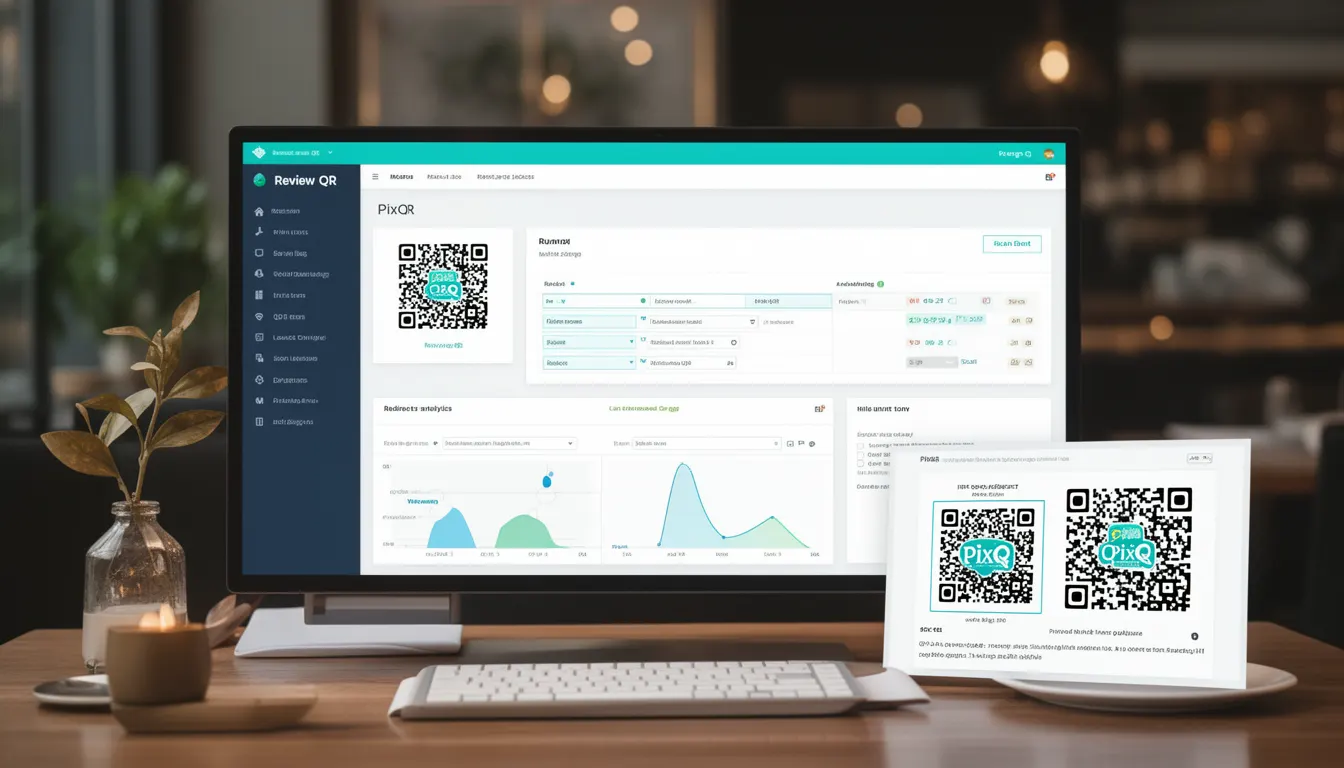
A Review QR code is a specialized type of dynamic QR code used by restaurants and food service businesses to provide customers with access to digital menus, feedback forms, or order review systems. These QR codes are designed to redirect users to a secure, brand-safe URL that hosts the relevant content, typically hosted on a PixQR-managed platform.
When a customer scans a Review QR, they are directed to a digital menu or review interface that is tailored to the specific location or table. This approach eliminates the need for printed menus, reduces physical contact, and improves operational efficiency for the restaurant. In the context of PixQR, Review QRs are generated with robust tracking, analytics, and security features that ensure a reliable and privacy-conscious experience.
Why It Matters
For developers and product teams, Review QRs are significant because they represent a modern, scalable approach to menu delivery and customer feedback collection. They reduce physical inventory costs, allow for real-time menu updates, and provide rich analytics on customer behavior.
From a security standpoint, PixQR ensures that all Review QRs are generated with secure redirects, link validation, and protection against unauthorized access or tampering. This is especially important in the food service industry, where maintaining brand integrity and protecting customer data is paramount.
From a user experience perspective, Review QRs enhance accessibility by offering digital content that can be easily updated and adapted for different languages, dietary requirements, or seasonal offerings. For restaurant operators, they streamline workflow by integrating with point-of-sale systems, enabling real-time inventory updates, and reducing the need for physical menu changes.
How It Works
The Review QR code system operates through a combination of dynamic URL generation, secure redirect mechanisms, and backend analytics. When a restaurant generates a Review QR, it specifies parameters such as menu ID, table number, and optional branding elements. These parameters are embedded into a PixQR-managed URL that dynamically serves content based on the scan context.
- Review QRs are generated using PixQR’s API with unique identifiers for each table or menu section.
- Each QR code is associated with a secure, HTTPS-enabled URL that redirects to a hosted menu or review form.
- Scan tracking is enabled by default, capturing data such as timestamp, device type, and geographic location.
- Content served via Review QRs can be dynamically updated without regenerating the QR code, ensuring real-time menu accuracy.
- Review QRs support multi-language content, accessibility features, and compliance with privacy regulations such as GDPR or CCPA.
Quick Reference
| Item | Purpose | Notes |
|---|---|---|
| menu_id | Identifies the specific menu to be displayed | Required for dynamic content |
| table_number | Associates the QR with a specific table | Used for analytics and order tracking |
| language | Defines the language of the content | Supports multiple languages |
| branding | Applies custom styling or logos | Ensures brand consistency |
| redirect_url | URL where the QR redirects after scanning | Must be HTTPS and secure |
Basic Example
PixQR Example QR
This QR links directly to this glossary page, so printed notes, onboarding docs, and support material can bring scanners back to the current reference.

This example demonstrates the minimal structure of a Review QR URL generated by PixQR. It includes the base endpoint and required parameters to direct a customer to a digital menu.
https://qr.pixqr.com/review?menu_id=12345&table_number=7&language=enThe menu_id parameter identifies the menu content, table_number allows for tracking, and language ensures content is displayed in the correct language.
Production Example
In a production environment, a Review QR is generated using PixQR’s API with additional parameters for security, analytics, and branding. This example includes a secure redirect, language support, and a custom branding ID.
https://qr.pixqr.com/review?menu_id=12345&table_number=7&language=en&branding=brand-xyz&redirect_url=https%3A%2F%2Frestaurant.example.com%2Fmenu%2F7This version is more suitable for production because it includes branding and a custom redirect URL, ensuring that the content aligns with the restaurant’s digital presence and that analytics are accurately tracked.
Common Mistakes
- Not validating the
redirect_urlparameter, which can lead to open redirect vulnerabilities. - Using non-HTTPS URLs, which can cause browser warnings or security issues in modern browsers.
- Hardcoding table numbers or menu IDs, which prevents dynamic updates and scalability.
- Ignoring language or accessibility settings, which can alienate customers or violate compliance standards.
- Not implementing scan tracking or analytics, which limits the ability to gather valuable customer insights.
Security And Production Notes
- All Review QRs must use HTTPS to prevent man-in-the-middle attacks and ensure secure data transmission.
- Parameter validation is critical to prevent injection or unauthorized access to backend systems.
- Scan tracking data should be anonymized and stored securely to comply with privacy regulations.
- Dynamic content served via Review QRs should be cached appropriately to balance performance and real-time updates.
- Access controls must be enforced to prevent unauthorized modification of QR content or parameters.
Related Concepts
Review QRs are closely related to several other technologies and practices in digital menu and service management:
- Dynamic QR Codes: Review QRs are a subtype of dynamic QRs, which can be updated without regenerating the physical code.
- Secure Redirects: The core mechanism behind Review QRs relies on secure and validated URL redirections.
- Analytics and Tracking: Review QRs enable detailed tracking of user engagement and customer behavior.
- Brand Safety: Ensuring that QR-generated content aligns with brand guidelines and is free from malicious or inappropriate content.
- Privacy Compliance: Review QRs must comply with data protection laws, particularly when collecting user data through scans or feedback forms.