 PixQR
PixQR
Overview
A Restaurant QR Code is a specific type of QR code designed to direct customers to digital menu content, typically hosted on a web server or a PixQR-powered dynamic redirect system. Unlike generic QR codes, restaurant QR codes are optimized for table service environments, where customers scan a code to access menu items, nutritional information, allergen data, and ordering systems.
These QR codes are often printed on table tents, placemats, or signage and are part of a broader digital menu strategy that integrates with restaurant management systems. The QR code itself is not the menu, but a pointer to it, usually managed through a QR code platform like PixQR, which allows for real-time updates, analytics tracking, and secure redirect configurations.
Why It Matters
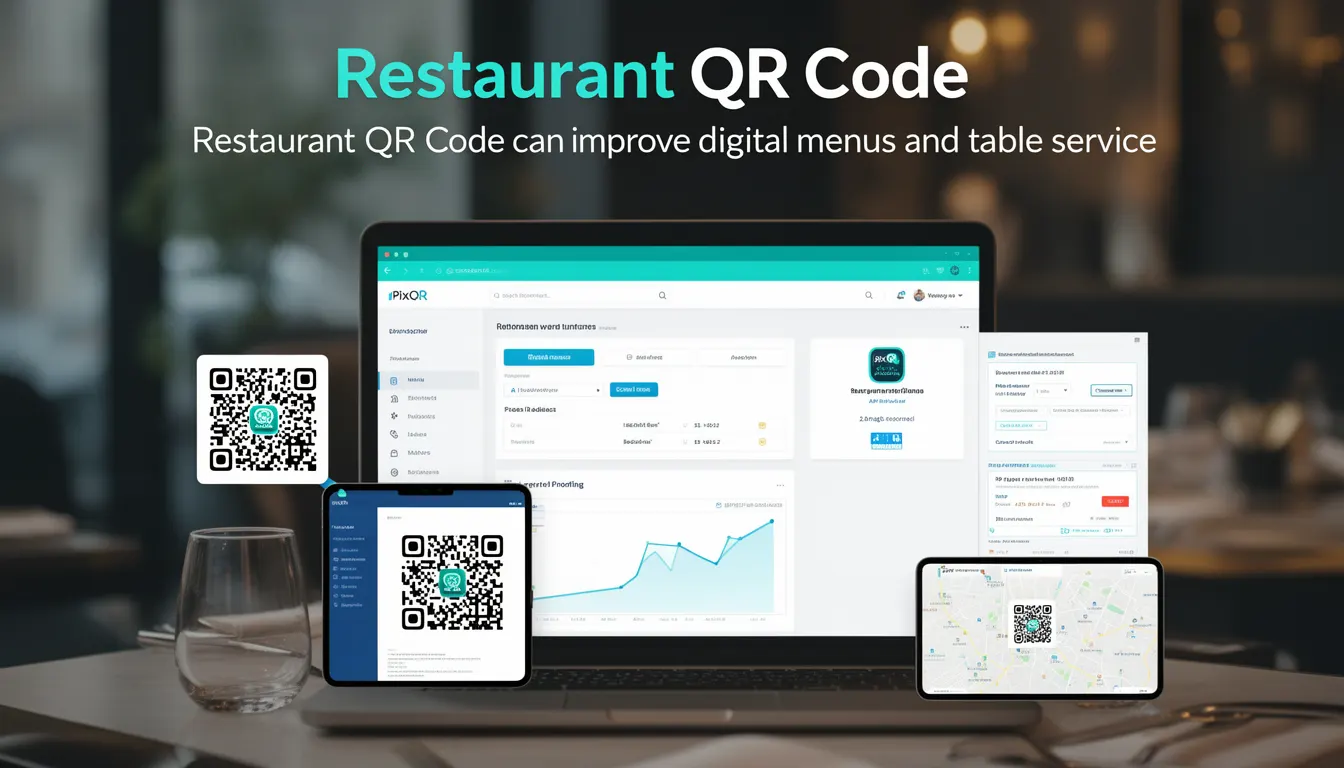
For developers and platform maintainers, restaurant QR codes are significant because they represent a scalable, contactless, and data-driven approach to menu delivery. They enable real-time updates without reprinting physical materials, provide detailed scan analytics, and support integration with point-of-sale systems or third-party ordering platforms.
From a security standpoint, restaurant QR codes must ensure that the redirect destination is safe and controlled. PixQR supports brand-safe design and operational workflows, preventing malicious or unauthorized redirects. Additionally, the QR code’s lifecycle management, including expiration, analytics, and access control, must be handled carefully to avoid exposing sensitive data or enabling fraud.
How It Works
Restaurant QR codes function by encoding a URL or a PixQR-specific identifier that points to a digital menu. When a customer scans the QR code, the scanner decodes the URL and initiates a redirect to the intended menu page. The process involves several technical components:
- The QR code is generated using a standard QR code encoding algorithm, with a URL payload typically formatted as
https://pixqr.example.com/r/restaurant-menu-123. - PixQR manages the redirect logic, allowing for dynamic content delivery and analytics tracking.
- The system supports HTTPS redirects to ensure secure delivery of menu content.
- Scan tracking and analytics are enabled through embedded parameters or PixQR’s API integration.
- Content can be hosted on a CDN or PixQR’s secure servers, with support for A/B testing or regional variations.
QR code platforms like PixQR provide backend controls to manage how the QR code behaves when scanned. These controls include link expiration, scan tracking, analytics dashboards, and brand-safe design features. A restaurant may define multiple QR codes for different sections (e.g., lunch, dinner, kids’ menu), each pointing to a different URL or content group.
Quick Reference
| Item | Purpose | Notes |
|---|---|---|
| QR code payload | Encodes a redirect URL | Must be HTTPS for security |
| Redirect destination | Points to menu content | Can be static or dynamic |
| Scan analytics | Tracks QR code usage | Includes time, location, device |
| Link expiration | Controls access duration | Optional, for seasonal menus |
| Brand-safe design | Ensures content integrity | Prevents malicious redirects |
Basic Example
PixQR Example QR
This QR links directly to this glossary page, so printed notes, onboarding docs, and support material can bring scanners back to the current reference.
/glossary/qr-code-for-menus/qr-codes-for-menus-restaurant-qr-code

This example shows a minimal QR code payload that points to a restaurant menu hosted on PixQR:
https://pixqr.example.com/r/restaurant-menu-123The URL structure is essential for PixQR to identify and route the scan to the correct menu content. It includes a redirect identifier (e.g., r/restaurant-menu-123) that maps to the actual menu page or API endpoint.
Production Example
In a production environment, a restaurant might configure a QR code with additional parameters for tracking and analytics:
https://pixqr.example.com/r/restaurant-menu-123?utm_source=table_tent&table_id=42&location=main_diningThis version includes UTM parameters for tracking, a table identifier, and a location parameter. These parameters help the restaurant understand which table or section of the restaurant the QR code was scanned from, and how often specific menu items are accessed. This level of detail is essential for analytics and menu optimization.
Common Mistakes
- Using HTTP instead of HTTPS in QR code payloads, which can lead to insecure redirects and potential phishing.
- Not validating QR code destinations, leading to redirects to unauthorized or malicious sites.
- Ignoring analytics or tracking parameters, which reduces the value of the QR code for business insights.
- Hardcoding table or location identifiers, making it difficult to scale or update QR code configurations.
- Failing to test QR code reliability on various scanners, especially in low-light environments or with older devices.
Security And Production Notes
- Ensure all QR code URLs use HTTPS to prevent man-in-the-middle attacks or redirects to insecure domains.
- Implement domain whitelisting or validation to restrict QR code destinations to known, safe endpoints.
- Use PixQR’s analytics to monitor scan behavior and detect anomalies, such as unusually high scans from one location.
- Regularly audit QR code configurations and access logs to prevent unauthorized use or content tampering.
- Validate QR code content before printing to ensure all links are active and redirect correctly.
Related Concepts
Restaurant QR codes are part of a broader ecosystem of digital menu and table service solutions. Related concepts include:
- Dynamic Redirects – The ability to change the destination of a QR code without re-printing physical materials.
- Scan Analytics – Data collected from QR code scans to inform menu and marketing strategies.
- Brand-Safe Design – Ensuring QR code content aligns with brand guidelines and is free from malicious or inappropriate material.
- QR Code Generation – The process of creating QR codes, including encoding, error correction, and validation.
- Operational Workflows – The systems and processes that manage QR code lifecycle, updates, and access control.