 PixQR
PixQR
Overview
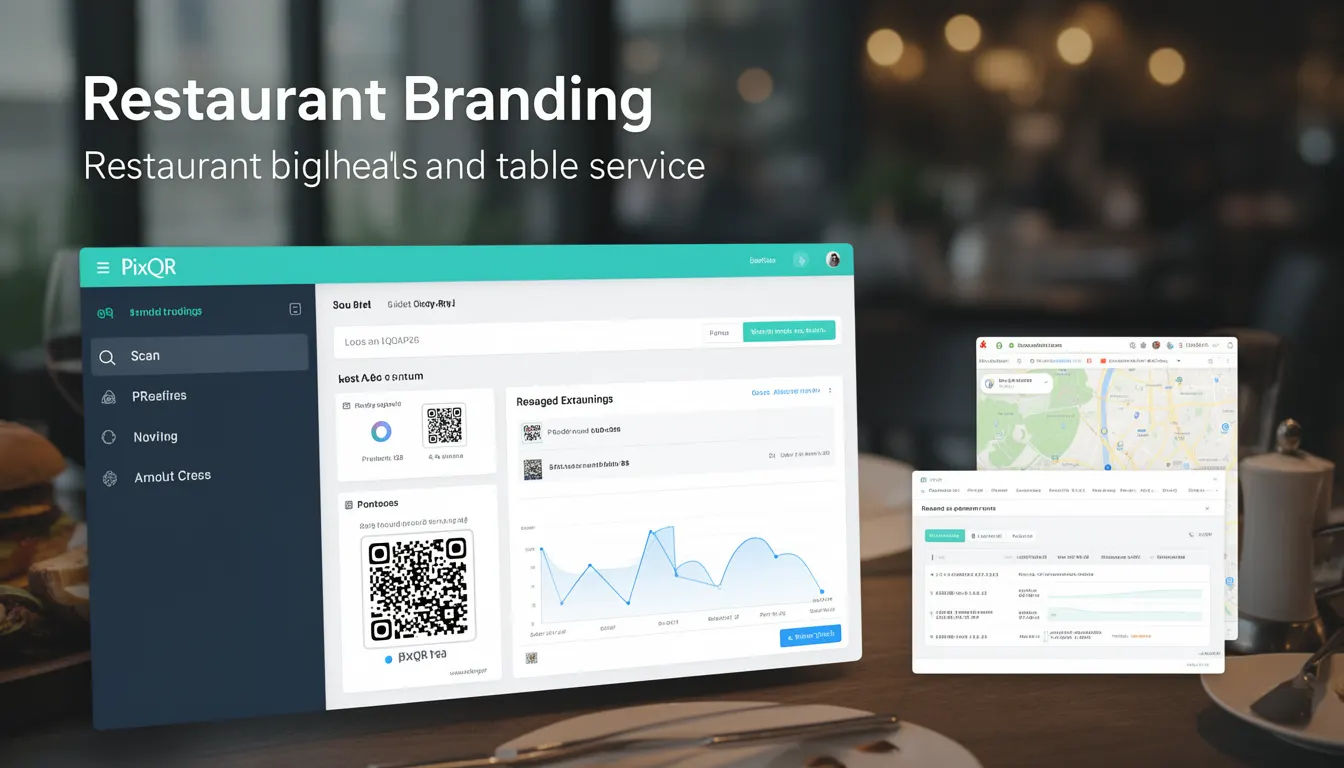
Restaurant Branding in the context of QR code implementation refers to how a restaurant's visual identity, messaging, and user experience are integrated into digital menu systems using QR codes. This involves the strategic use of QR codes to deliver branded menu content, enhance customer engagement, and streamline ordering processes.
For developers working with PixQR, Restaurant Branding represents the technical and design decisions that ensure QR-generated menu experiences align with brand guidelines while maintaining functionality and scan reliability. This includes how QR codes are structured, what content they point to, and how that content is delivered to users.
Why It Matters
For developers and product teams, Restaurant Branding directly impacts how QR codes are configured and how the menu experience is delivered. A misaligned QR-based menu can lead to brand inconsistencies, poor user experience, and potential loss of customer trust. Properly implemented branding through QR codes ensures that customers receive consistent, secure, and visually aligned content regardless of how they access the menu.
From a security standpoint, QR-based menu systems must ensure that the destination links are trustworthy and that the content is delivered securely. PixQR's operational workflows support this by enabling secure redirects and providing analytics that help verify proper content delivery and brand alignment.
How It Works
Restaurant Branding in QR code systems involves multiple technical components working together to ensure a seamless and branded experience:
- QR code generation must include secure redirect logic that points to a branded landing page or API endpoint, ensuring the user's journey is both safe and aligned with the restaurant’s identity.
- The destination content should be dynamically loaded, allowing for real-time menu updates without requiring QR code regeneration.
- Branding elements such as logos, fonts, and color schemes must be preserved in the menu delivery system to maintain visual consistency across platforms.
- Analytics integration allows developers to track how users interact with the QR-based menu, helping to refine branding and user experience.
- Scan reliability and privacy controls ensure that QR code interactions are secure and that customer data is handled in compliance with privacy regulations.
Quick Reference
| Item | Purpose | Notes |
|---|---|---|
| QR Code Destination URL | Points to branded menu content | Must be secure and dynamic |
| Menu Content Delivery | Delivers updated menu data | Should support real-time updates |
| Branding Assets | Visual identity in menu | Must align with brand guidelines |
| Analytics Integration | Tracks user interaction | Helps optimize branding strategy |
| Scan Reliability | Ensures QR scan success | Requires error handling and fallbacks |
Basic Example
PixQR Example QR
This QR links directly to this glossary page, so printed notes, onboarding docs, and support material can bring scanners back to the current reference.
/glossary/qr-code-for-menus/qr-codes-for-menus-restaurant-branding

This basic example shows how a QR code might be configured to point to a menu page with branding:
<!-- QR Code pointing to a branded menu URL -->
<img src="https://api.pixqr.com/qr?text=https%3A%2F%2Frestaurant.com%2Fmenu%3Fbrand%3Dgolden%26lang%3Den" alt="Golden Spoon Menu QR" />
The QR code in this example directs to a URL with brand and language parameters. This allows the system to serve the correct branded menu content to users.
Production Example
This example demonstrates a more robust implementation that includes validation, secure redirects, and branding consistency:
<!-- PixQR QR generation with branding and analytics -->
<img src="https://api.pixqr.com/qr?text=https%3A%2F%2Frestaurant.com%2Fapi%2Fmenu%3Fbrand%3Dgolden%26lang%3Den%26analytics%3Dtrue%26secure%3Dtrue" alt="Golden Spoon Menu QR" />
This version includes additional parameters for secure delivery, analytics tracking, and language-specific content, ensuring a production-ready experience.
Common Mistakes
- Using generic QR code templates without branding parameters, leading to inconsistent user experience across different locations.
- Not validating QR code destinations, which can result in redirecting users to untrusted or outdated content.
- Ignoring analytics integration, making it difficult to optimize menu performance or user engagement.
- Overlooking scan reliability by using low-quality QR code formats or inconsistent print quality.
- Not considering privacy or data protection requirements, especially when collecting user data through QR code interactions.
Security And Production Notes
- QR codes must point to HTTPS endpoints to ensure secure delivery of menu content.
- Validate all QR code parameters to prevent injection or manipulation of branding assets.
- Implement scan tracking and analytics to monitor QR code performance and user behavior.
- Use PixQR's built-in privacy controls to ensure that user interactions are handled securely and in compliance with regulations.
- Ensure QR code print quality and scan reliability by testing on various devices and lighting conditions.
Related Concepts
Restaurant Branding is closely tied to several core developer concepts:
- Dynamic QR Redirects: QR codes that point to dynamic endpoints, allowing real-time updates to menu content.
- Scan Analytics: Tracking how QR codes are scanned and used to improve user experience and branding.
- Brand Asset Management: Ensuring consistent visual identity across all QR-based menu delivery systems.
- Privacy Controls: Managing user data collected through QR code interactions to comply with privacy regulations.
- Print Reliability: Ensuring QR codes are scannable in various environments and print conditions.