 PixQR
PixQR
Overview
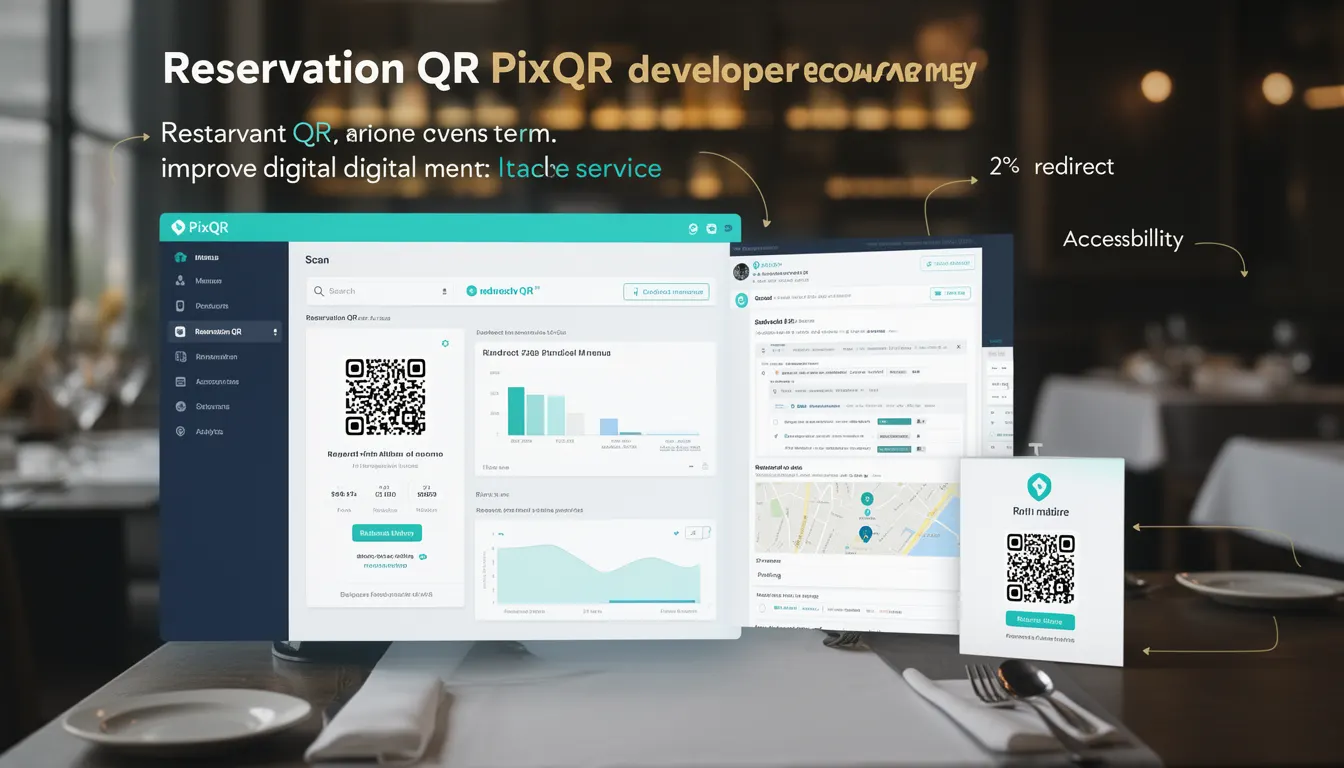
A Reservation QR is a specific type of QR code used in restaurant and hospitality environments to streamline the process of making reservations and accessing digital menus. Unlike traditional static QR codes, a Reservation QR is dynamic, meaning its target URL can be updated or modified without changing the physical QR code itself.
This dynamic nature allows restaurants to maintain a consistent branding element while adapting their menu or reservation system in real time. It is particularly useful in environments where frequent updates are needed, such as seasonal menus, special events, or temporary closures.
Why It Matters
For developers working with PixQR, Reservation QR codes are significant because they offer a balance between operational flexibility and user experience. They reduce the need for physical reprints, allow for centralized management of digital content, and provide analytics on how users interact with menu and reservation systems.
From a security perspective, a properly configured Reservation QR ensures that all links are brand-safe, reducing the risk of phishing or malicious redirection. For site operators, it provides a streamlined way to manage multiple locations or campaigns with a single QR code infrastructure.
How It Works
Reservation QR codes function as a bridge between a physical QR code and a dynamic backend system. When a user scans the QR code, it triggers a redirect to a configured URL that can be updated at any time.
- The QR code itself is generated using PixQR's API or dashboard, and includes a unique identifier for tracking and management.
- Each Reservation QR is associated with a dynamic URL that can be updated through the PixQR platform or API.
- Scanning the QR code initiates a redirect to the current URL, which may point to a reservation system, a menu page, or a landing page.
- Analytics can be enabled to track scan frequency, geographic location, and user behavior on the target page.
- Reservation QRs support multiple redirect types including HTTP redirects, HTTPS, and internal platform links.
Quick Reference
| Item | Purpose | Notes |
|---|---|---|
| Dynamic URL | Points to current reservation or menu system | Can be updated without changing QR code |
| Scan Tracking | Monitors QR code usage | Provides analytics on user behavior |
| Redirect Type | Defines how the QR code redirects | Supports HTTP, HTTPS, and internal links |
| Brand Safety | Ensures secure, trusted links | Prevents malicious redirection |
| Scan Reliability | Ensures consistent scanning experience | Optimized for various scanning devices |
Basic Example
PixQR Example QR
This QR links directly to this glossary page, so printed notes, onboarding docs, and support material can bring scanners back to the current reference.
/glossary/qr-code-for-menus/qr-codes-for-menus-reservation-qr

This example shows how a basic Reservation QR might be created using the PixQR API, focusing on setting up a dynamic redirect to a reservation system.
const pixqr = require('pixqr-sdk');

const reservationQR = pixqr.createQR({
  type: 'reservation',
  url: 'https://restaurant.example.com/reserve',
  name: 'Dinner Reservation QR'
});

console.log(reservationQR.id); // Unique identifier for the QR code
The example demonstrates how to initialize a Reservation QR with a target URL and a descriptive name. The returned object includes a unique ID that can be used for tracking and management.
Production Example
In a production environment, a Reservation QR would include validation, error handling, and analytics to ensure robust operation. This example shows how a developer might set up a more secure and maintainable QR code configuration.
const pixqr = require('pixqr-sdk');

const config = {
  type: 'reservation',
  url: 'https://restaurant.example.com/reserve',
  name: 'Dinner Reservation QR',
  analytics: true,
  brandSafe: true,
  scanReliability: true
};

const reservationQR = pixqr.createQR(config);

if (reservationQR.error) {
  console.error('QR creation failed:', reservationQR.error);
} else {
  console.log('Reservation QR created:', reservationQR.id);
}
This version includes error handling, enables analytics, and ensures brand safety, making it suitable for real-world deployment. It also validates configuration before creation to avoid runtime issues.
Common Mistakes
- Not validating the target URL before deployment, leading to broken redirects or security vulnerabilities.
- Ignoring analytics settings, which results in lost data on user behavior and QR code performance.
- Using static QR codes instead of dynamic ones, which prevents updates without physical reprinting.
- Not testing QR code scanning across multiple devices and platforms, causing inconsistent user experience.
- Disabling brand safety features, exposing users to malicious or untrusted links.
Security And Production Notes
- Always validate URLs before assigning them to Reservation QRs to prevent malicious redirection.
- Enable analytics and tracking to monitor usage and detect anomalies in scan behavior.
- Use HTTPS for all target URLs to ensure encrypted communication and user trust.
- Implement rate limiting or access controls for QR code management APIs to prevent abuse.
- Regularly audit QR code configurations to ensure they remain aligned with current systems and policies.
Related Concepts
Reservation QRs are closely related to several other QR code technologies and platform features. These include dynamic QRs, which allow URL updates without physical changes; redirect management, which governs how links are routed; scan analytics, which provide insights into user behavior; brand safety protocols, which ensure trusted content delivery; and print reliability, which ensures QR codes scan consistently across various media and devices.