 PixQR
PixQR
Overview
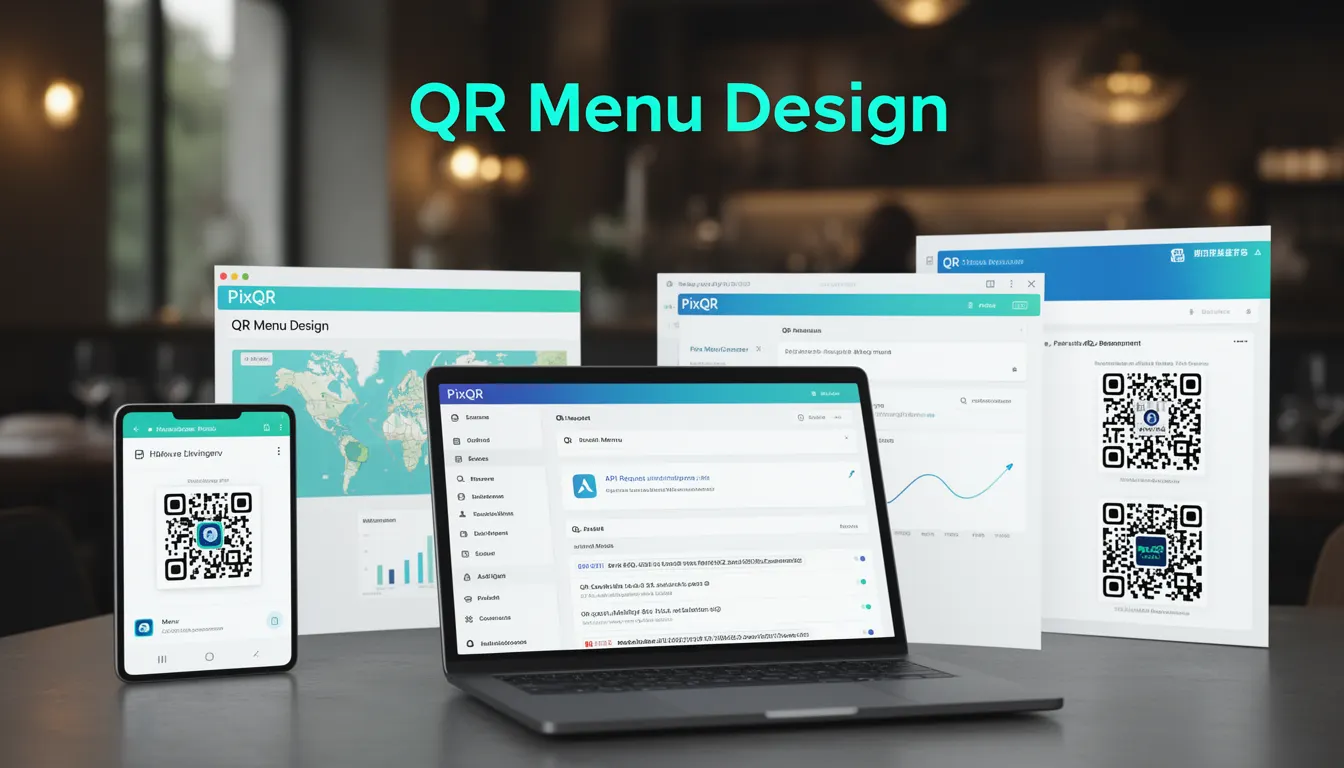
QR Menu Design refers to the strategic creation and implementation of QR codes specifically for restaurant menus, enabling customers to access digital menu items via smartphone scans. This approach improves traditional table service by reducing physical menu costs, enhancing menu flexibility, and providing real-time updates to menu content, pricing, and availability.
For developers, QR Menu Design involves integrating QR code generation, dynamic link management, and secure content delivery systems. It is used in restaurant POS systems, digital menu platforms, and customer-facing applications where a seamless transition from physical to digital menu experience is required.
Why It Matters
For developers and restaurant operators, QR Menu Design directly impacts customer experience, operational efficiency, and data analytics. A well-implemented QR menu system reduces physical menu production costs, supports dynamic pricing, and provides real-time inventory tracking. From a development standpoint, it requires careful attention to scan reliability, content delivery speed, and integration with backend systems.
Security implications include ensuring that QR redirects are safe, preventing unauthorized content changes, and maintaining data integrity. Accessibility considerations involve ensuring that menu content is readable for users with visual impairments and that the QR code itself is scannable under various lighting conditions.
How It Works
QR Menu Design operates through a structured workflow involving QR code generation, dynamic URL routing, menu content management, and scan analytics. The system typically includes the following components and behaviors:
- QR code generation with PixQR's API or SDK, supporting multiple formats and error correction levels.
- Dynamic URL routing that redirects to a secure menu endpoint, often with tracking parameters.
- Menu content hosted on a secure, scalable platform that supports real-time updates.
- Scan analytics that record successful scans, time-to-view, and user engagement metrics.
- Integration with POS systems to synchronize menu changes, pricing, and inventory data.
The system typically begins with a developer generating a QR code using PixQR's platform, which includes setting parameters such as the target URL, error correction level, and optional branding. The QR code is then printed or displayed in a physical or digital format. When scanned, the QR code redirects to a dynamic endpoint that serves menu content, often with analytics tracking.
Quick Reference
| Item | Purpose | Notes |
|---|---|---|
| QR Code URL | Redirects to menu content | Must be HTTPS and secure |
| Error Correction Level | Ensures scannability | Set to H for high reliability |
| Scan Tracking | Records user behavior | Includes timestamp and device info |
| Menu Content API | Delivers dynamic menu data | Supports JSON and XML formats |
| POS Integration | Synchronizes menu updates | Requires secure API keys |
Basic Example
PixQR Example QR
This QR links directly to this glossary page, so printed notes, onboarding docs, and support material can bring scanners back to the current reference.
/glossary/qr-code-for-menus/qr-codes-for-menus-qr-menu-design
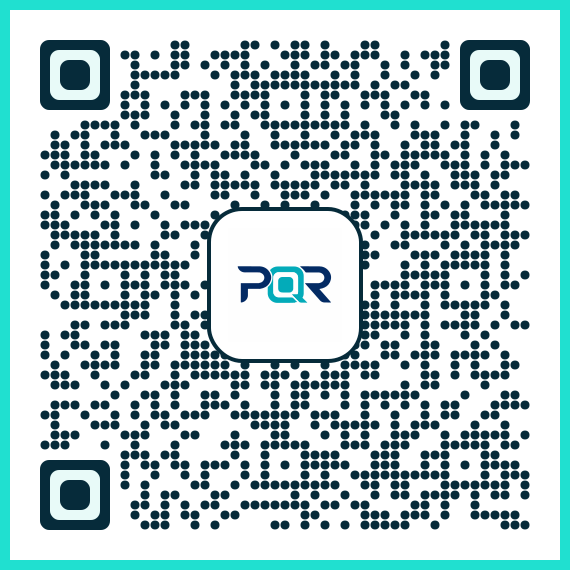
This example shows how to generate a QR code for a menu using PixQR's API. It demonstrates the core parameters required for a basic menu QR code.
const qrCode = pixqr.generate({
  url: "https://example.com/menu/restaurant123",
  size: 300,
  correction: "H",
  logo: "https://example.com/logo.png"
});
The important lines specify the target URL for the menu, set the QR code size to 300 pixels, use high error correction, and include a logo for branding.
Production Example
This example demonstrates a more secure and scalable implementation for a restaurant's menu QR code system, including HTTPS validation, scan tracking, and content delivery.
const menuQR = pixqr.generate({
  url: "https://api.restaurant.com/menu/restaurant123?scan_id=12345",
  size: 500,
  correction: "H",
  tracking: true,
  secure: true,
  brand: {
    logo: "https://api.restaurant.com/assets/logo.png",
    color: "#000000"
  }
});
This version includes secure HTTPS delivery, tracking enabled, and brand customization. It is suitable for production environments where security, analytics, and branding are critical.
Common Mistakes
- Using unsecured HTTP URLs in QR codes, which can lead to man-in-the-middle attacks or content injection.
- Ignoring error correction levels, resulting in scannability issues under poor lighting or damaged conditions.
- Not validating QR code content before printing, leading to broken links or incorrect menu delivery.
- Overlooking accessibility requirements, such as ensuring sufficient contrast and scannability for visually impaired users.
- Not integrating with POS systems, causing menu updates to be out of sync with inventory or pricing.
Security And Production Notes
- Always use HTTPS for menu URLs to prevent content tampering and ensure secure delivery.
- Implement secure API keys and authentication for POS integration to prevent unauthorized menu updates.
- Validate QR code content and URLs before deployment to avoid broken or malicious links.
- Use high error correction levels (H or Q) for better scannability in various environments.
- Include tracking parameters in QR codes to monitor scan behavior and optimize user engagement.
Related Concepts
QR Menu Design is closely related to several core concepts in digital menu systems:
- Dynamic QR Code Generation, which enables real-time updates to menu content without re-printing physical QR codes.
- Link Management Systems, which control how QR code redirects are handled and tracked.
- Scan Analytics, which provide insights into user behavior and menu engagement.
- Content Delivery Networks (CDNs), which ensure fast and reliable menu content delivery.
- Privacy and Data Protection, which govern how scan data and menu interactions are handled and stored.