 PixQR
PixQR
Overview
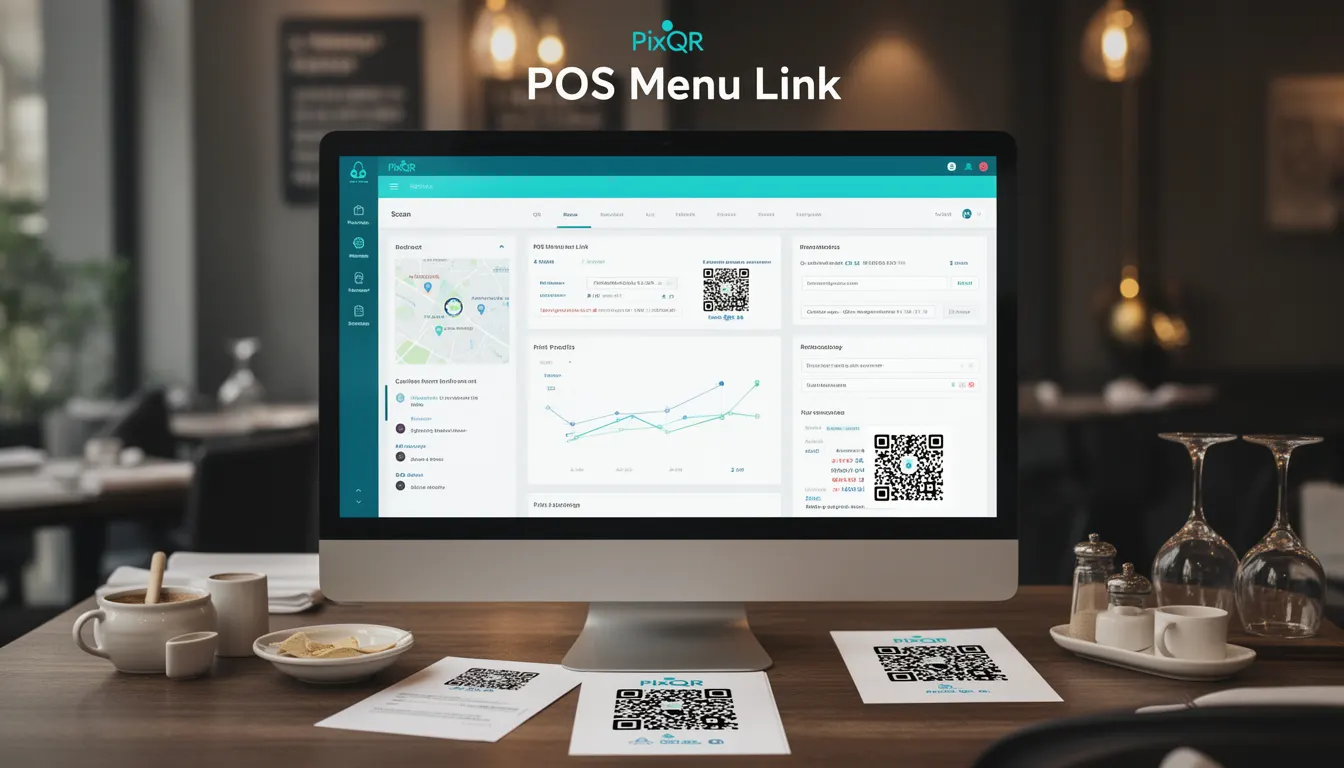
A POS Menu Link in the context of PixQR is a dynamic QR code that serves as a bridge between a physical restaurant menu and a digital menu hosted on a point-of-sale (POS) system. It enables customers to scan a QR code placed on a physical menu and instantly access a digital version of that menu, often including pricing, descriptions, and ordering capabilities.
This technology is particularly useful in restaurants, cafes, and food service environments where businesses want to reduce the cost of printing physical menus, increase flexibility in menu updates, and provide an enhanced digital customer experience. A POS Menu Link is a specialized QR code type that integrates with a backend system to dynamically render menu content.
Why It Matters
For developers working with PixQR, POS Menu Links represent a practical solution for bridging the gap between physical and digital menu systems. They reduce the need for physical menu updates, offer real-time inventory and pricing changes, and support analytics tracking of customer engagement with menu items.
From a production standpoint, implementing POS Menu Links requires careful attention to QR code reliability, secure redirect handling, and compatibility with various scanning platforms. The technology must also be robust enough to handle high-volume traffic, maintain data privacy, and ensure that menu data is consistently synchronized with the POS backend.
How It Works
POS Menu Links function through a combination of QR code generation, backend data routing, and dynamic content delivery. The QR code itself encodes a unique identifier or URL that points to a PixQR-managed endpoint. This endpoint then retrieves and displays menu data from a connected POS system.
- POS Menu Links are generated using PixQR’s API with a defined menu ID or hash that maps to a backend menu database.
- When scanned, the QR code redirects to a secure endpoint, which fetches the latest menu data from the POS system.
- The endpoint supports real-time updates, allowing menu items to be added, removed, or modified without changing the QR code itself.
- Each link can be configured with optional parameters such as language, theme, or device type for responsive display.
- Analytics are tracked through the PixQR platform, capturing scan frequency, time of day, and user engagement metrics.
Quick Reference
| Item | Purpose | Notes |
|---|---|---|
| menu_id | Unique identifier for the menu in the POS system | Required for dynamic content retrieval |
| redirect_url | Target endpoint for QR code scan | Must be a valid PixQR-managed URL |
| language | Display language for menu content | Supports localization |
| theme | Visual theme for menu display | Supports dark/light mode |
| analytics_enabled | Toggle for scan tracking | Defaults to true |
Basic Example
PixQR Example QR
This QR links directly to this glossary page, so printed notes, onboarding docs, and support material can bring scanners back to the current reference.
/glossary/qr-code-for-menus/qr-codes-for-menus-pos-menu-link

This basic example shows how to create a POS Menu Link using PixQR's API. The link points to a menu with a specific ID and enables analytics tracking.
{\n "type": "pos_menu",\n "menu_id": "menu_12345",\n "analytics_enabled": true\n}The type field specifies that this is a POS Menu Link. The menu_id identifies the menu in the POS system. Enabling analytics allows tracking of scan events.
Production Example
This example shows a production-ready POS Menu Link configuration that includes localization, theming, and error handling.
{\n "type": "pos_menu",\n "menu_id": "menu_12345",\n "language": "en",\n "theme": "dark",\n "analytics_enabled": true,\n "fallback_url": "https://example.com/fallback-menu",\n "ttl": 86400\n}This version includes a fallback URL in case the POS system is unreachable, a time-to-live (TTL) setting for caching, and explicit language and theme parameters for better UX.
Common Mistakes
- Not validating the
menu_idparameter, leading to broken links or unauthorized access to menu data. - Disabling analytics without understanding the impact on performance tracking and business insights.
- Using outdated or non-secure redirect URLs that expose the system to phishing or man-in-the-middle attacks.
- Ignoring localization settings, resulting in menus displayed in the wrong language for customers.
- Not implementing a fallback mechanism, causing users to see error pages when the POS system is unavailable.
- Overlooking the need for responsive design in menu displays, leading to poor usability on mobile devices.
Security And Production Notes
- All QR code links must be generated with secure tokens to prevent unauthorized access to menu data.
- POS Menu Links should use HTTPS to ensure secure communication between the scanner and backend systems.
- Implement rate limiting to prevent abuse or denial-of-service attacks on the menu endpoint.
- Validate all incoming parameters and sanitize outputs to avoid injection or cross-site scripting (XSS) vulnerabilities.
- Use a fallback URL to ensure menu accessibility even when the POS system is temporarily offline.
Related Concepts
POS Menu Links are closely related to several other technologies and concepts in digital menu systems and QR code platforms:
- Dynamic QR Codes: These are QR codes that can be updated after creation, which is essential for POS Menu Links to reflect real-time menu changes.
- Redirect Management: POS Menu Links rely on secure and fast redirects to deliver menu content to users.
- Menu Synchronization: The integration between a POS system and the menu displayed via QR code requires robust synchronization mechanisms.
- Scan Analytics: Tracking how often and when users scan QR codes helps optimize menu placement and content.
- Brand-Safe Design: The digital menu must maintain the brand’s visual identity and comply with design guidelines.