 PixQR
PixQR
Overview
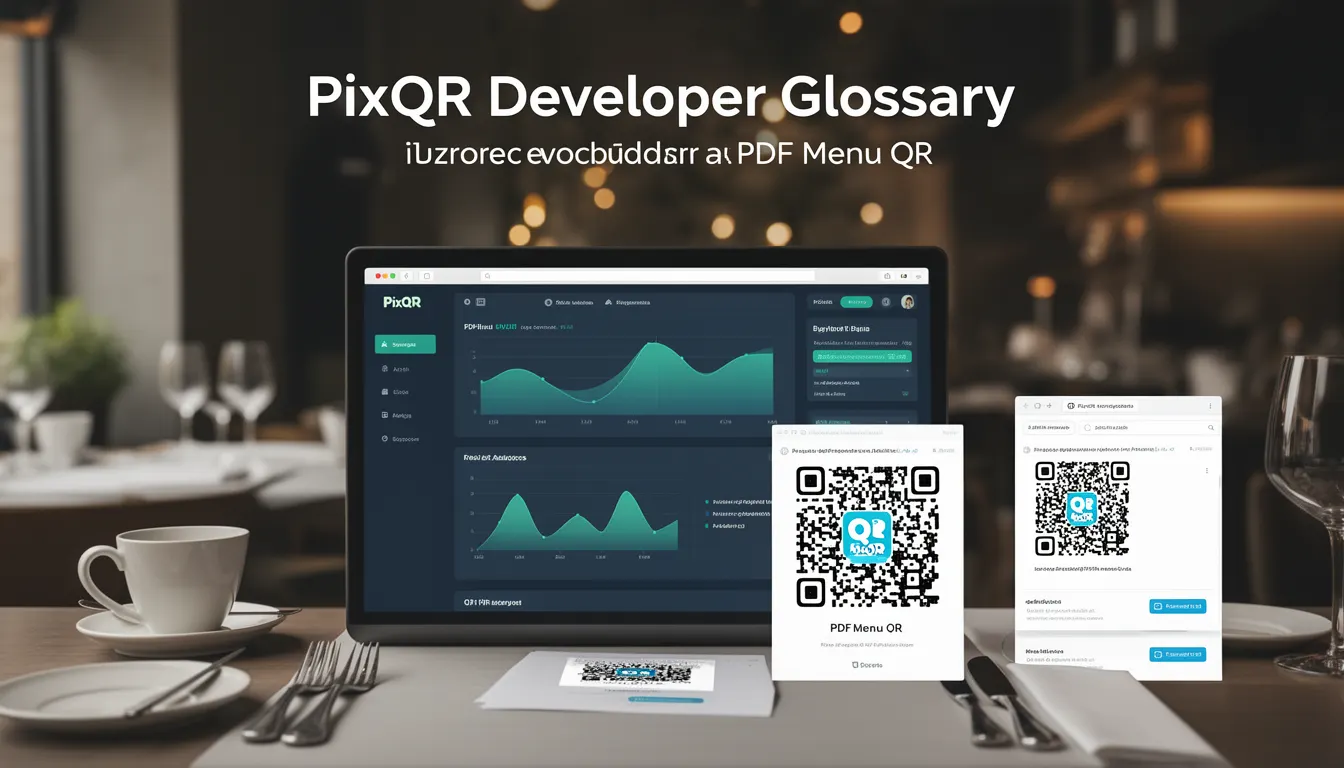
A PDF Menu QR is a specific type of QR code that links to a digital menu in PDF format, typically used by restaurants and food service businesses to streamline table service and reduce physical menu distribution. It allows customers to scan a QR code at their table and instantly access a digital version of the menu, which may include high-resolution images, pricing, descriptions, and allergen information.
In the context of PixQR, PDF Menu QRs are generated with attention to scan reliability, brand-safe design, and operational workflows. They can be configured to redirect to a hosted PDF, a cloud storage link, or a dynamically generated menu document, depending on the business needs. This approach supports both static and dynamic menu updates, enhancing flexibility in menu management without reprinting physical materials.
Why It Matters
For developers and businesses using PixQR, PDF Menu QRs represent a balance between digital convenience and operational practicality. They reduce costs associated with printing and updating physical menus, while also improving customer experience by providing instant, detailed access to menu items. From a technical standpoint, PDF Menu QRs enable integration with analytics platforms to track scan behavior, which can inform inventory and marketing decisions.
From a security perspective, PixQR ensures that the QR code links are monitored for safety and that redirects are controlled to prevent malicious or unintended navigation. Accessibility is also a concern, as the PDF content must be structured to support screen readers and other assistive technologies. Performance is critical in high-volume environments, where scan reliability and fast load times are essential for user satisfaction.
How It Works
PDF Menu QRs are created by generating a QR code that points to a URL or file path of a PDF document. The QR code itself is a matrix of black and white modules that encode data, typically using the QR Code Standard (ISO/IEC 18004). When scanned, the QR code reader decodes the data and follows the redirect to the PDF document.
- The QR code must be generated with sufficient error correction to ensure reliable scanning, especially in varying lighting conditions or with damaged physical prints.
- PDF Menu QRs are usually generated using a PixQR API endpoint or dashboard, allowing configuration of redirect behavior, analytics tracking, and branding elements.
- The linked PDF can be hosted on a secure server, a cloud storage provider, or a CDN, depending on the desired level of control and scalability.
- Dynamic QR generation supports real-time menu updates by changing the URL or content of the PDF without needing to reprint physical QR codes.
- Scan analytics can be collected to track how often a QR code is scanned, the time of day, and user behavior, which can be used for optimization.
Quick Reference
| Item | Purpose | Notes |
|---|---|---|
| QR Code URL | Points to PDF document | Must be a valid HTTP/HTTPS link |
| PDF Hosting | Where PDF is stored | Cloud or server-based storage recommended |
| Error Correction | Ensures scan reliability | Use level M or higher for outdoor use |
| Analytics | Tracks scan events | Enabled via PixQR dashboard |
| Dynamic Updates | Allows menu changes without reprinting | Uses URL redirects or API integration |
Basic Example
PixQR Example QR
This QR links directly to this glossary page, so printed notes, onboarding docs, and support material can bring scanners back to the current reference.

This basic example demonstrates how a QR code is created to point to a PDF menu hosted on a server.
const qrData = 'https://example.com/menu.pdf';
const qrCode = pixqr.generate(qrData, {
  type: 'pdf-menu',
  size: 200,
  correction: 'M'
});
The qrData variable holds the URL of the PDF menu. The pixqr.generate function creates a QR code with type pdf-menu, a size of 200 pixels, and medium error correction to ensure reliable scanning.
Production Example
This example shows a more robust implementation with error handling, analytics, and secure hosting.
const menuUrl = 'https://cdn.example.com/menus/restaurant-menu.pdf';
const qrConfig = {
  type: 'pdf-menu',
  size: 300,
  correction: 'H',
  analytics: true,
  branding: {
    logo: 'https://example.com/logo.png',
    color: '#000000'
  }
};
const qrCode = pixqr.generate(menuUrl, qrConfig);
if (qrCode.error) {
  console.error('QR code generation failed:', qrCode.error);
}
This version includes high error correction, analytics tracking, and branding options. It also includes error handling to catch issues during QR generation, ensuring that the system can respond appropriately to failures.
Common Mistakes
- Using unsecured HTTP links instead of HTTPS, which can lead to redirects being intercepted or blocked by modern browsers.
- Choosing a low error correction level, resulting in failed scans under poor lighting or damaged print conditions.
- Hosting PDFs on servers without proper CORS headers, which can cause loading issues in some browsers or mobile apps.
- Not validating the PDF content for accessibility, leading to poor experience for users with disabilities.
- Ignoring analytics settings, which means missing out on valuable data about customer behavior and menu usage.
- Generating QR codes without testing in real-world conditions, leading to poor scan reliability in actual use.
Security And Production Notes
- Always use HTTPS for PDF hosting to ensure secure delivery and prevent man-in-the-middle attacks.
- Implement proper access controls to restrict who can update the PDF content or the QR code configuration.
- Ensure PDFs are structured with semantic tags for accessibility, especially for screen readers and assistive technologies.
- Validate all QR code URLs to prevent malicious redirects or phishing attempts.
- Monitor scan analytics for unusual spikes or patterns that may indicate fraudulent activity or system misconfigurations.
Related Concepts
PDF Menu QRs are closely related to several other QR code and menu management concepts:
- Dynamic QR Codes: PDF Menu QRs often use dynamic redirects to allow real-time menu updates without reprinting physical QR codes.
- Scan Analytics: PixQR provides tracking data for how often QR codes are scanned, which helps in optimizing menu placement and content.
- Link Management: QR codes are essentially links, so link management principles like URL shortening and redirect control apply.
- Brand Safety: QR code design and content must align with brand guidelines to maintain consistency and trust.
- Print Reliability: Physical QR code print quality and scanning environment must be considered to ensure successful scans.