 PixQR
PixQR
Overview
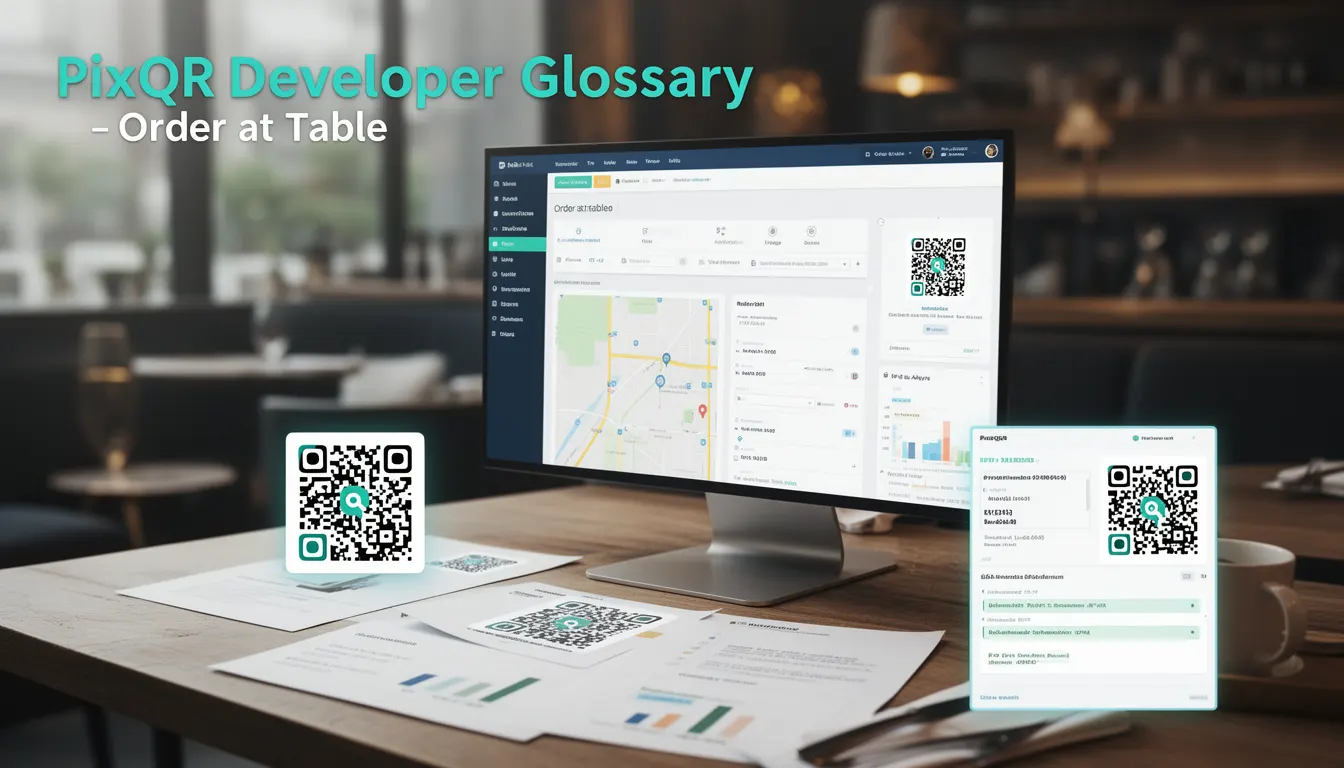
Order at Table is a restaurant menu implementation pattern where customers scan QR codes placed at their tables to access digital menus and place orders directly. This system typically involves static QR codes that redirect to dynamic endpoints, allowing restaurants to serve different menu content based on table identifiers or order sessions.
For PixQR developers, Order at Table represents a specific use case for dynamic QR code generation that supports restaurant workflows. The system requires integration between QR code infrastructure, menu content management, and order processing systems to function properly.
Why It Matters
From a developer perspective, Order at Table systems must handle concurrent access, maintain data integrity, and provide reliable service. These systems often process multiple simultaneous orders and require robust error handling to prevent lost transactions.
Security considerations are critical in production environments where order data, payment information, and customer details are processed. The QR code infrastructure must prevent unauthorized access, ensure data privacy, and maintain audit trails for compliance. Performance requirements include fast response times for menu rendering and order processing to maintain customer satisfaction.
How It Works
The Order at Table system operates through a series of interconnected components that enable seamless digital ordering:
- Static QR codes placed at each table that contain identifiers for table numbers or session keys
- Dynamic redirect endpoints that interpret QR code data to deliver appropriate menu content
- Menu content management that supports real-time updates without changing QR code physical placement
- Order processing pipelines that integrate with restaurant POS or payment systems
- Analytics and tracking systems that monitor usage patterns and order conversion metrics
When a customer scans a QR code, the system identifies the table number through URL parameters or QR code metadata. The platform then delivers the appropriate menu content for that table, which may include personalized recommendations or special offers. The system tracks all interactions and maintains order state throughout the process.
Quick Reference
| Configuration | Purpose | Implementation |
|---|---|---|
| Table identifier | Uniquely identifies customer table | Integer or string value in QR code URL |
| Redirect endpoint | Routes to appropriate menu content | Dynamic API endpoint with parameter parsing |
| Content version | Manages menu updates | Versioned content delivery system |
| Session tracking | Monitors order progress | Database or cache-based session storage |
| Analytics integration | Measures system performance | Event tracking with conversion metrics |
Basic Example
PixQR Example QR
This QR links directly to this glossary page, so printed notes, onboarding docs, and support material can bring scanners back to the current reference.
/glossary/qr-code-for-menus/qr-codes-for-menus-order-at-table

This basic implementation demonstrates how to configure a QR code for Order at Table functionality:
const tableQR = {
  url: 'https://api.pixqr.com/v1/menu/table/42',
  type: 'dynamic',
  redirect: true,
  analytics: true,
  validFrom: '2023-01-01',
  validUntil: '2023-12-31'
};
This configuration sets up a dynamic QR code pointing to table 42's menu endpoint. The 'type' parameter specifies dynamic content delivery, 'redirect' enables proper routing, and 'analytics' enables tracking. The validity period ensures proper expiration handling.
Production Example
This production-ready implementation includes validation, error handling, and proper integration with PixQR's API:
class TableOrderManager {
  constructor(apiKey, restaurantId) {
    this.apiKey = apiKey;
    this.restaurantId = restaurantId;
    this.baseUrl = 'https://api.pixqr.com/v1';
  }

  async generateTableQR(tableNumber) {
    if (!this.validateTableNumber(tableNumber)) {
      throw new Error('Invalid table number');
    }

    const response = await fetch(`${this.baseUrl}/qr/generate`, {
      method: 'POST',
      headers: {
        'Authorization': `Bearer ${this.apiKey}`,
        'Content-Type': 'application/json'
      },
      body: JSON.stringify({
        type: 'dynamic',
        url: `${this.baseUrl}/menu/table/${tableNumber}`,
        metadata: {
          table: tableNumber,
          restaurant: this.restaurantId,
          createdAt: new Date().toISOString()
        }
      })
    });

    if (!response.ok) {
      throw new Error(`Failed to generate QR: ${response.status}`);
    }

    return await response.json();
  }

  validateTableNumber(tableNumber) {
    return typeof tableNumber === 'number' &&
           tableNumber > 0 &&
           tableNumber <= 1000;
  }
}
This implementation includes proper input validation, secure API integration, error handling, and follows PixQR's API specifications for QR code generation. The class structure supports scalable deployment and maintains consistent data flow between QR code generation and order processing.
Common Mistakes
- Not validating table numbers before QR code generation, resulting in broken redirects and lost orders
- Using static QR codes instead of dynamic ones, preventing menu updates or real-time changes
- Ignoring analytics integration, making it impossible to measure system performance or user engagement
- Implementing insufficient error handling for failed redirects or invalid table identifiers
- Hardcoding restaurant identifiers or API keys in client-side code, creating security vulnerabilities
- Not implementing proper session management to prevent order mix-ups between different customers
Security And Production Notes
- Always validate table identifiers to prevent unauthorized access to other tables' menus
- Implement HTTPS-only redirects to protect data in transit and prevent man-in-the-middle attacks
- Use secure API keys and tokens with appropriate access controls for QR code generation
- Ensure proper session management to prevent order mix-ups between different customers
- Regularly audit analytics data for unusual patterns that might indicate system abuse
Related Concepts
Order at Table functionality connects to several core developer concepts in QR code systems and restaurant technology:
Dynamic QR codes are fundamental to enabling real-time content delivery, where the QR code itself remains static but the content it points to can change. This requires robust backend infrastructure to manage content updates without breaking existing QR codes.
Redirect management systems ensure that customers are routed to appropriate menu versions based on context. These systems must handle edge cases like expired sessions or invalid table identifiers gracefully.
Menu version control systems allow restaurants to update offerings without changing QR codes, requiring careful coordination between content management and QR code generation.
Analytics integration provides insights into customer behavior and system performance, which is essential for optimizing the Order at Table experience.
POS integration ensures that orders placed through QR codes are properly processed and tracked in the restaurant's existing systems.